Let's Shape The Future Of Your Investments!
Natoque iaculis cursus augue urna commodo aptent morbi tortor porttitor quis ornare.

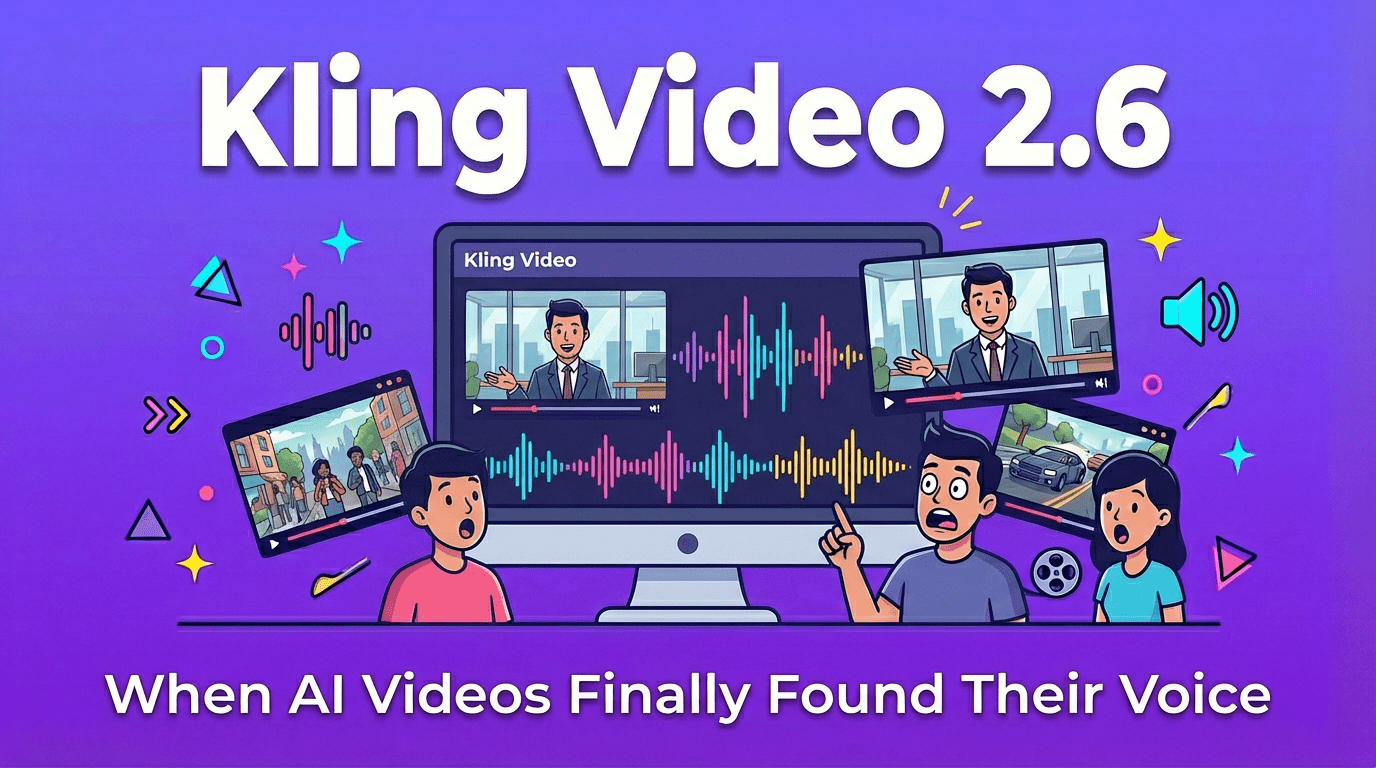

Last week I watched a Kling 2.6-generated clip for the first time, and something felt different. There was a woman sitting on a couch, speaking naturally—her lips moved in perfect sync with her voice, and I could hear the subtle room echo behind her words. For a moment, I forgot I was watching AI-generated content.
That moment made me realize something fundamental had shifted in AI video generation.
Kling AI released Video 2.6 on December 3, 2025, introducing a milestone capability for “simultaneous audio-visual generation”. This isn’t just adding audio to video—it’s generating both in a single unified process.
The technical approach mirrors what Google achieved with Veo 3 earlier this year. Both models apply the generative diffusion process jointly to temporal audio latents and spatio-temporal video latents, learning the intricate statistical interdependencies between sight and sound within a unified latent space.
What this means in practice: when you input a prompt, the model doesn’t create silent footage first and then layer audio on top. It “imagines” the scene as a complete audio-visual experience from the start. The video and audio emerge from the same inference process—no separate modules, no stitching, and crucially, no lip-sync problems or emotional disconnects that plagued earlier AI video tools.
This unified approach eliminates common issues like:
The output looks and sounds more like actual filmed content rather than assembled AI components.
Kling 2.6 produces three distinct types of sound:
Human voices: Dialogue, narration, singing, even rap—in both Chinese and English. The model maintains a world-leading position in Chinese voice generation performance, with support for multi-character conversations where different speakers can engage in natural turn-taking.
Action-based sound effects: Impacts, door sounds, footsteps, object movements, friction sounds, explosions, and mechanical noises. These sync naturally with on-screen motion without requiring separate specification.
Environmental audio: Wind, rain, ocean waves, footsteps, street sounds, indoor reverb, natural ambient sounds. The system automatically matches background audio to the scene, adjusting for spatial characteristics and atmosphere.
The model also handles emotionally nuanced audio—generating sounds that convey tension, relaxation, mystery, or other atmospheric qualities that traditional sound libraries struggle to provide.
The difference between this and traditional AI video workflows feels substantial. Previously, you’d generate silent video, then hunt through sound libraries or use separate TTS tools, then manually sync everything. Now it happens in one step.
The model also demonstrates stronger semantic understanding—it can identify plot context, character tone, and scene atmosphere, making both the generated audio and visuals more semantically appropriate. For example, when you input:
“She smiles softly and says: We meet again.”
The AI automatically generates:
The model doesn’t just “speak”—it understands and performs the emotional context.
Here’s what caught my attention most: the mouth movements actually match the words.
Through deep semantic alignment between real-world sounds and dynamic visuals, Kling Video 2.6 achieves tight coordination between voice rhythm, ambient sound, and visual motion. The model can now deliver:
This isn’t perfect—no AI video tool is yet—but there’s a noticeable improvement in how naturally characters “speak.” The timing feels more human, less like a ventriloquist act.
When testing multi-character dialogue scenarios, the model handles turn-taking reasonably well. One character speaks, pauses, and then another responds. The prompt structure matters significantly here—you need to be explicit about who’s speaking and when.
The audio output quality sits somewhere between “good enough” and “surprisingly clean.”
The model generates cleaner, richly layered audio quality, with an overall auditory experience that closely mirrors realistic audio mixing. Key improvements include:
The audio quality aims for cinema or documentary-grade sound design, though it doesn’t fully reach broadcast standards yet.
Compared to stock audio libraries or basic TTS engines, Kling 2.6’s sound design feels more cohesive with the visuals. A character walking generates appropriate footstep sounds without you specifying them. Rain in the background has the right acoustic quality for the space.
That said, this isn’t broadcast-ready audio in most cases. There’s a slightly synthetic quality that becomes noticeable on careful listening. For social media content, YouTube videos, or rough drafts, it works well. For professional productions requiring pristine audio, you’ll still want a sound designer.
Getting good results from Kling 2.6 requires more thoughtful prompting than previous text-to-video tools.
The official documentation suggests this structure: [What you want to see] + [What action happens] + [What sounds you want]
Text-to-Audio-Visual: Input a text description and receive a complete video with synchronized audio.
Example prompt: “A young woman, casually dressed, Asian features, sitting on a couch in a warm living room, gently saying: ‘I have a secret, Kling 2.6 is coming.'”
The model generates the character, scene, natural speech, and matching environmental audio (like indoor reverb and subtle breathing sounds) in one pass.
Image-to-Audio-Visual: Upload a static image of a person or scene, and the model animates it with synchronized audio. This works well for making still portraits speak, creating product explanation videos, or generating interview and short drama scenes.
Simply put: “One image + one text prompt = one audio-visual clip.”
For multi-character dialogue, the prompting becomes more technical:
P1. Structured Character Naming
Use consistent, unique character labels throughout:
✅ [Character A: black suit agent], [Character B: female assistant]
❌ Using pronouns or synonyms like “he,” “she,” “the agent,” “that person”
P2. Visual Anchoring Bind each character’s dialogue to their actions:
✅ “The black suit agent slams the desk. [Black suit agent, shouting angrily]: ‘Where’s the truth?'”
❌ “[Black suit agent]: ‘Where’s the truth?'” (model doesn’t know who’s slamming the desk)
P3. Audio Details Add unique vocal characteristics and emotional tags for each character:
✅ [Black suit agent, raspy low voice]: “Don’t move.”
✅ [Female assistant, clear voice with fear]: “I’m scared.”
❌ [Man] says… [Woman] says… (too vague, characters blur together)
P4. Timing Control Use connecting words to control dialogue sequence and rhythm:
✅ “[Black suit agent]: ‘Why?’ Then immediately, [Female assistant]: ‘Because it’s time.'”
❌ “[Black suit agent]: ‘Why?’ [Female assistant]: ‘Because it’s time.'” (model might think it’s the same speaker)
You can enhance timing by inserting rhythm cues like “at this moment the camera switches” or “the atmosphere freezes.”
This level of specificity helps the model maintain character consistency and proper audio-visual sync. Without it, results become unpredictable.
After testing various prompts, certain audio descriptors consistently produce better results:
Narrative voice: Use terms like “narration,” “steady pace,” “slow cadence,” “deep tone,” “measured delivery.” Example: “A man speaks in a low voice, calmly recalling his past.”
Emotional expression: Keywords like “angry,” “surprised,” “melancholic,” “gentle,” “excited,” “tense,” “fearful” shape the vocal performance. Example: “Her voice trembles slightly, carrying obvious fear.”
Speech rhythm: Control pacing with “fast-paced,” “slow speech,” “hurried,” “drawn-out syllables,” “rhythmic delivery.” Example: “His speech quickens, with a hint of anxiety in his tone.”
Environmental audio: Specify “indoor,” “street,” “spacious,” “echo,” “wind,” “water sounds,” “crowd noise.” Example: “Subtle echo in the background, as if in an empty hall.”
Voice timbre: Descriptors like “raspy male voice,” “clear female voice,” “youthful tone,” “mechanical voice,” “electronic sound” help define character audio. Example: “A gentle female voice whispers, with a slight tremor.”
Musical style: For scenes needing musical elements, reference “classical,” “jazz,” “rock,” “electronic,” “folk,” “rap.” Example: “Rhythmic sound with subtle Trap-style influence.”
The key is being specific but not overwhelming. One or two audio descriptors per character works better than listing five different qualities.
Length constraints: Kling 2.6 generates 5-second or 10-second clips at 1080p resolution. For longer sequences, creators are expected to stitch multiple generated clips or use an editing workflow built on top of Kling’s outputs.
Language support: Currently limited to Chinese and English. The model currently supports Chinese and English voice generation. Other languages get auto-translated to English. According to the development team, support for Japanese, Korean, and Spanish is coming soon.
Cost structure: The pricing uses an “energy point” system that varies based on membership status and generation mode:
The platform offers both “audio-visual co-generation” and “video-only generation” modes, with pricing adjusted accordingly. For high-volume creators, this can add up quickly, though the membership model becomes more economical than pay-per-use alternatives.
Audio-only generation: If you just need sound effects without video, Kling offers a separate “sound generation” module with two options:
This makes the platform useful for podcast creators, music producers, or voiceover work beyond video generation.
The obvious comparison point is Google’s Veo 3, which pioneered synchronized audio-visual generation in May 2025. Veo 3 uniquely can understand the raw pixels from its videos and sync generated sounds with clips automatically.
From testing both, Veo 3 produces slightly more natural-sounding dialogue and handles Western cultural contexts with fewer artifacts. The integration with Google’s ecosystem also makes it more accessible for enterprise users.
Kling 2.6’s advantage lies in its handling of Chinese language content and its subscription pricing model, which becomes more economical for high-volume creators. The visual quality feels comparable—both produce reasonably coherent motion and stable character identity.
Kling 2.6 also shows improvements in motion stability and shot transitions compared to its predecessor:
For creators not needing audio, tools like Runway, Pika, and Luma still offer strong alternatives with different stylistic strengths. But once you factor in synchronized audio generation, Kling 2.6 and Veo 3 occupy a distinct category.
Social media creators producing TikTok, Instagram Reels, or YouTube Shorts will find the integrated audio workflow significantly faster than previous methods. The 5-10 second length aligns perfectly with short-form content requirements.
Small production teams and solo creators who previously couldn’t afford voiceover artists or sound designers now have a usable alternative for concept development and rough cuts.
Marketers creating product demos can generate narrated explainer videos without recording studios or voice talent, though you’ll want to review the output carefully for brand appropriateness.
Anyone building AI workflow tools will appreciate not needing to chain together separate video, TTS, and audio mixing services.
This tool is less useful for:
There’s something uncanny about hearing AI-generated audio that actually matches the visuals naturally. It crosses a threshold that makes the content feel less like a tech demo and more like actual media.
The voices carry subtle emotional coloring—hesitation, excitement, warmth. Not perfectly, but enough that you stop thinking about the technology and start engaging with the content.
This emotional coherence matters more than technical specifications for most use cases. A perfectly synchronized but emotionless voice feels worse than a slightly imperfect but emotionally appropriate one.
After spending time with the tool, a few patterns emerged for improving output quality:
1. Keep prompts focused: Clarity beats complexity. Specify the scene, sound type, and style—but don’t overload a single prompt.
✅ Good: “Nighttime beach, gentle breeze, ocean waves, distant soft guitar”
❌ Problematic: “Romantic, night, beach, music, voices, wind, waves…” (too many competing elements confuse the model)
2. Match visual and text descriptions: When using image references, ensure they align with your text prompt. Writing “outdoor camping” while uploading an office interior image creates confusion, resulting in inconsistent output.
3. Adjust parameters thoughtfully: Don’t rely on default settings. Match video length to audio duration—short dialogue in a long clip creates awkward pacing. Consider aspect ratio and resolution based on your platform requirements.
4. Simplify your scene: Generate one focused element at a time rather than requesting environmental audio, multi-person dialogue, and background music simultaneously. The model produces more stable, visually coherent results when handling a single primary audio focus.
These aren’t workarounds—they’re how the model was designed to be used. Fighting against its constraints produces worse results than working within them.
Kling Video 2.6 represents a meaningful step forward in AI video generation, primarily because it solves the “silent film” problem that plagued earlier tools.
The audio-visual synchronization works well enough to be genuinely useful rather than just technically impressive. The limitations are real—short clips, language restrictions, occasional audio artifacts—but the core capability delivers on its promise.
For creators building short-form content, prototyping ideas, or producing high volumes of social media material, this tool changes the production economics significantly. What previously required multiple tools and manual synchronization now happens in one step.
Is it perfect? No. Will it replace human voice actors and sound designers? Not for professional work that requires nuance and craft. But it’s moved from “interesting experiment” to “actually usable tool” territory.
The most telling sign: I’m starting to think about project ideas specifically because this capability exists. That’s when a tool crosses from novelty to utility.
What languages does Kling 2.6 support for voice generation? Currently, only Chinese and English. If you input prompts in other languages like French or Spanish, the system automatically translates them to English for voice generation. The development team is working to add Japanese, Korean, and Spanish support soon.
Can I generate audio without video? Yes. Kling provides a separate “Sound Generation” module where you can create standalone audio through text-to-sound or extract/generate sound effects from uploaded video. This works well for podcast production, background music, or voiceover projects.
How can I improve generation quality? Focus on four key areas: write clear, focused prompts instead of listing multiple elements; ensure visual references match your text descriptions; adjust parameters like length and resolution rather than using defaults; and simplify scenes by focusing on one primary audio element at a time. The model performs better with specific, manageable requests than complex, multi-layered prompts.
About the Author Dora is a visual AI analyst focused on evaluating AI video and image generation tools through a cinematographer’s lens, emphasizing emotional coherence, visual storytelling, and practical usability over technical specifications.