Let's Shape The Future Of Your Investments!
Natoque iaculis cursus augue urna commodo aptent morbi tortor porttitor quis ornare.

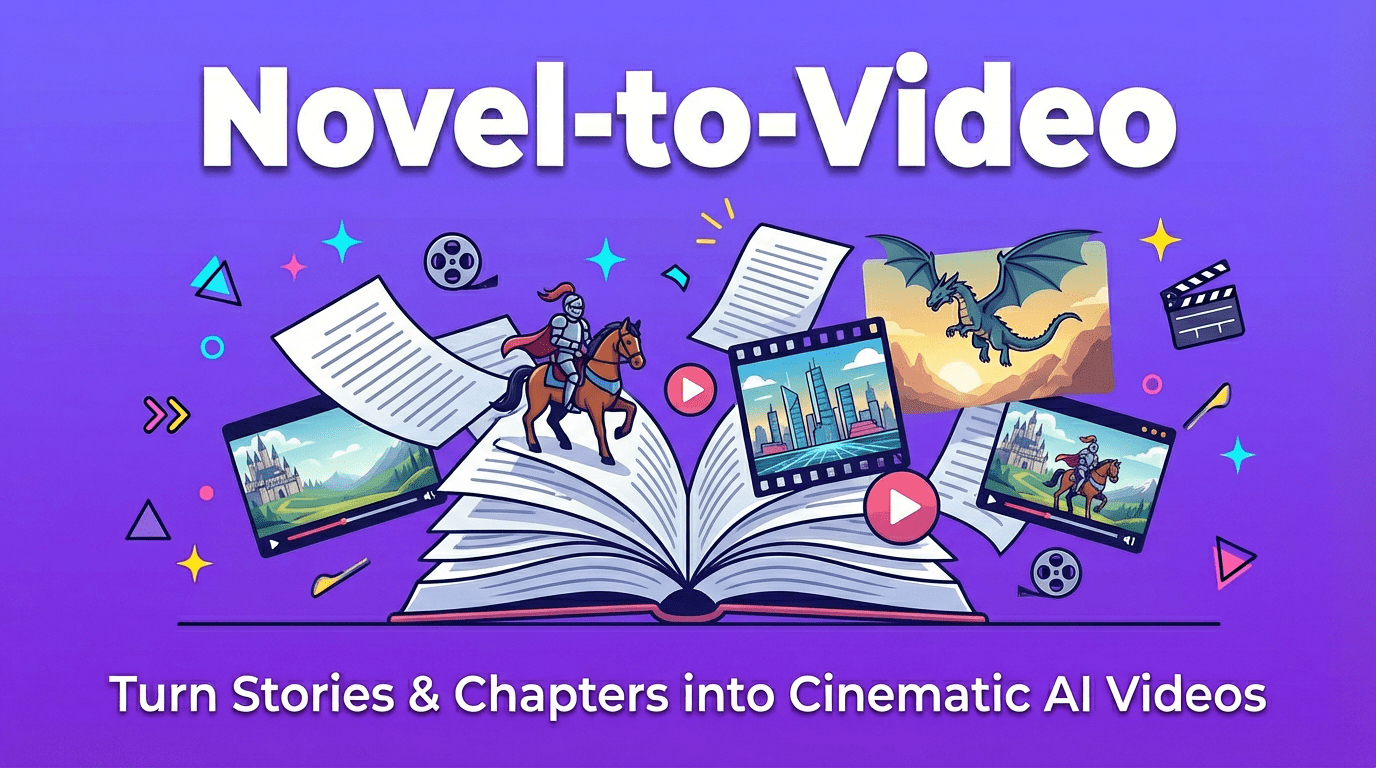

There’s a quiet kind of magic in watching words turn into moving light.
When I first started experimenting with novel to video workflows, the results felt a little like a dream where the story half-remembers itself. Beautiful fragments, unstable faces, scenes that almost understood the emotion but slipped at the edges.
Over time, with a softer, more deliberate process, I realized something important: you don’t make a good novel-to-video project by throwing a full chapter at an AI tool and hoping for the best. You shape it like a film. Moment by moment. Character by character. Emotion by emotion.
In this guide, I’ll walk you through how I approach novel-to-video in 2025, what it is, why creators are drawn to it, the biggest visual challenges, and a gentle but practical workflow you can adapt for your own stories, fanfics, or original worlds.
At its simplest, novel-to-video is the process of taking written narrative, novels, webfiction, Wattpad stories, or even long-form fanfic, and turning it into a visually coherent video using AI.
But when I say “video,” I don’t just mean moving images. I mean:
Most AI tools can already turn text prompts into short clips. Novel-to-video goes further: it tries to carry a story across many scenes, sometimes across entire chapters or even a whole book.
So for me, novel-to-video isn’t a single button. It’s a story-driven workflow where AI becomes your visual assistant, not your director.
In 2025, I see more and more creators using AI to translate stories into video, not to replace reading, but to create new emotional doors into the same story.
Here’s why it’s becoming so appealing:
On YouTube, TikTok, and Instagram, motion is often the first language people notice. A 30–60 second scene from a novel can:
When it works, the video becomes an emotional trailer for the book’s inner world.
Fan communities love to see the worlds they imagine. Novel-to-video lets:
AI makes this more accessible to beginners who don’t know traditional editing or 3D tools but deeply understand emotion and story.
Instead of spending days on manual compositing, creators can:
For many, this means they finally have the space to experiment with visual adaptations they’ve dreamed of for years.
And still, there’s a quiet warning here: faster visuals don’t always mean better visuals. Without care, novel-to-video clips can look scattered, emotionally disconnected, or visually noisy. That leads us straight into the biggest challenge.
When I review novel-to-video projects, I almost always feel the same tension: the first 5 seconds feel promising, and then tiny fractures begin to appear.
The core problem is narrative consistency, visually carrying the same world, characters, and emotional temperature through time.
Most tools are very good at single moments: one beautiful shot, one atmospheric frame. But a novel is made of many connected moments. If the AI treats every scene like a new, unrelated request, the story begins to feel like a slideshow of slightly different universes.
So my entire approach to novel-to-video is built around one question:
How can I help the AI remember the story, visually and emotionally, from scene to scene?
The answer is not one setting. It’s a workflow.
When I adapt a chapter from a novel into video, I don’t feed the whole thing in at once. I move gently, in four stages.

I start by reading the chapter not as a reader, but as a quiet director.
I look for:
Instead of “Chapter 3,” I end up with something like:
Each of these becomes its own scene prompt, not just in words but in emotional framing: is the light forgiving or harsh? Is the air still or restless? Is the space tight or open?
Next, I identify the core characters that appear in the chapter.
For each one, I decide:
I then create reference images or clips for each main character, aiming for:
This is where I “lock” the character’s visual identity before I move into full scene generation.
Now I move through the chapter one scene at a time.
For each scene, I:
I keep an eye on:
If a clip feels emotionally off, even if it’s beautiful, I regenerate with a more precise emotional note instead of just asking for “better quality”.
Once I have individual clips, I place them on a timeline.
This is where the chapter finally feels like a story:
Music and sound design come last, supporting the pacing instead of fighting it. The result isn’t just “chapter → video,” but chapter → emotional sequence.
Character consistency is where most novel-to-video attempts quietly fall apart. The face hesitates. The jawline changes. The eyes lose their memory.
To keep characters emotionally and visually stable, I rely on three simple methods.
I create a visual bible for each major character and location.
This is usually a small document or board that includes:
When I prompt new scenes, I always come back to this bible. If a new clip drifts too far away, I can feel it immediately because I’ve anchored the character’s visual soul.
I like to create simple “cards” for each character that include:
The trick is to reuse the same short description almost word-for-word across scenes. That repetition teaches the tool what must stay protected: the face, the vibe, the posture.
Even without going into technical details, there are two ideas I keep in mind:
In practice, this means I resist the urge to try 10 wildly different looks on the same character. Consistency is more important than novelty when you want a story to feel honest.
Different tools carry different visual personalities. I like to think of them less as software and more as different kinds of cinematographers you might collaborate with.
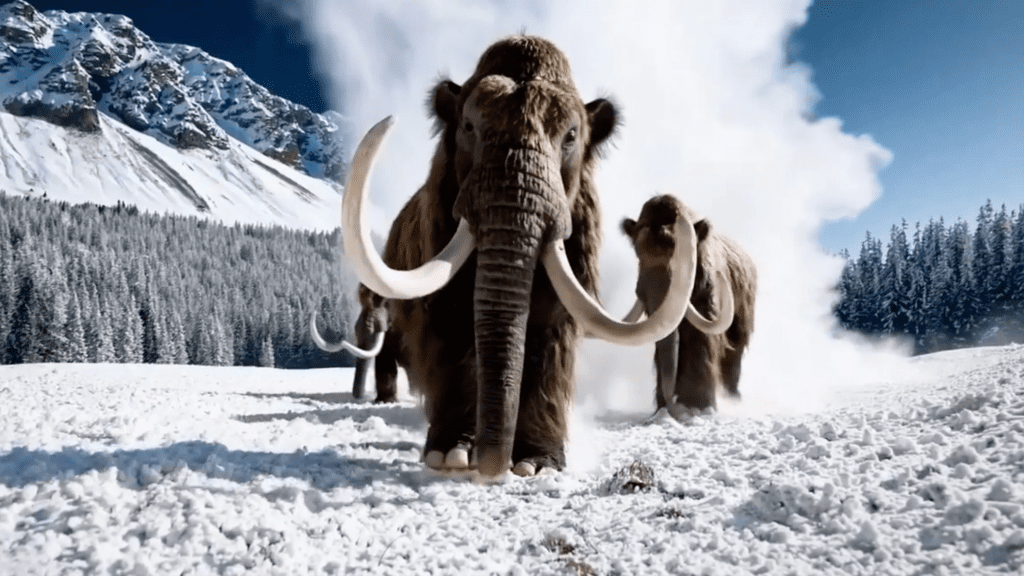
When I want shots that feel like they belong in a quiet film, measured camera moves, thoughtful light, grounded spaces, Sora 2 tends to feel the most cinematic.
In my experience, it’s especially good when:
For long-form novel-to-video projects, Sora 2 works well if you’re patient and move chapter by chapter, rather than trying to leap straight to a 30-minute film.
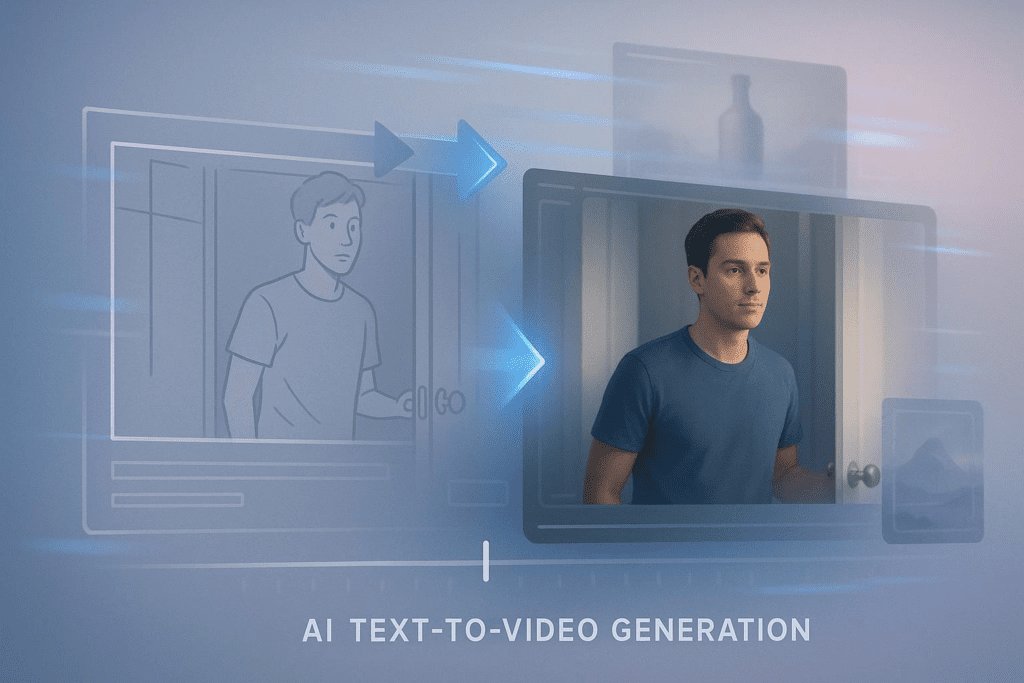
Whenever I’m focused on keeping one face stable across many shots, Kling 2.6 often feels more reliable.
In my tests, it:
It struggles a little with very chaotic, fast motion, but for character-driven scenes, intense conversations, intimate close shots, quiet walks, its steadiness is helpful.
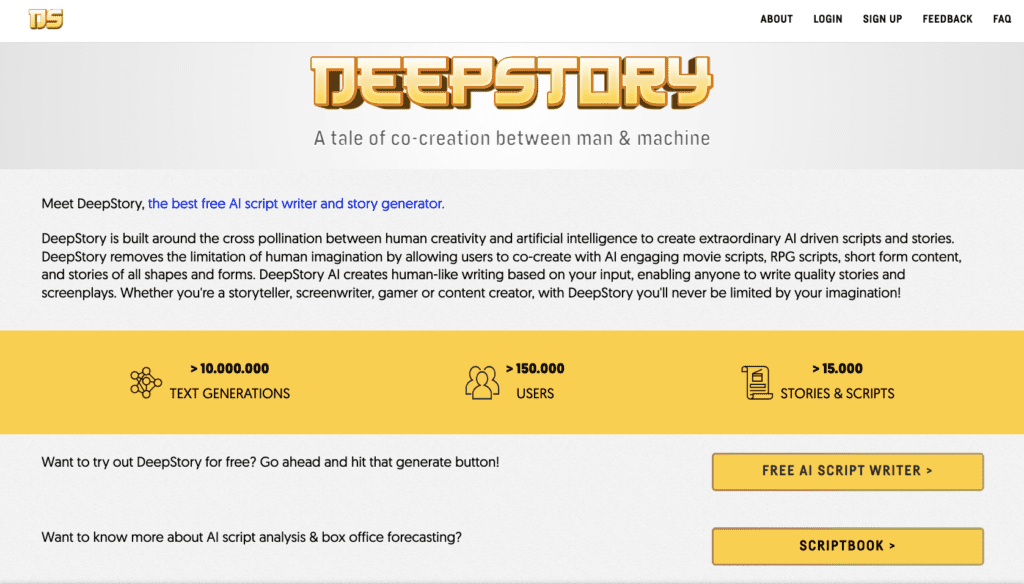
If you don’t enjoy manually chopping text into scenes, DeepStory can help with the early work.
It’s designed to:
The raw results still need your eye. I usually treat DeepStory as an assistant who does a first rough pass, then I refine scenes and emotional notes myself. But for long novels, this can save a surprising amount of time while still keeping you in artistic control.
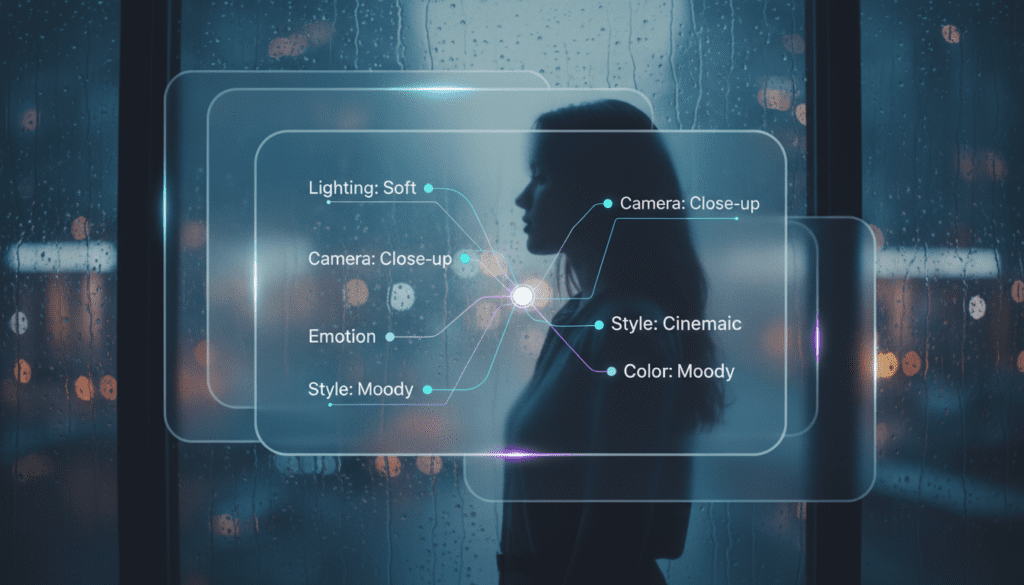
Here are a few gentle prompt templates I use when moving from novel to video. Adjust the details to your own story, but keep the emotional and visual clarity.
“Cinematic medium shot of [CHARACTER], [age + brief look], standing in [LOCATION]. Soft natural light, gentle contrast, warm color temperature. Subtle emotion: [EMOTION], not exaggerated, just visible in the eyes. Background simple and calm, no distractions. Stable identity, refined skin texture, smooth motion, emotionally paced.”
“Two characters facing each other in [LOCATION], late [TIME OF DAY]. Light feels tight and slightly colder than usual. Camera gently observing, minimal movement. Eyes hesitate for a moment before they speak. Maintain same character faces as previous scenes, consistent clothing and hair. Background still, no pulsing or flickering.”
“Slow, steady shot of [CHARACTER] realizing [KEY MOMENT]. Soft, moody lighting, slightly darker but still natural. Colors muted, emotional temperature quiet and serious. Motion very subtle, maybe just a small breath or shift in posture. Textures feel alive, not plastic. Same facial features as earlier scenes, no distortion.”
“Wide shot of [LOCATION] at [TIME OF DAY]. Light sets the emotional tone: [‘gentle and hopeful’ / ‘heavy and uncertain’]. Stable camera, slow and intentional movement if any. Clean composition with breathing room. No characters or tiny, distant silhouettes only. Consistent style with previous scenes in the chapter.”
These prompts are less about clever wording and more about emotional clarity: what should this moment feel like in the viewer’s chest?
Let me share a simplified version of a recent test I did: turning a single chapter of a quiet romance novel into a 2-minute video.
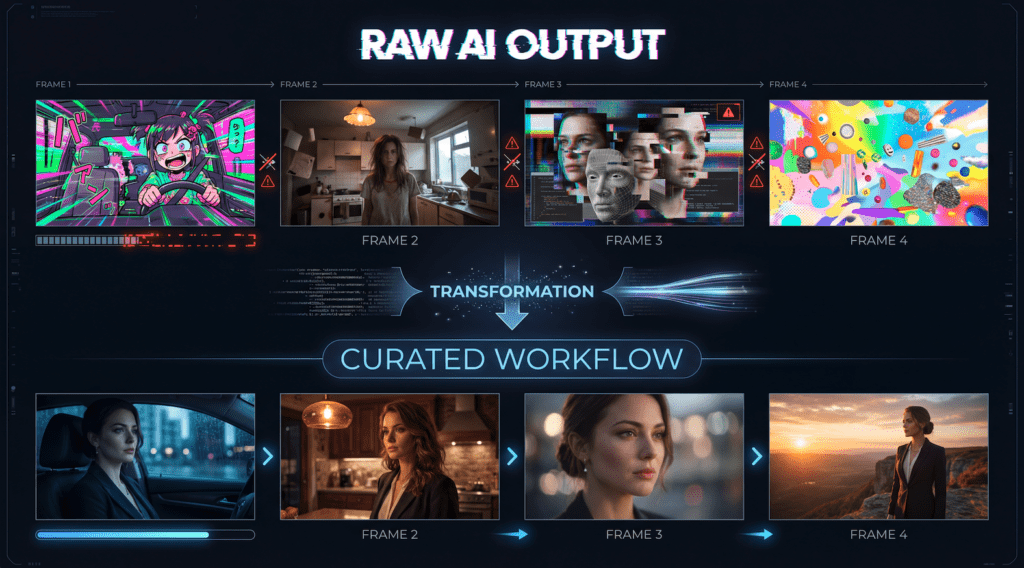
Before (first attempt):
I pasted most of the chapter into an AI tool and asked for a full sequence. The result:
The whole piece felt like a collage of interesting moments, but not a chapter.
After (chapter-by-chapter method):
I restarted with the workflow I shared above.
The difference was quiet but powerful:
It still wasn’t perfect, one shot had a tiny hair jitter I had to replace, but the new version felt like a real chapter, not just tech trying to impress me.
I treat the character like a real actor who needs a carefully lit headshot. I create a small set of reference images with soft, neutral light and a clear, stable view of the face, then:
If a new clip looks like a cousin instead of the same person, I regenerate with the reference in mind rather than pushing forward with a nearly-right face.
Visually, it can, but it needs your guidance.
For multi-POV novels, I:
AI can follow, but it won’t automatically understand emotional perspective. That’s still your role as the storyteller.
In my experience, the sweet spot is shorter than you think. Instead of thinking in “chapters,” I think in emotional units.
For most tools, adapting 3–7 scenes at a time feels manageable:
You can always stitch multiple chapter-videos together later. It’s better to have many coherent short pieces than one long, unstable one.
Novel-to-video in 2025 is still young. It stumbles sometimes. Faces flicker, hands blur, rooms pulse in ways they shouldn’t. But if you move slowly, with attention to light, texture, and emotional rhythm, these tools can become gentle collaborators.
You don’t have to know the technical language to make something honest. You only need to stay close to your story, and help the images remember it, one quiet scene at a time.