Let's Shape The Future Of Your Investments!
Natoque iaculis cursus augue urna commodo aptent morbi tortor porttitor quis ornare.

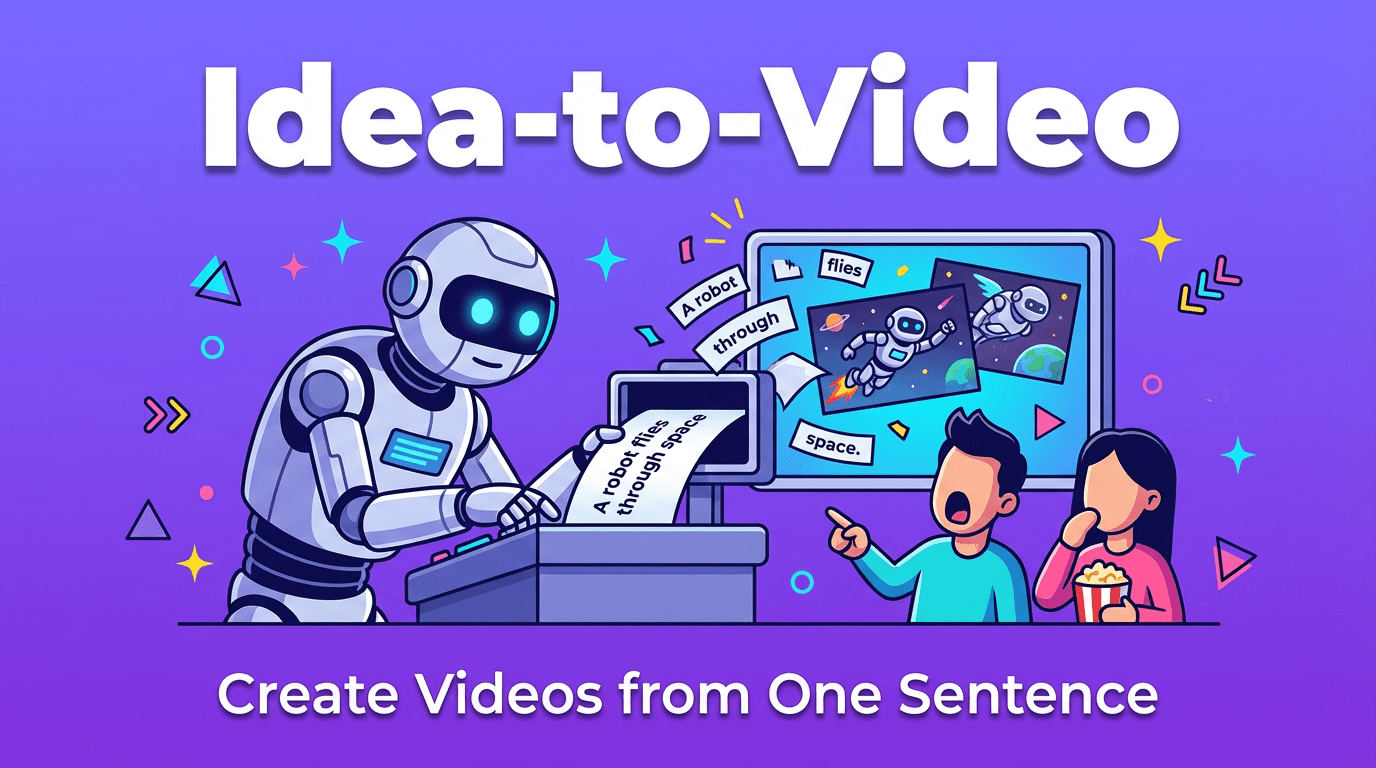
Some of the best videos begin as a quiet sentence in your mind.
A feeling, a small image, a moment: “A lonely girl waiting at a bus stop at night.” In the past, that idea needed a crew, a camera, and a lot of time. Now, idea-to-video tools promise to turn that single thought into a moving scene in a few minutes.
In this guide, I’ll walk you through how idea-to-video really works, how to write one-sentence prompts that feel emotionally connected, and which AI tools handle these fragile little ideas with the most visual care.
When I talk about idea-to-video, I mean this:
You give the AI a short idea (sometimes just one sentence), and it creates a complete video shot from it, without a full script, storyboard, or detailed shot list.
It’s different from traditional editing or motion design. You’re not arranging clips: you’re summoning a clip from language alone.
In practice, idea-to-video usually looks like this:
For creators, this is powerful because:
But idea-to-video has a personality. It’s great with mood and atmosphere, sometimes clumsy with complex story beats. It can give you a strong emotional moment, but it struggles when you secretly expect a full three-act film from a single line.
So the question becomes: when is a simple idea enough, and when do you need more structure?
Idea-to-video and script-to-video are like two different ways of directing.
Here’s how I decide which one to use:
Use idea-to-video when:
Use script-to-video when:
I often start with idea-to-video for exploration:
What does “anxious morning commute in soft blue light” look like?
Once I feel the right atmosphere, I move to script-to-video to shape a sequence with clearer pacing and structure.
Both are valuable. Idea-to-video is playful and intuitive. Script-to-video is deliberate and planned. Knowing which to reach for keeps your expectations realistic and your results more satisfying.
When you send a tiny idea into an AI video tool, it doesn’t just “draw” it literally. It quietly makes a series of visual decisions. I like to think of it as a shy assistant director trying to guess what you meant.
First, it tries to understand what’s actually happening in the scene.
If you write:
“A woman standing at a window in the rain, soft light, feeling hopeful.”
The AI asks itself (in its own way):
Good idea-to-video tools tend to give you one clear moment rather than many disconnected pieces. When they work well, the space around the character feels believable, and the background doesn’t “breathe” in a strange or nervous way.
Then, it listens to your style words:
These words influence:
If you don’t guide this, the tool will choose for you. Sometimes the light feels gentle but slightly unsure, the scene works, but the color temperature doesn’t quite match the emotion you had in mind.
Finally, it decides how the camera and subjects should move.
From one sentence, it tries to guess:
This is where many tools struggle a little with fast motion. Quick spins, running, crowd scenes, the motion can feel anxious, with edges that jitter or hands that waver.
When idea-to-video works beautifully, the motion has an inner rhythm that matches the emotion: a gentle dolly for tenderness, a slow pan for loneliness, a still frame for quiet tension.
You don’t need complex language to get a strong video. You just need a sentence that gives the tool a clear emotional and visual spine.
I like this simple structure.
Think of it as writing a small shot description:
Subject – Who or what is the focus?
Action – What are they doing, even if it’s subtle?
Style – Visual aesthetic: cinematic, vintage, documentary, dreamy, etc.
Camera – How are we looking at them? Close-up, wide shot, slow tracking shot, handheld.
Mood – The emotional temperature of the scene.
A basic template:
[Subject] + [doing what] in [place/time/light], in a [style] look, [camera movement/type of shot], with a [mood/emotion] tone.
Let me show you how a small shift changes everything.
Weak prompt:
“A man walking in a city.”
This is vague. The tool will probably give you something generically urban. The light may feel neutral, the motion slightly random.
Stronger prompt:
“A man in a dark coat walking alone through a rainy city street at night, soft cinematic neon reflections on wet pavement, slow tracking shot from behind, quiet and introspective mood.”
Same idea, but:
Another pair:
Weak prompt:
“Girl on a beach.”
Stronger prompt:
“A teenage girl sitting alone on a quiet beach at sunrise, wrapped in a blanket, warm pastel colors, gentle handheld close-up as the wind moves her hair, hopeful but slightly uncertain mood.”
You can feel the difference. The stronger prompt gives the AI less room to guess and more room to feel.
One sentence is enough, as long as it holds subject, action, style, camera, and mood in a simple, human way.
There are many tools offering idea-to-video today. I’ll focus on how they feel visually, not their technical engines.
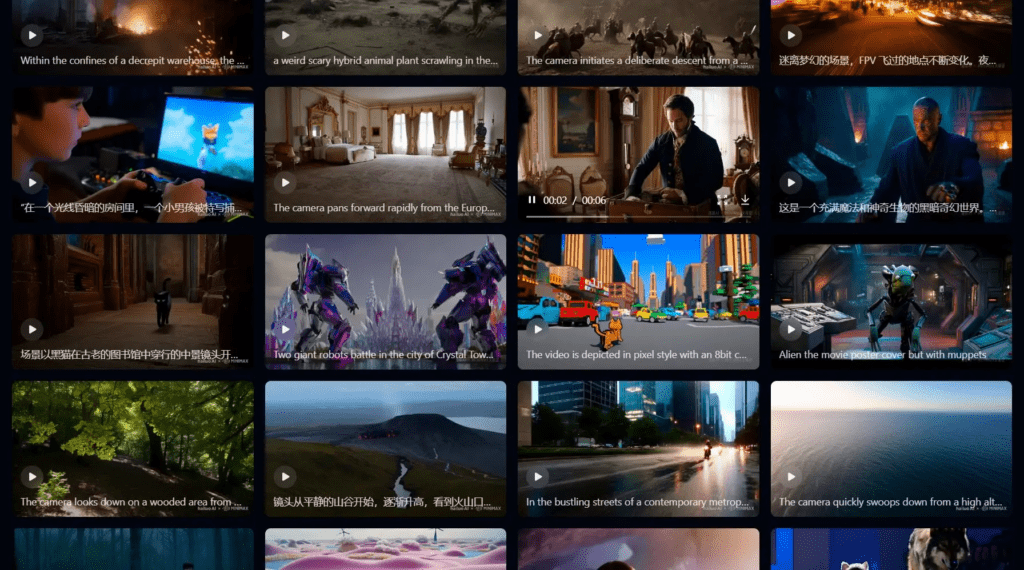
Pika 2.5 feels like a sketchbook that moves.
When I test it with short prompts, it responds quickly and confidently. It’s especially good for:
The motion can be a bit eager, it likes dramatic moves and bold changes. Sometimes the background breathes a little too much, especially with complex scenes, but for quick idea-to-video experiments, it offers small surprises if you are patient.
Hailuo AI is gentler.
With simple prompts, it often gives soft lighting and relatively calm motion. The textures aren’t always perfect, skin can feel slightly protected, like it’s avoiding detail, but for a free option, it’s kind and approachable.
I find it helpful for:
It struggles a little with very specific character identity, but if your focus is light, color, and mood, it’s a comforting starting point.
High-end tools in the Sora 2 aim for rich, coherent worlds.
From a single sentence, they can sometimes:
The emotional subtlety is better here. Eyes hesitate less, gestures flow more naturally. This level of tool is ideal when your one-line idea carries layers of action and environment: storms, crowds, large-scale city shots.
Access may still be limited depending on when you’re reading this, but it’s worth watching this space if you care about deep realism.
Runway Gen-4.5 series has a strong visual personality.
With Gen-4.5, style words matter a lot. When I lean into cinematic language, “soft natural light,” “shallow depth of field,” “filmic colors”, it listens.
It’s especially good when you:
Runway can occasionally over-style things so they look a bit too curated, but if your priority is a clear, repeatable aesthetic, it’s one of the more visually disciplined options.
Here are ten one-sentence prompts you can adapt. Each follows the Subject + Action + Style + Camera + Mood rhythm.
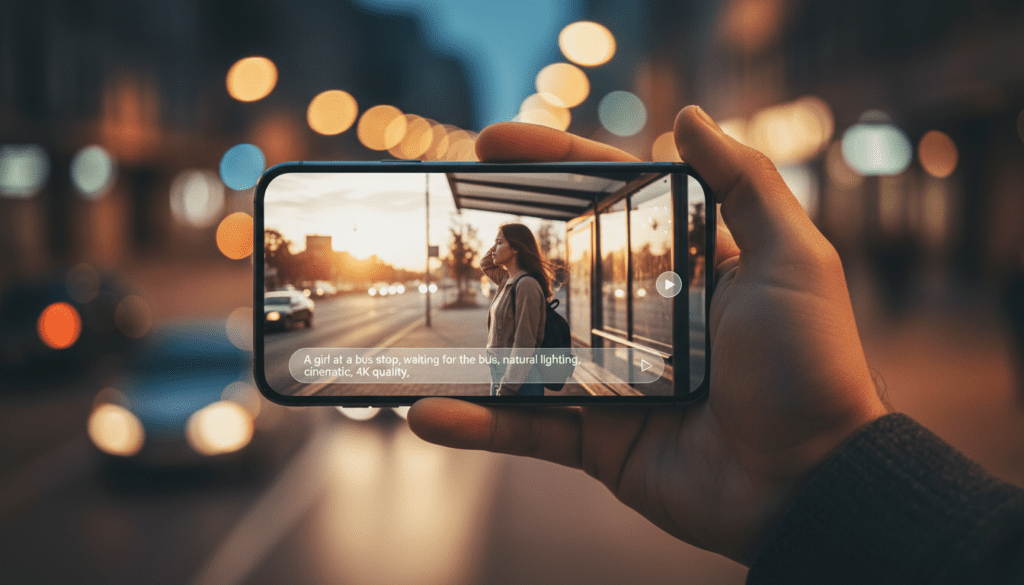
“A calm cinematic portrait of a young woman sitting by a window in soft morning light, gentle filmic colors, slow push-in close-up, quiet and reflective mood.”
“A teenager riding a bike through a busy city street at golden hour, warm glowing sunlight and long shadows, handheld wide shot, energetic and hopeful mood.”
“A man standing under a flickering streetlamp in the rain at night, neon reflections on wet pavement, slow side tracking shot, lonely but resilient mood.”
“A slow-motion shot of cherry blossoms falling in a quiet park, soft pastel colors, shallow depth of field, static camera, peaceful and dreamy mood.”
“A cozy overhead shot of a creator’s desk with a laptop, notebook, and warm coffee, soft warm lighting, subtle camera drift, productive but relaxed mood.”
“A woman tying her running shoes at sunrise on an empty track, cool morning light turning warm, low-angle close-up, determined and focused mood.”
“A slow cinematic shot of steam rising from a bowl of ramen on a wooden table, warm inviting colors, gentle push-in, comforting and intimate mood.”
“A traveler leaning on a train window as the landscape passes by, soft natural light, reflections on the glass, medium shot, nostalgic and thoughtful mood.”
“A sleek smartphone floating over a reflective black surface, controlled studio lighting, smooth rotating camera move, clean and futuristic mood.”
“A model walking slowly through an empty warehouse filled with soft diffused light beams, cool toned colors, wide tracking shot, mysterious and stylish mood.”
You can replace the subject, setting, and mood while keeping the basic structure. That structure is what helps the tool stay visually and emotionally coherent.
Let me walk you through a simple test I often use.
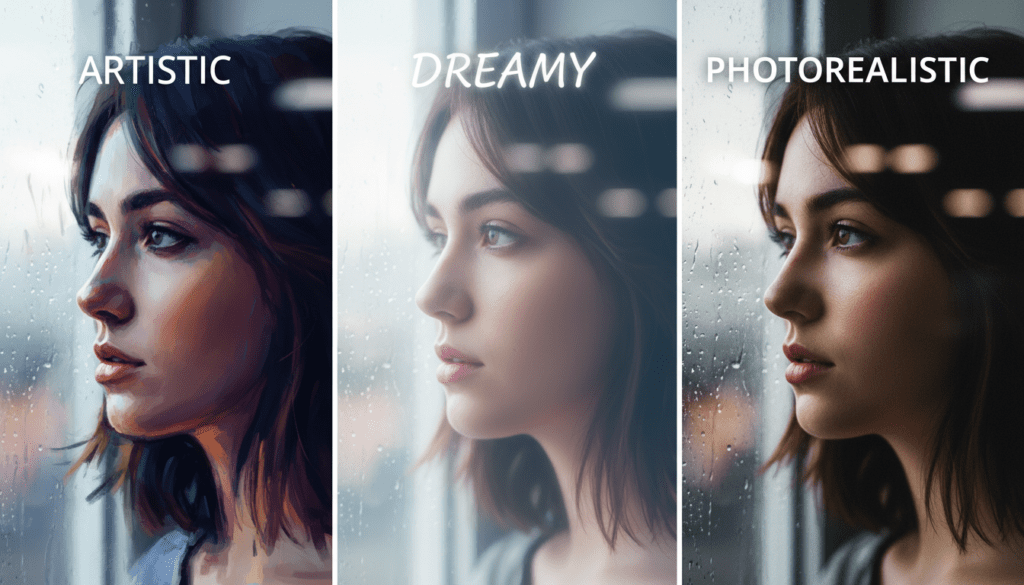
The base idea:
“A young woman sitting in a small café by the window during a rainy afternoon, soft natural light, cinematic close-up, thoughtful mood.”
I send versions of this to different tools and watch how each one “listens.”
Pika tends to add a bit more movement. The camera might drift or slowly circle. Sometimes the background feels slightly restless, cups shifting, lights pulsing a little. The mood is still thoughtful, but the scene has a subtle, unplanned energy, like the café is more alive than the prompt suggests.
Hailuo often softens everything. The light feels gentle but slightly unsure, sometimes a little too even. Edges blur just enough that the café loses some texture, but the overall atmosphere is quiet. The model becomes shy in darker corners of the room, details fade, but the emotional center remains: a girl, a window, the rain.
Runway leans into the cinematic aspect. The reflections on the window are more deliberate, the background is calmer, and the colors feel consistent. The eyes hesitate for a moment in a way that feels almost real. It doesn’t always nail hand details, but the emotional space of the character, that pocket of quiet in a rainy city, feels more intentionally designed.
All three clips come from the same idea. None are “right” or “wrong.” They just reveal how each tool interprets light, motion, and mood differently.
This is why I encourage you to reuse the same prompt across tools. You’ll start to sense which ones align with your personal visual rhythm.
I see the same small issues appear again and again in idea-to-video workflows. Most of them are easy to soften.
Yes, for short, focused moments, you can.
A well-written one-sentence idea-to-video prompt can give you a clip that feels polished enough for intros, cutaways, mood sequences, and B-roll in professional content.
But, if you need:
then one sentence becomes a starting point, not the whole process. Think of it as capturing a single beautiful shot, not an entire film.
I always try to include:
You don’t need complex language. A simple sentence with these elements gives the AI enough to build a visually and emotionally coherent moment.
Consistency comes from repeating the same visual language across prompts.
To keep style steady:
Over time, you’ll notice the tools start to echo your preferred aesthetic. Your videos will still be AI-generated, but the emotional texture and visual rhythm will start to feel like they belong to you.