Let's Shape The Future Of Your Investments!
Natoque iaculis cursus augue urna commodo aptent morbi tortor porttitor quis ornare.

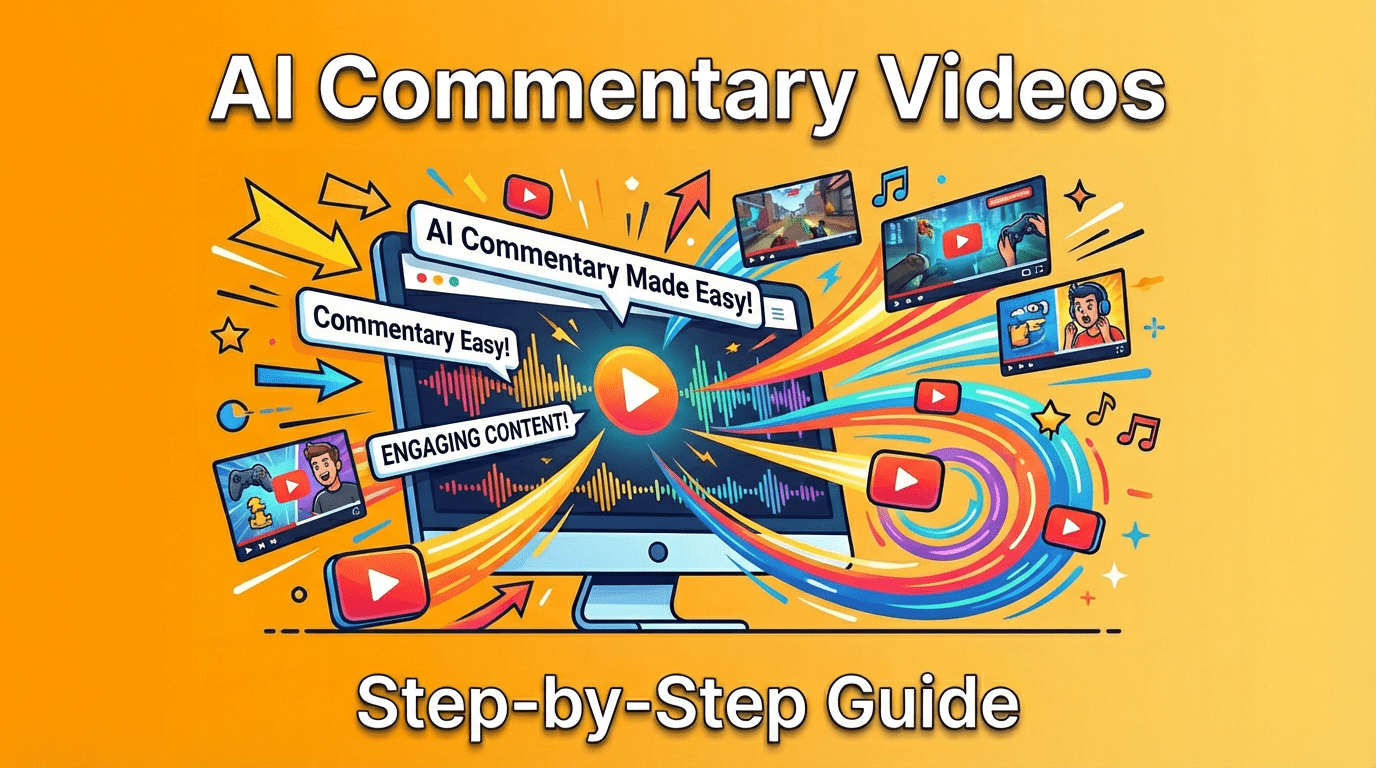
Commentary videos thrive when they feel like a thoughtful conversation, steady, warm, and emotionally coherent. When creators ask me how to make commentary YouTube videos, I start with atmosphere. Your words carry meaning, but the light, color, pacing, and tiny pauses shape how people feel and stay. With AI gently supporting research, writing, voice, and visuals, you can work faster without sanding off your personality. Here’s my quiet, visually sensitive guide to building commentary videos that feel honest and well-made, without drowning in jargon or complexity.
People come to commentary for companionship and clarity. A good commentary video feels like sitting with a friend who notices what you missed and says it simply. The format is light on spectacle and heavy on perspective, which means the craft lives in your tone, pacing, and visual patience. In a feed full of quick edits and loud energy, a calm, well-lit voice can feel like a relief. If the light feels gentle and the color is consistent, the viewer relaxes and listens longer.
AI shortens the distance between idea and finished piece. It can gather sources, outline arguments, suggest counterpoints, and even shape a natural-sounding voice track. But I treat it like a quiet assistant, not a director. AI is wonderful for drafting and organizing, yet it can become too smooth, too protected. I add back human edges: a small emotional pause, a softer breath before a key point, a touch of natural room tone. Used with care, AI helps you stay present on camera, or behind the mic, while protecting your energy and consistency.

When you’re learning how to make commentary YouTube videos, research can swallow your week. AI tools can quietly gather articles, summarize podcasts, and surface credible references while helping you navigate fair use guidelines, so you spend more time shaping the story than hunting for it.
I set a gentle intake flow: daily topic briefs, source clustering, and highlight pulls with links to originals. I skim headlines in a clean space with breathing room, no noisy dashboards. The goal is emotional coherence, not quantity. If a topic keeps returning, it probably has cultural pulse.
Trend tools help me notice where attention is warming, but I never chase heat for its own sake. I look for topics where my voice can add calm and insight. If the colors in the discourse feel too bold and chaotic, I wait. Your steadiness becomes the differentiator.
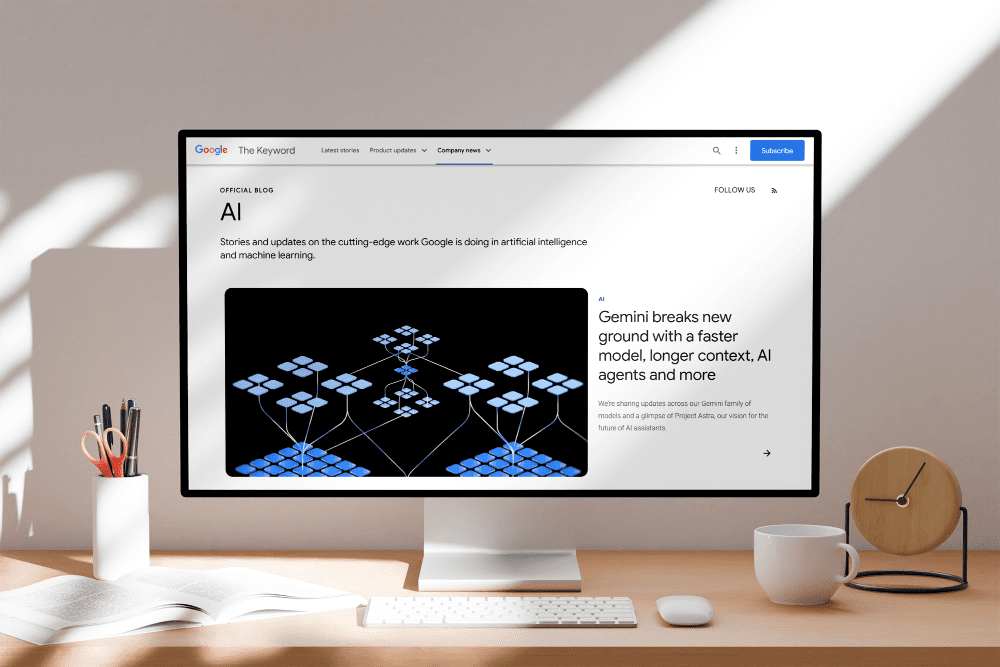
A clear script keeps your pacing grounded. I start with a soft outline: intro beat, context, two or three arguments, a gentle bridge to nuance, and a closing insight. Then I let AI draft variations. I keep what feels honest and trim what sounds performative.
I ask AI for counter-arguments and missing angles. It reveals blind spots. But the feeling, the emotional temperature, must be yours. I read the draft aloud and listen for where the light dims or the rhythm stumbles. If a sentence pushes too hard, I loosen it until it breathes.
I use AI to reorder points for smoother narrative flow: claim, example, texture, return. Texture might be a personal moment, a small statistic, or a scene-setting sentence that lets the viewer see. The tool can propose transitions: I choose the ones that feel steady and intentional rather than clever for clever’s sake.
If you’re camera-shy or simply moving fast, an AI voice can carry your script. Choose a tone that feels human but not theatrical. The best voices sit in a warm mid-range with gentle consonants and a slightly slower cadence. The light should feel gentle even in the audio, the delivery shouldn’t glare.

I test a few voices by reading the same paragraph about a quiet scene, rain on a window, a soft lamp, a character thinking. If the voice can hold that subtle mood without sounding sleepy, it’s a good sign. Avoid overly bright or plasticky textures: they tire the ear.
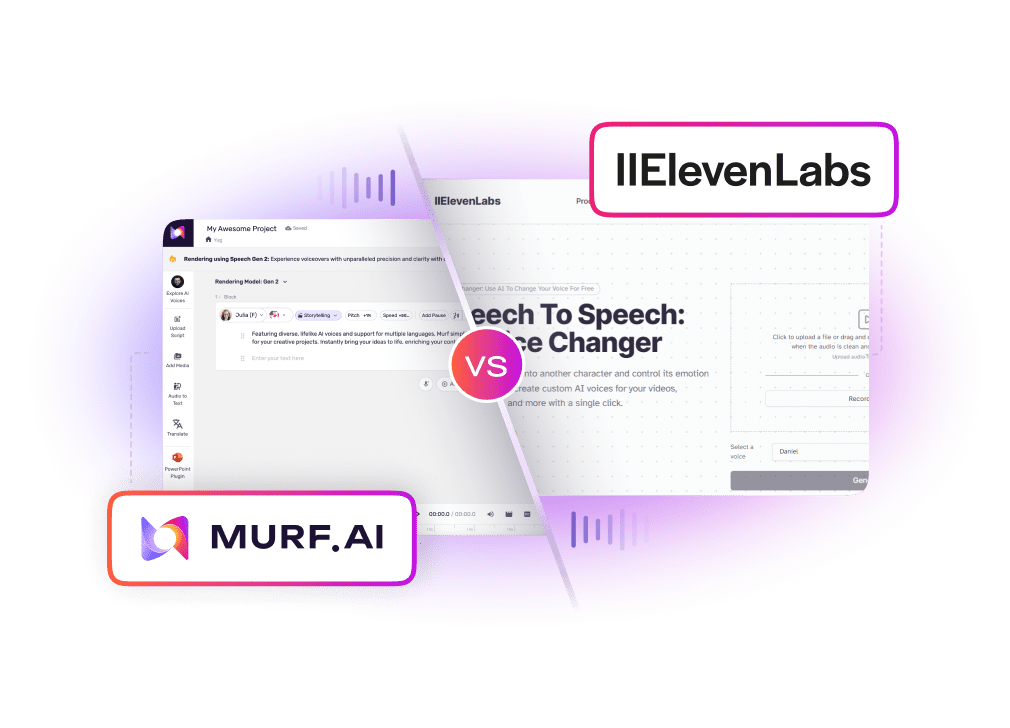
Most tools let you nudge speed, pitch, and energy. I set a calm baseline and only lift the energy during turns, where the argument evolves or a key point lands. Small shifts are enough. If the voice gets excited too quickly, the emotion feels unearned.
Clean audio is a kindness to your viewer. I keep noise reduction light, because over-filtering can strip the room tone and make the track feel sealed off from reality.
I let AI propose a playlist by mood: thoughtful, warm, minimal. I audition tracks under my voice at -28 to -24 LUFS equivalent relative feel (not chasing numbers, just listening). If the background feels like a second narrator, it’s too much. The music should move like a breath behind your words.
Subtle is the rule. A soft page turn for a new section, a gentle click when a point lands. If a sound effect steals attention, I let it go. Little accents help pacing, but the silence between thoughts also has its own rhythm.
Commentary needs visual rest notes, B-roll that lets meaning settle. I mix live footage with AI-generated clips or images when the topic is abstract. Keep the palette coherent: soft natural light, gentle contrast, textures that feel alive, not plastic.
When I generate visuals, I write prompts that prioritize emotion over spectacle: “a quiet desk scene, warm afternoon light, soft shadow falloff, paper texture visible, calm color harmony.” If the AI tries too hard, hyper-saturated, glassy surfaces, I dial it back. The background shouldn’t breathe in a way that doesn’t feel natural. And if a human appears, I watch the eyes. If they hesitate or drift, I switch to hands, objects, or wide shots.
On-screen text is a promise of clarity. I use simple lower-thirds with tender spacing and high legibility. White or soft off-white on charcoal, or charcoal on warm beige, quiet pairings that don’t shout.
AI can auto-generate pull-quotes and bullets. I set a three-line maximum and add a tiny fade up/fade down so the moment feels intentional. If the overlay arrives too sharply, it can feel anxious.
Thumbnails carry emotional temperature. I keep them uncluttered: one expressive face or a single symbol, two colors plus a neutral, and a line of text with strong verbs. I test variations and choose the one that feels most honest, not the loudest. If a thumbnail looks brittle or over-sharpened, I soften edges and pull back saturation until it feels touchable.
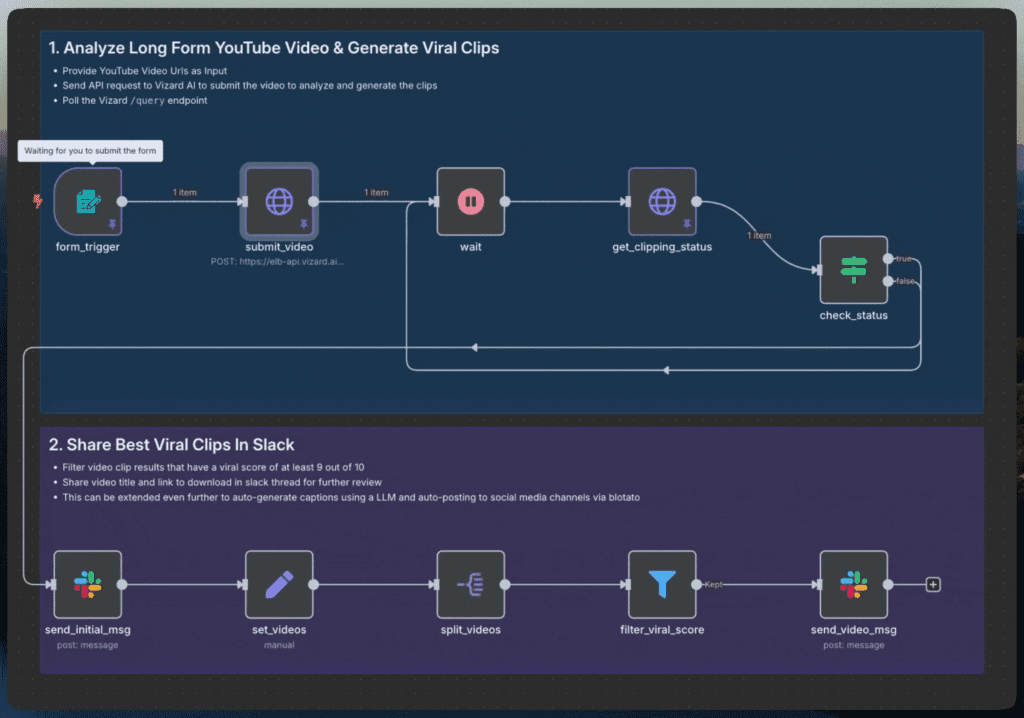
I like a gentle pipeline that doesn’t rush me: research summary in the morning, AI-assisted outline by noon, script draft after lunch, voice and edit before evening. A light project template keeps everything steady, bins for narration, B-roll, overlays, music, and captions. Some tools can hand off from research to script to voice to edit automatically: I still review each step for emotional coherence. If a moment feels too smooth, I let a breath back in, a longer cutaway, a slower crossfade, a softer music bed. From research to publishing, the aim is rhythm: small builds, small releases.
Growth doesn’t require noise: it asks for consistency and care. I use AI to read patterns gently: which topics hold attention, where viewers pause, which thumbnails invite a calm click. I refine titles to be clear, not sensational. For revenue, I balance ads with memberships or sponsorships that match the channel’s emotional tone. When a brand fit feels forced, I say no. The audience can sense when the light shifts. Over time, a steady voice, clean visuals, and thoughtful pacing create trust, and trust is what keeps a commentary channel alive.
If you’re beginning and wondering how to make commentary YouTube videos without losing yourself to automation, remember this: let AI carry the weight, not the meaning. Your presence, the way you light a frame, the way your words rest between beats, is the art. This toolset can offer small surprises if you are patient. Keep the colors warm, the motion intentional, and the emotion connected.