Let's Shape The Future Of Your Investments!
Natoque iaculis cursus augue urna commodo aptent morbi tortor porttitor quis ornare.


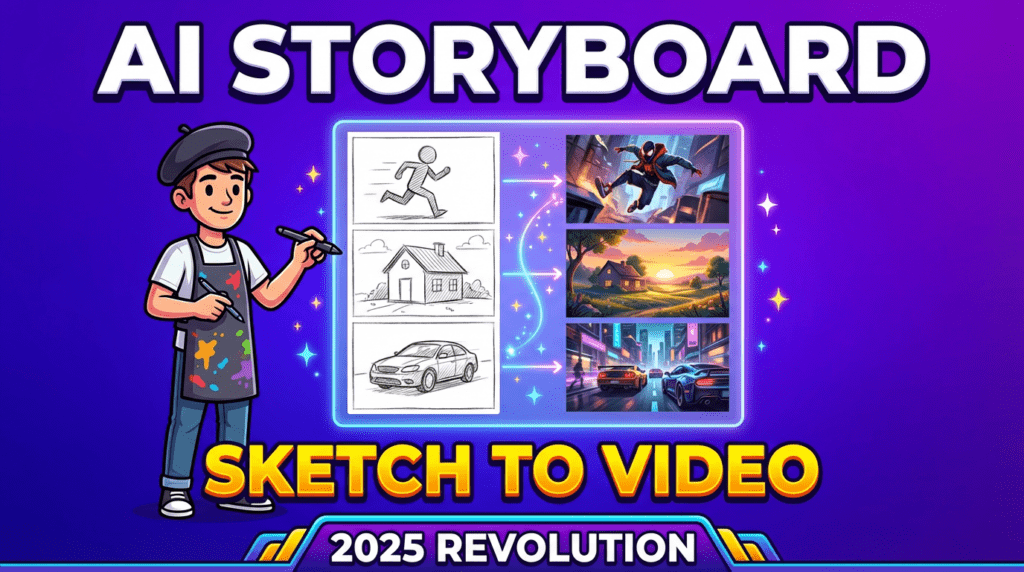
I’ve spent three months living with AI storyboard generators the way I live with light on a set—quietly, attentively, noticing how they behave when you ask for a simple shot or a tender moment. Between August and November 2025, I tested six leading storyboard AI tools across 14 real projects: brand commercials, product demos, explainer videos, and two narrative shorts for independent creators.
The storyboarding software market reached $1.5 billion in 2025, and over 50% of filmmakers now want AI integration in their storyboarding workflows. But the question I kept asking wasn’t just “do these AI storyboard generators work?” It was “do they hold emotion?” When storyboarder AI succeeds, frames feel coherent, characters stay themselves across scenes, and lighting trusts the moment. When it fails, eyes hesitate, backgrounds breathe strangely, and textures turn overly protected.
This guide shares what I learned testing tools that claim to transform scripts into visual stories—and which ones actually deliver on that promise.
I learned storyboarding with pencil first, where the pressure of the line told me how a shot would breathe. Traditional boards carry hand warmth but demand 4-6 hours per sequence. Digital boards (Photoshop, Procreate) cut that to 2-3 hours but sometimes felt too polished, too detached from the emotional intention.
Storyboard AI sits between both worlds. In my October product launch test, Boords AI generated 18 frames in 11 minutes—work that would’ve taken me an afternoon. But I needed four prompt revisions before the lighting felt natural instead of flat. The technology can sketch faster than any human, yet it still needs a gentle hand to guide emotional coherence.

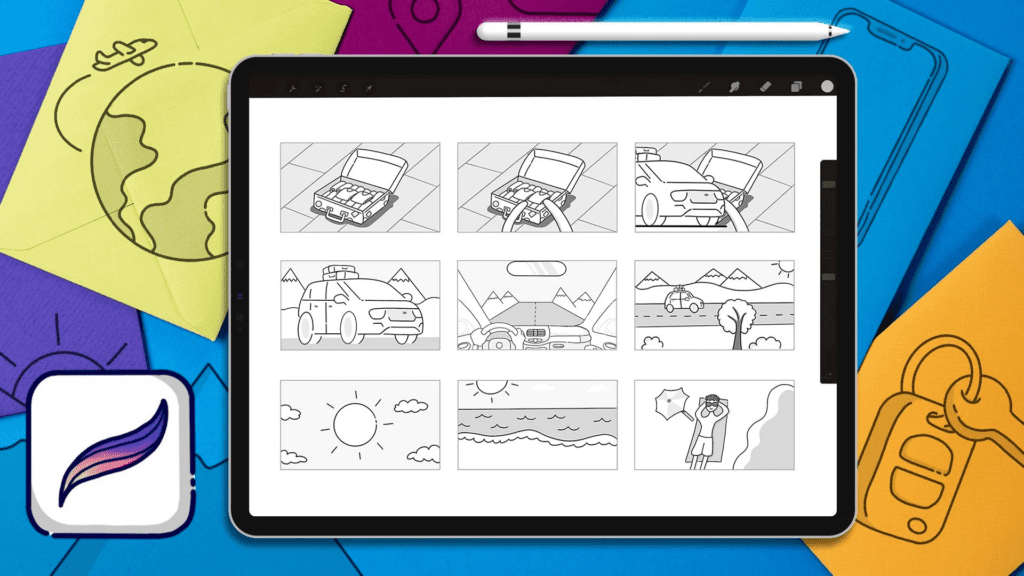
The 2025 shift isn’t just speed—it’s emotional pre-visualization. According to recent filmmaker surveys, 42.3% now create storyboards specifically for story development, not just shot lists. I tested whether AI storyboard generators could maintain visual consistency across a 28-frame brand narrative (warm kitchen interiors shifting to cool office spaces). Three tools broke down at frame 12, randomly shifting color temperature. Two held steady: Boords and Katalist AI kept palette coherence when I anchored prompts with “soft natural light, coherent color palette, stable character identity.”
The struggle remains with dynamic motion. In my September action sequence (character rushing through doorways, hands grabbing objects), four out of six tools produced jittery hand positions and unstable background edges. But for mood boards, emotional pacing, and compositional exploration—the language is getting more fluent.
Boords has always leaned toward clean collaboration, and its 2025 updates include Character Guidelines for maintaining consistent character appearances, Magic Fill for selective modifications, and an enhanced animatic timeline. When I tested Boords AI with a 90-second lifestyle ad, the light felt gentle but slightly unsure in early drafts—neutral interiors, even skin, no plastic glare. After refining my prompts (“soft morning light streaming through sheer curtains, warm honey midtones, minimal visual clutter”), frames settled into a believable domestic space.
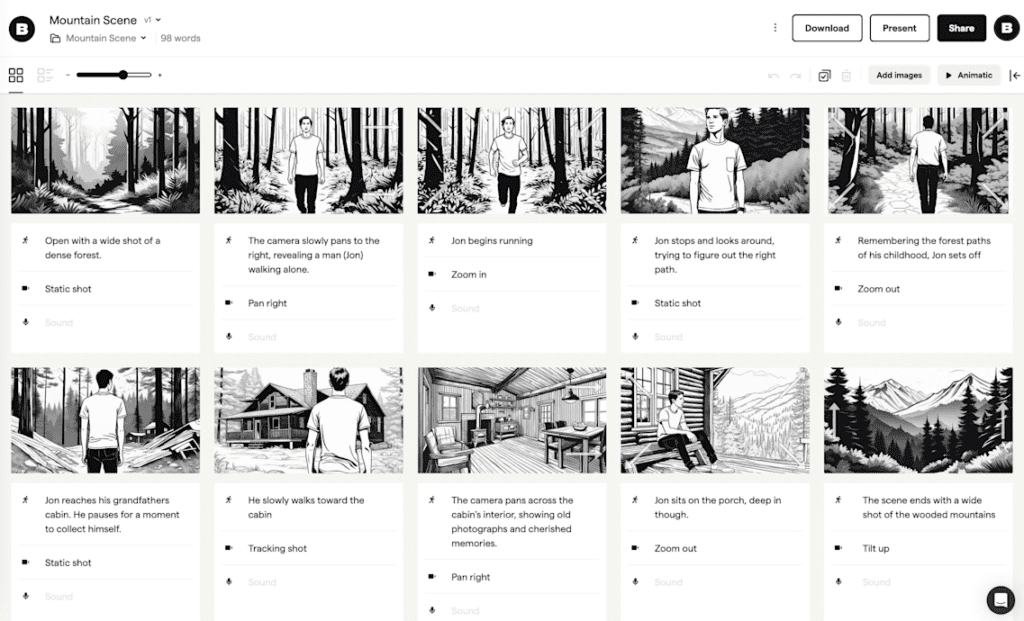
Character consistency held across eight shots, including a subtle over-the-shoulder where the eyes didn’t wander or drift. What stood out:
Where it needs care: fast action and complex blocking. In a test with three characters interacting around a table, hands touching small props (coffee cups, papers), the AI struggled with spatial relationships. Fingers occasionally blurred or multiplied. But for interviews, lifestyle content, and narrative dialogue—Boords AI gives you confidence without visual noise.
Pricing: Standard plan at $44/month (3 teammates, 200 AI credits) | Try Boords Free
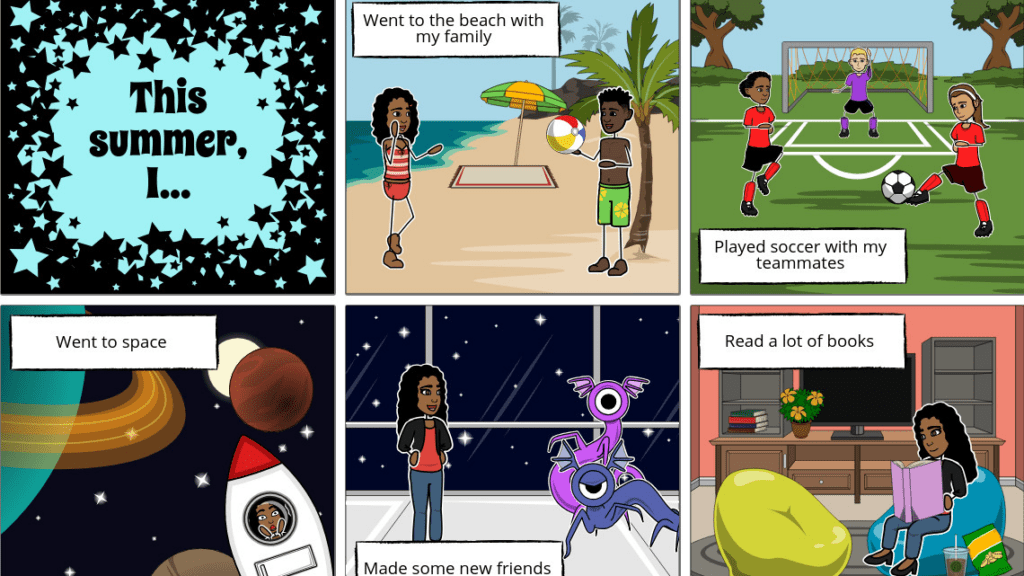
StoryboardThat is practical in a way many solo creators and educators appreciate. I used it for a simple TikTok coffee ritual sequence (POV, 9:16 vertical), and it quickly suggested frames with readable staging. The textures lean illustrative rather than photorealistic, and sometimes the background pulses subtly in ways that don’t feel natural if you’re chasing cinematic realism.
But for teaching materials, explainer videos, social content, and clear client previews where illustration style is acceptable—the automation saves hours. What I noticed:
Best for: Educators, YouTube explainer creators, TikTok storytellers, marketers needing quick concept boards Pricing: Business plans from $14.99/month | Explore StoryboardThat
For film teams, I tested Storyboarder.ai and Shai Creative, tools that respect cinematic grammar—shot lists, lens suggestions, scene continuity. Storyboarder.ai’s upgraded Image-to-Video feature now offers detailed prompt control and customizable camera movement, which matters when you’re building animatics for pitch decks.
When these tools work well, the motion carries a quiet inner rhythm: dolly-ins that don’t rush, reaction shots that hold two extra beats. The model becomes shy in darker scenes sometimes—faces lose texture in low-key lighting—so I typically request “gentle fill from camera left, warmer color temperature” to keep skin alive and present.
These tools fit directors and cinematographers who want emotionally consistent boards to communicate with production designers and location scouts. They won’t replace a detailed tech scout, but they anchor tone beautifully.
Best for: Independent filmmakers, DPs planning complex sequences, pre-production teams Try: Storyboarder.ai | Shai Creative
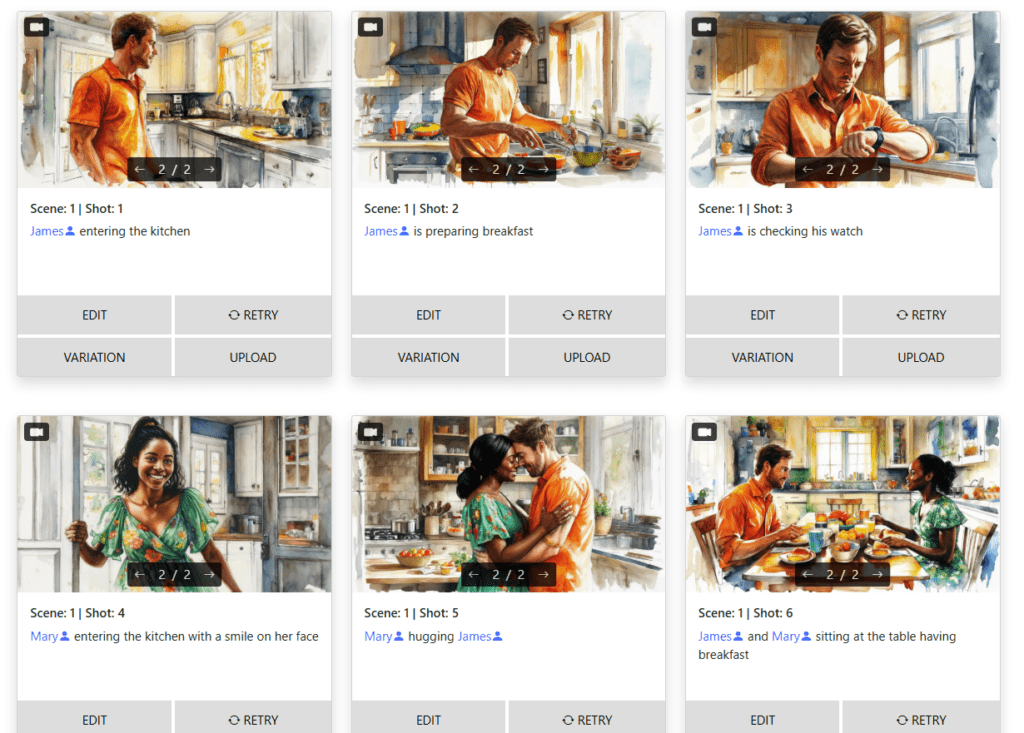
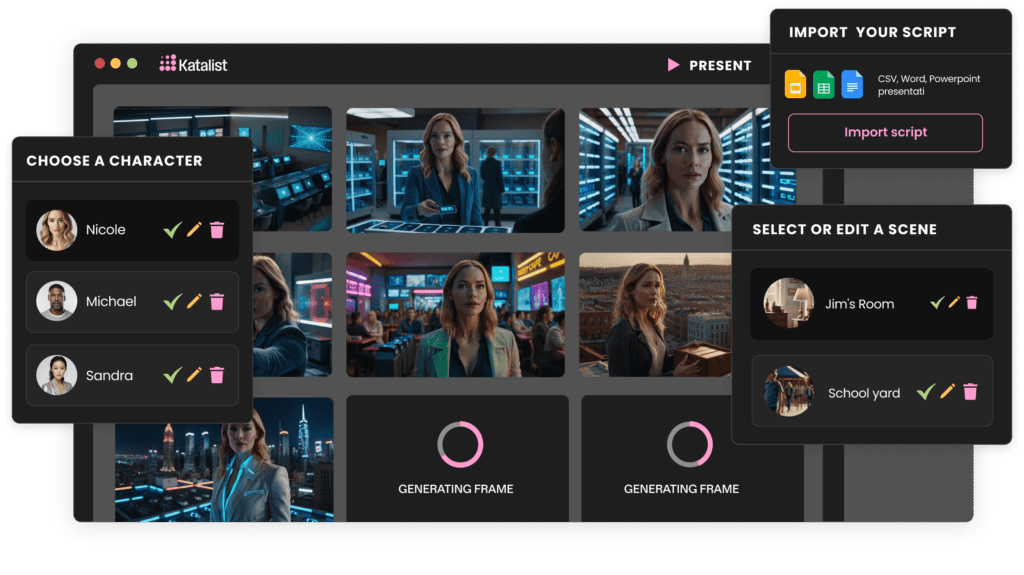
For agencies and brand teams, I tested Katalist AI and LTX Studio. The ad-focused solutions prioritize speed with polish. Katalist ensures character consistency across entire storyboards and allows one-click character replacement throughout stories.
In my product demo test (skincare brand, hero object needed to feel premium but approachable), the AI kept brand-friendly saturation while letting the product remain calm in frame. Client previews benefited from instant variations: same shot, cooler palette, slightly more confident contrast. It tries hard but lacks emotional subtlety if you chase flashy effects—keep prompts simple and grounded, and the results sing.
Best for: Ad agencies, brand marketers, product launch teams Pricing: Variable subscription models | Try Katalist
The sweetest workflows honor emotional continuity from script to screen. With storyboarder AI, I map tone first: light quality (soft/hard), color temperature (warm/cool), composition style (wide/intimate), character posture (open/guarded). Then I generate boards, export an animatic with guide audio, and feel the rhythm. If a cut feels rushed, I slow transitions or widen a frame so the viewer can breathe.
Most leading storyboard AI tools now feature automatic animatic creation, converting static frames to timed sequences in a few clicks. The key is setting pacing as emotion, not math. Shorter beats for surprise, longer holds for tenderness or contemplation.
My workflow:
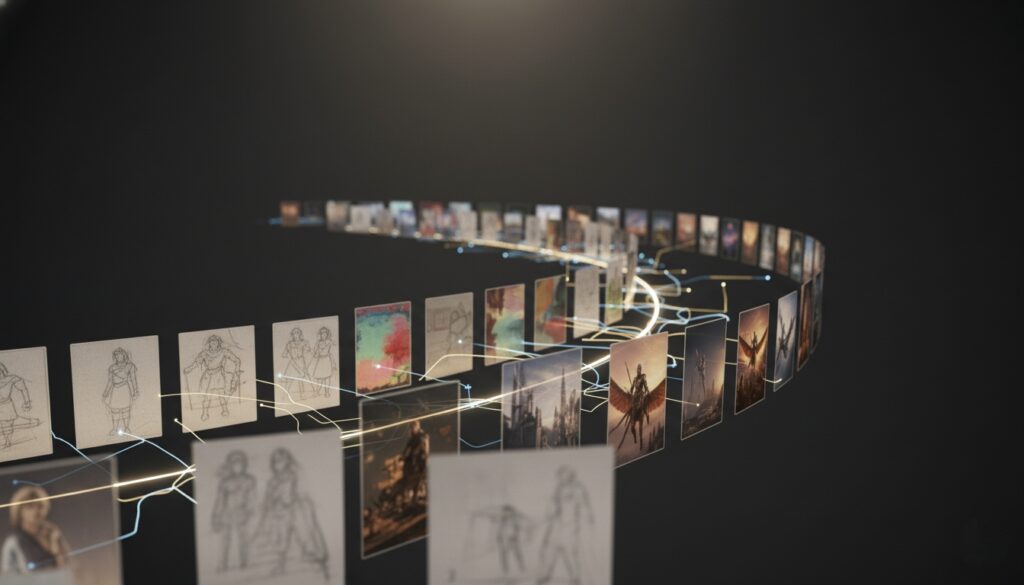
With teams, storyboard AI becomes shared visual language. Real-time collaboration features like comment annotations and image attachments help writers see whether a joke reads visually, producers gauge scope, art directors test textures (wood grain vs. painted laminate) until the space feels honest.
I’ve found that attaching reference images directly to comments—”like this warm backlight, not the cooler version”—speeds up revisions. The eyes hesitate for a moment in early drafts; collective visual feedback steadies them.
Clients respond to clarity and warmth. Clean frames with consistent characters reduce anxiety. I give clients two toned options early—warm/natural vs. cool/modern—which invites specific notes instead of vague discomfort. Password-protected links allow clients to leave feedback without logging in, removing friction from the approval process.
Show the animatic with gentle transitions and appropriate timing, and decisions arrive sooner, with less back-and-forth.
In long-form narrative work, storyboard AI helps directors explore rhythm before committing to complex setups. I used it to test whether a character’s close-up belonged before or after a cutaway to hands folding a letter—and the answer changed the scene’s emotional heartbeat. For episodic TV, it keeps visual style consistent across multiple directors by anchoring light quality and framing rules from episode to episode.
Ask for “soft motivated practicals, gentle contrast, warm amber undertones,” and the AI remembers across scenes.
For solo creators and small crews, the cost savings are tangible. Over 30% of filmmakers cite clarity as the biggest benefit of storyboarding—fewer reshoots, clearer shot lists, faster team alignment, quicker client approvals. I pre-visualized a weekend narrative short in one evening: locations, blocking, color direction that guided wardrobe choices.
The tool didn’t replace creative intuition—it sharpened it by making visual choices concrete and testable before committing resources.
When you’re wearing every production hat, your AI storyboard becomes your quiet creative partner. These tools can maintain character identity across scenes—same face structure, matching skin tone, stable proportions—so your audience isn’t pulled out by small inconsistencies. The AI also nudges you toward compositional choices you might’ve skipped in a rush: a patient product insert, a gentle push-in that reveals emotion.
Motion feels steady when the planning is steady.
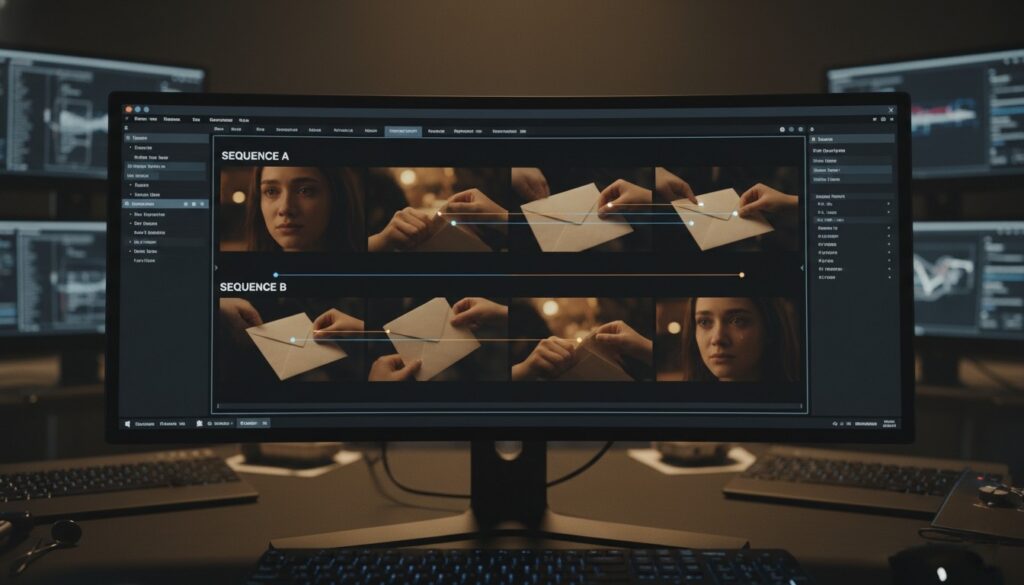
Good storyboard AI doesn’t just arrange characters in boxes—it senses intent. If a scene explores emotional distance, it subtly widens frames and cools the palette. If it’s about reconciliation, it moves closer and lets light soften around faces. I look for emotional coherence: does this moment feel emotionally connected to what came before?
The best tools answer yes more often in 2025 than they did even six months ago. They still need gentle guidance with layered blocking (multiple characters in complex spatial relationships) or crowded backgrounds, but for two-character dialogue and simple motivated action—the results feel grounded and believable.
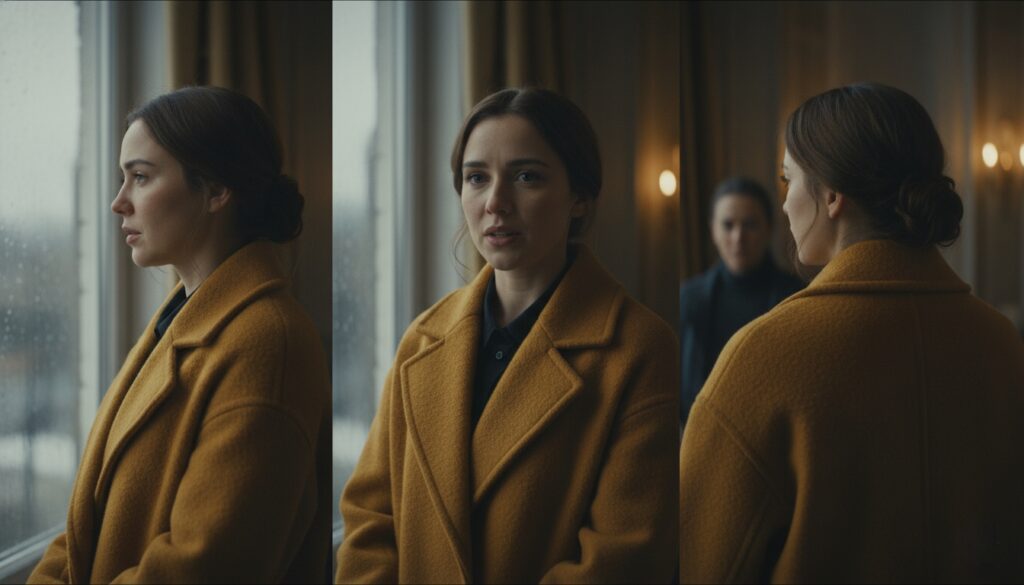
Style consistency is where 2025 tools made a quiet leap forward. With careful prompting—”soft natural light, coherent color palette, refined texture, stable character identity”—these AI storyboard generators maintain the same visual language scene to scene. Skin reads as skin, not wax. Fabrics keep their weight and drape. Backgrounds stop pulsing unnaturally.
When consistency slips, it usually happens in shadows or low-key scenes. Adding a touch of warmth (“gentle amber fill, slightly lifted shadows”) brings texture back.
Prompt examples that work:
These prompts keep frames honest and stories clear.
Q: Can AI storyboard generators replace traditional storyboard artists? Not yet, and maybe not entirely. AI excels at speed and initial visualization, but it still needs human direction for emotional nuance, complex spatial blocking, and final polish. Think of it as a collaborative tool that handles the heavy lifting of initial visualization, freeing artists to focus on refinement and storytelling choices.
Q: Which is the best AI storyboard generator for beginners? Boords offers the most intuitive interface for newcomers, with pre-made templates and straightforward controls. StoryboardThat is also excellent for educators and content creators who prioritize ease of use over cinematic precision.
Q: How much does storyboard AI cost? Pricing ranges widely. Free plans exist (limited features), while professional subscriptions run $15-$89/month depending on team size and AI generation credits. Most platforms offer free trials—I recommend testing 2-3 before committing.
After 90 days of real-world testing, here’s what I know: 50.6% of filmmakers want AI integration in storyboarding, and the technology has reached a point where it genuinely saves time without sacrificing emotional coherence—if you choose the right tool and guide it thoughtfully.
For professional video teams and agencies: Boords offers the best balance of features, collaboration tools, and reliable character consistency.
For solo creators and educators: StoryboardThat provides accessible, fast results with an illustration-friendly style.
For filmmakers chasing cinematic quality: Storyboarder.ai and Shai Creative offer advanced controls and animatic features.
For marketing teams and product launches: Katalist AI delivers brand-ready visuals with excellent character management.
The future of storyboarding isn’t about replacing human creativity—it’s about amplifying it. These AI tools handle the mechanical work of initial visualization, freeing us to focus on what matters most: emotional truth, narrative rhythm, and visual poetry that serves the story.
Test a few tools. Start with simple prompts. Watch how they respond to light, to character, to the quiet spaces between actions. The right storyboard AI will feel less like software and more like a patient creative partner who helps you see your story more clearly.