Let's Shape The Future Of Your Investments!
Natoque iaculis cursus augue urna commodo aptent morbi tortor porttitor quis ornare.

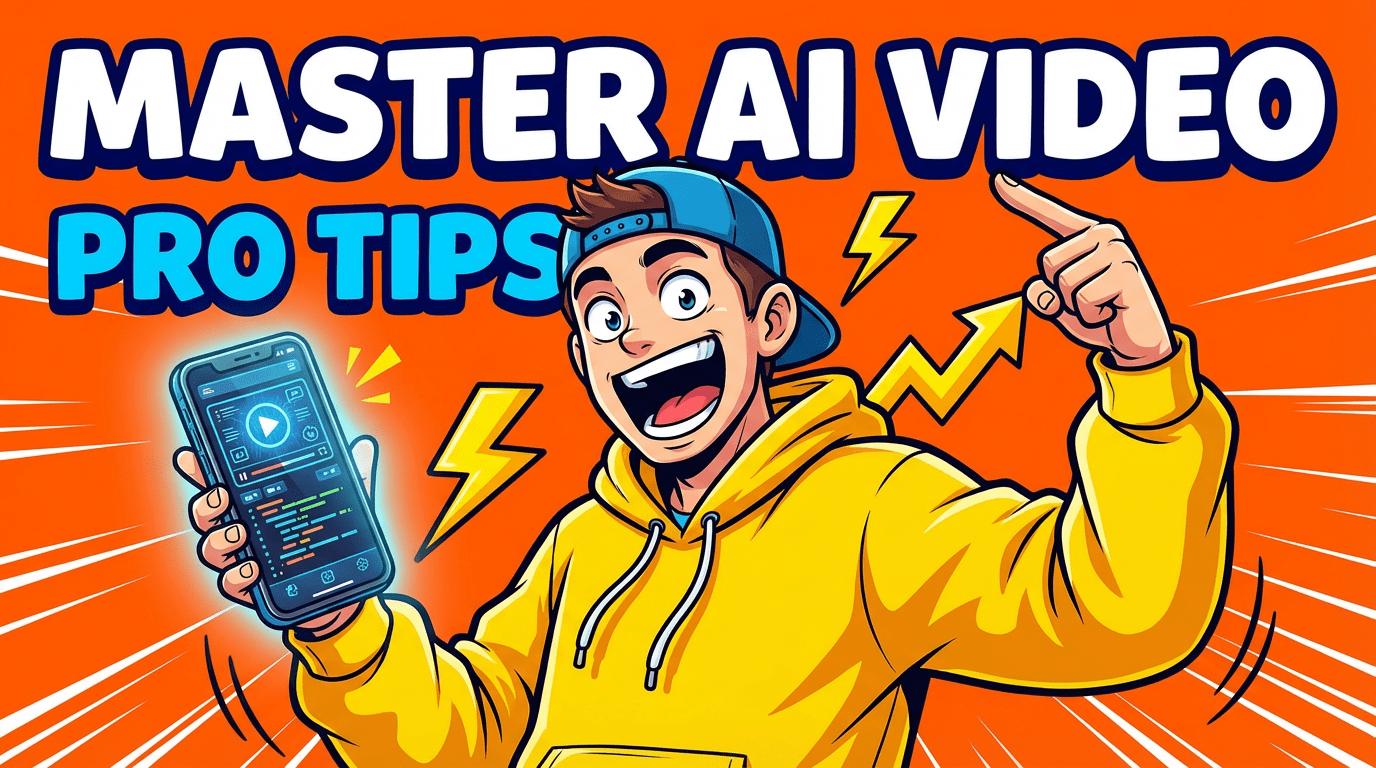
When creators ask me for “video production tips” for AI, what they really mean is: how do I make this feel less like a glitchy demo and more like an intentional film moment?
You don’t need to think like an engineer to get there. You just need to think like someone who cares about light, pacing, and how a small expression can carry a story.
In this guide, I’ll share how I approach AI video: not as a magic button, but as a quiet collaborator. We’ll look at what actually makes an AI video feel good, how to prompt more intentionally, and how to keep your costs and frustration lower while your visuals get softer, clearer, and more emotionally grounded.
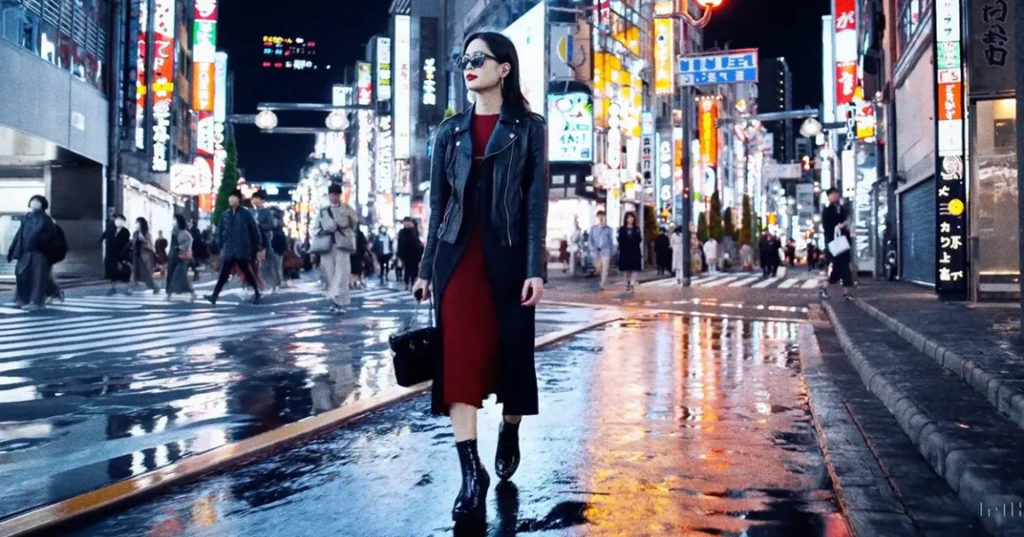
When I watch an AI-generated video, I’m not looking for perfection. I’m looking for emotional coherence. Does the moment feel like it belongs to itself, or does it feel like the image is constantly remembering it’s artificial?
Most of the real quality signals fall into three simple areas:
Sharpness and detail are nice, but if the eyes keep changing shape or the background is breathing in a strange way, the video feels nervous. And nervous videos don’t keep people watching.
When I test AI video tools, I pay attention to three quiet questions:
A good AI video often feels quietly confident. The motion is steady. The timing breathes. The look of the world doesn’t panic or overcompensate. You feel that the moment knows what it wants to be.
You can have perfectly rendered skin and still end up with a forgettable video.
What stays with people isn’t just realism, it’s story. Not necessarily a full plot, but a clear emotional direction:
If your video has one emotional sentence behind it, “She’s leaving the city for the last time” or “He’s finally allowing himself to rest”, your prompts become clearer, your shot choices become calmer, and even slightly imperfect visuals feel meaningful.
I’ve seen rough AI clips feel powerful because the creator stayed loyal to a simple story idea, while ultra-detailed renders felt empty because they were just visual noise. When you’re choosing between realism and storytelling, choose storytelling. The realism will grow as the tools improve: the emotional intention has to come from you.
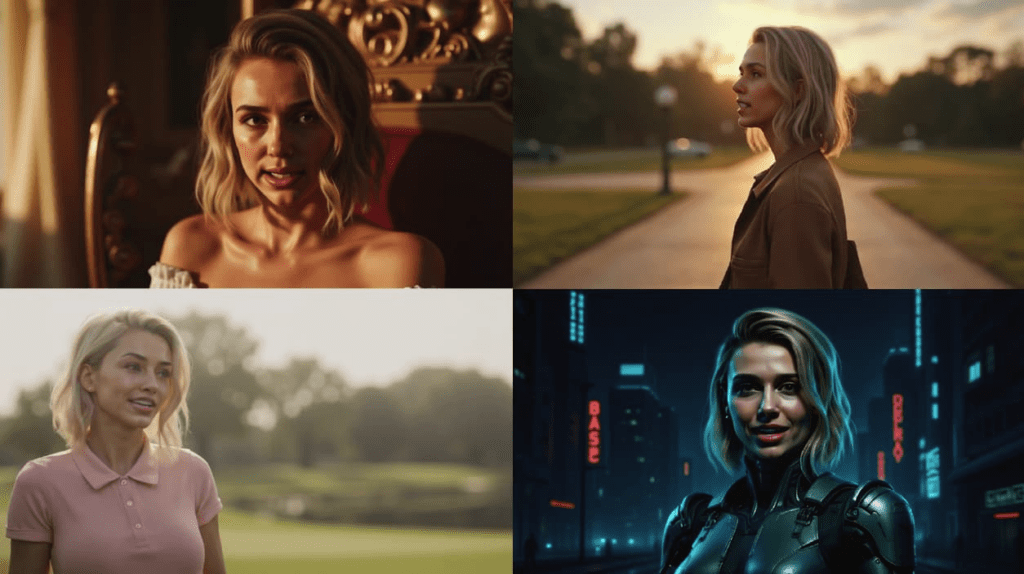
Most “video production tips” for AI focus on adding more adjectives. I prefer to subtract.
Instead of:
“Ultra-realistic cinematic masterpiece with dramatic lighting, fast sweeping camera, hyper detail, dynamic motion, volumetric…”
I move toward:
“Soft natural light, slow camera, one character, calm expression, clean background.”
The more stable and clear your intention, the more room the tool has to stay composed.
Think of your prompt as gentle direction to a slightly shy camera operator.
You can guide motion and camera behavior with phrases like:
Then add scene intent in emotional terms:
This keeps the AI from improvising wild, unstable motion just to show off. It knows the camera should be calm, the movement should be small, and the emotion should be restrained.
Constraints are gentle boundaries that tell the AI, “Stay here. Don’t wander too far.” Some helpful ones:
When you say less but say it clearly, about motion, camera, and mood, the AI struggles less, and your videos feel more balanced and intentional.
Some of the strongest improvements don’t come from the AI at all. They come from how you design the shot before generation.
I like to think in short, self-contained shots, almost like emotional postcards.
A few practical tips:
If you’re making content for YouTube Shorts or TikTok, this rhythm already fits the platforms. Quick, intentional shots strung together with clean cuts can feel far more professional than one continuous but unstable sequence.
Most AI breakdowns start when we ask for too much in one scene:
To keep your visuals emotionally clean and technically calmer:
The result is not just fewer glitches. The whole frame feels more intentional, more like a conscious decision and less like a random dream.
I’ve seen many creators burn through credits by chasing a perfect clip that never quite appears.
To keep your AI video production cost-effective, it helps to treat each generation like a sketch, not a final painting.
Here are a few habits that protect both your budget and your patience:
The more you treat AI generations as iterative sketches, the less you feel the need to endlessly regenerate in frustration.
AI doesn’t have to replace your entire production. Often, it shines when it supports real footage:
For talking-head content or personal vlogs, I usually recommend keeping your real face and voice, and using AI for supporting visuals around your story. This way, your authenticity stays intact, while AI gently expands your visual language.
AI video tools will keep improving, faces will stabilize, hands will calm down, motion will feel more certain. But your role as the quiet director of mood and story won’t go away.
As the technology grows sharper, I suggest focusing your practice on:
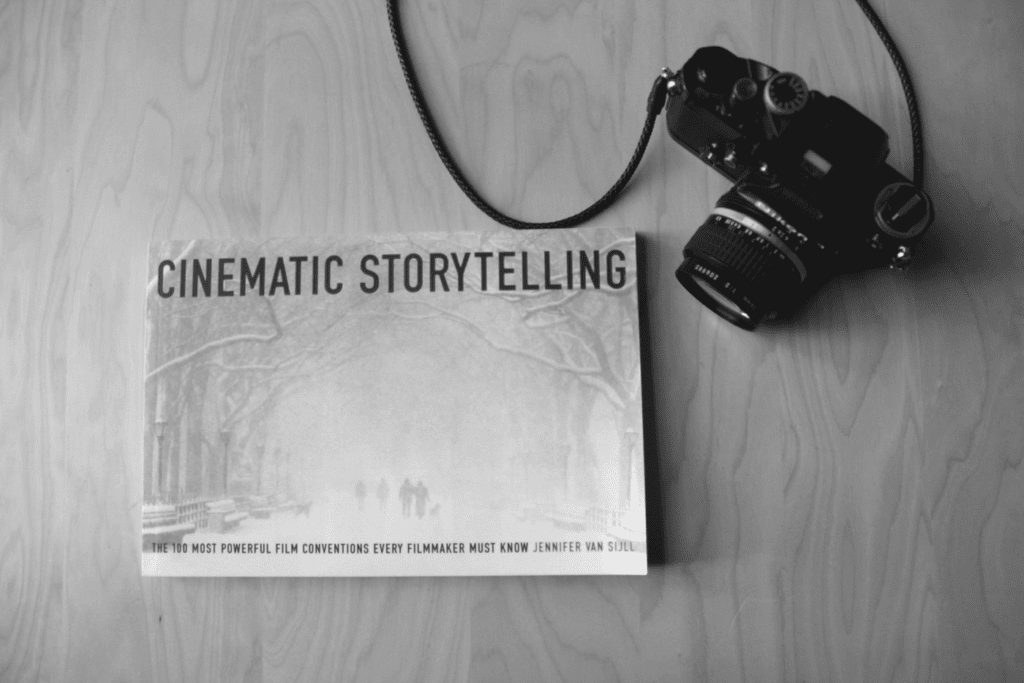
These skills translate across every tool, every update, every new platform. Understanding visual storytelling techniques and cinematography principles will help you craft better prompts and make more intentional creative decisions.
Instead of waiting for one flawless generation, I build small, repeatable workflows:
Over time, this becomes less about fighting the AI and more about collaborating with it. Your videos start to feel softer, more grounded, and more yours.
And that’s where the real magic of AI video quietly lives, not in spectacle, but in those small, steady moments where light, motion, and emotion finally agree with each other.