Let's Shape The Future Of Your Investments!
Natoque iaculis cursus augue urna commodo aptent morbi tortor porttitor quis ornare.


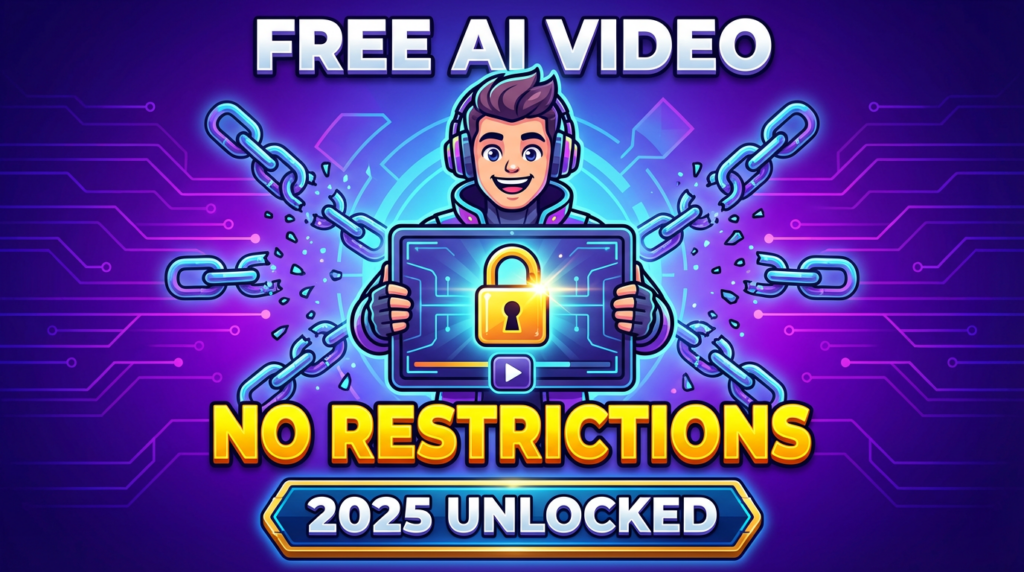
When people message me asking for a “free AI video generator no restrictions”, what they’re really asking is something softer: Can I experiment without feeling watched by a paywall? Can I try wild ideas without counting credits, seconds, or watermarks? In 2025, we’re closer to that than ever. But “no restrictions” is almost never completely true. There are always small trade‑offs, speed, quality, stability, or fine print about usage. In this guide, I’ll walk you through how I think about these tools as a visually sensitive creator: what actually feels unlimited, what quietly gets in the way, and how to get the most beautiful, usable videos from free AI video generators without losing your time, or your rights.

Over the last year, I’ve felt a quiet but powerful shift.
Instead of only polished, locked platforms with tight credit systems, more creators are wrapping open models in simple web tools. The result: you and I can generate more video without that anxious feeling of “this is my last free render, don’t mess it up.”
Visually, that freedom matters. When I’m not worried about credits, I:
The images and clips get calmer, more intentional, because I’m not rushing.
You’ll still see limits, queue times, max duration, or resolution, but the feeling of constant counting is slowly fading, especially in tools built on open, community-backed models.
When I look for a “free AI video generator no restrictions”, I don’t trust the wording on the homepage. I watch how the tool behaves after two or three renders.
Here’s how I sense the difference:
Visually, trapped tools often feel rushed: unstable motion, pulsing backgrounds, or over-sharpened textures that look plastic. It’s like the tool is trying too hard to impress in a single free attempt.
Many of these newer tools quietly allow commercial use on their free tiers, especially if they’re built on permissive, open visual models. But I never assume.
Before I use a clip in a paid campaign or YouTube video that’s monetized, I:
A tool can feel visually perfect, soft light, steady motion, emotionally coherent faces, but if the rights are unclear, I treat it as a sketch, not a final asset. The safest approach is simple: use free tools for exploration, and only publish commercially once you’re sure the license truly supports it.
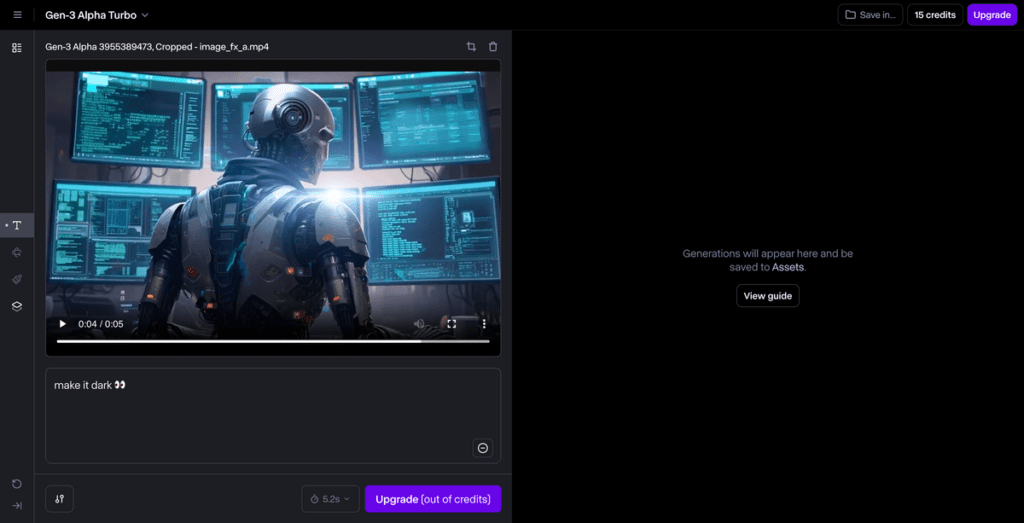
When I test so-called “no restriction” tools, I don’t compare feature grids. I compare how they feel in use.
Here’s a soft, honest way I’d describe the landscape you’ll see in 2025:
None of these are truly limitless, but a few come close enough that, day to day, your creativity feels mostly unbounded, especially if your videos are under 20–30 seconds.
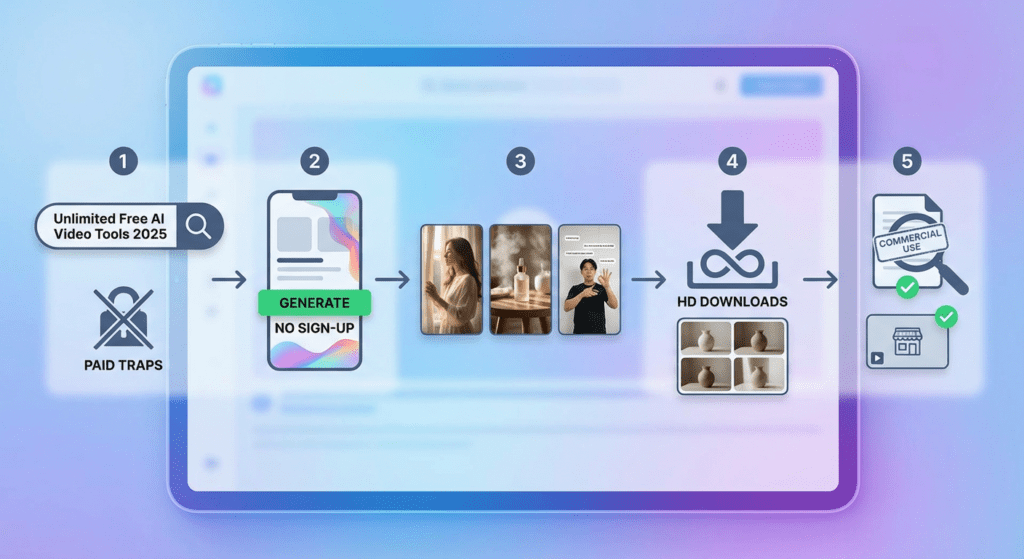
When I search, I add words that hint at honesty: “no sign up,” “open-source,” “community,” “research demo.” These often lead to tools that are more interested in experimentation than hard selling.
I ignore results that immediately push pricing before showing a single example video. If they don’t lead with visuals, they rarely respect visuals.
No-sign-up tools are my favorite playgrounds. They let me:
Names like Vider or Funy might show up or similar tools with playful branding. I test them not by reading the homepage, but by generating one simple scene and watching how the light behaves.
When I write prompts, I keep them emotionally specific but technically simple. Here are three you can copy into almost any free AI video generator:
Watch for: eye focus, background breathing, and how stable the edges of objects feel frame to frame.
Once you find a tool that lets you download without immediate paywalls:
I watch all clips back-to-back. When one has the most emotionally coherent motion and gentlest light, that’s the one I keep. The others become my visual sketchbook.
Even though the hopeful phrase “no restrictions”, not every tool allows fully free commercial use.
Before I attach a brand logo, sponsor message, or paid product:
Some tools are truly generous: others are generous only until money enters the conversation. Staying mindful here protects both your art and your income. Understanding AI video copyright and commercial usage rights is essential for creators.
These prompts are built for creators who care about mood and texture more than technical details. You can paste them directly into most “no restriction” style tools.
“A slow cinematic product demo of a wireless earbud on a dark wooden table, a single soft warm spotlight from the side, gentle reflections, slow rotating camera movement, shallow depth of field, background in deep soft blur, subtle particles of dust in the air, smooth motion, no jitter, realistic texture, elegant and minimalist atmosphere.”
You can trim or loop the output in your editor to make it feel “unlimited” in length, intro, middle, and end using the same visual mood.
“A playful vertical video of a young creator dancing in a cozy bedroom, soft afternoon light from the window, pastel color palette, smooth camera shake like a handheld phone, subtle hair movement, stable facial features, no background flicker, warm and friendly vibe, ready for TikTok or Reels.”
After generating, check the downloaded file carefully for hidden watermarks or end cards before posting.
“A friendly teacher standing in front of a clean pastel background, soft studio lighting, gentle camera push-in, floating animated icons around them that explain a simple concept, smooth transitions, readable on-screen text, calm color palette, steady motion with no glitches, clear facial expressions.”
Tools vary in how they treat on-screen text: if the letters feel fuzzy or unstable, I usually replace them later in an editor and keep the video as a soft visual base.
I notice a pattern: the tool feels generous at first, then starts whispering “upgrade” right when your ideas get bigger.
Watch for:
When that happens, I shift my mindset: use the free tier for visual exploration, and plan to finish timing, pacing, and structure in your own editor.
Some tools wait until download to add a watermark, often large and centered.
My routine now is simple:
A watermark isn’t always bad, but for emotionally immersive scenes, it can feel like someone is speaking over your character.
Free “unlimited” tools often pay for that freedom with time. Long queues can break your creative rhythm.
What helps me:
Your creativity stays moving, even if the progress bars move slowly.
Underneath all the marketing language, I notice a deeper trend in 2025: these tools are starting to respect emotion more.
Faces hold their shape a little better. Eyes hesitate less. Backgrounds breathe in a way that feels closer to reality, not as nervous or pulsing as last year.
To make them truly work for you:
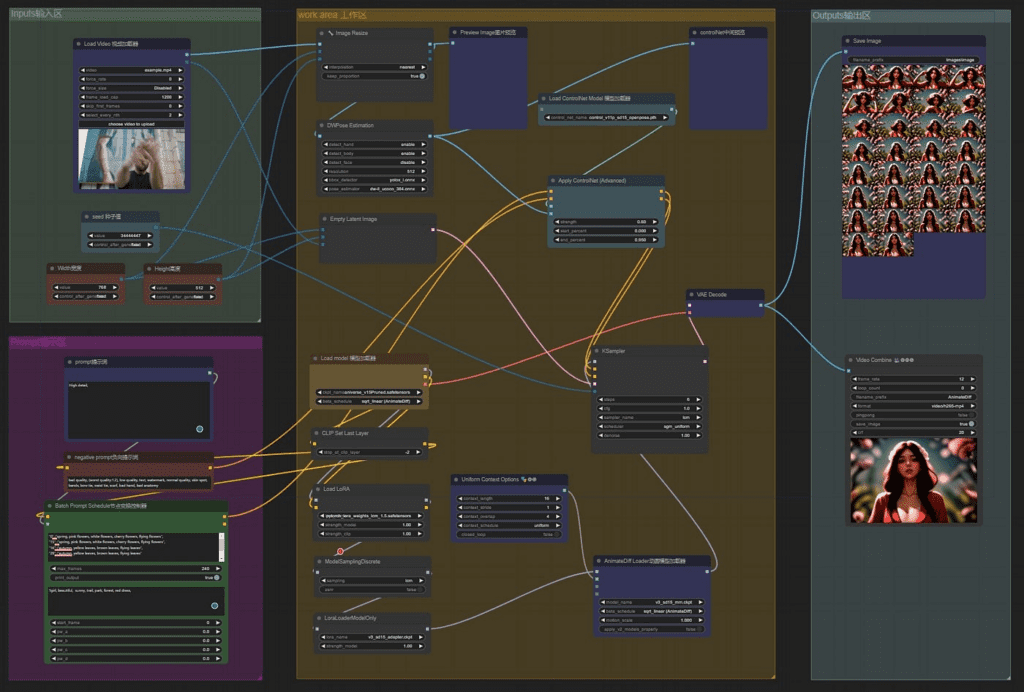
For more advanced control, learning ComfyUI workflows can help you integrate these models into professional pipelines. Many creators are now using ComfyUI with open-source video models like HunyuanVideo and LTX-Video for greater flexibility.
When you treat a “free AI video generator no restrictions” as a collaborator rather than a full solution, its limitations start to feel like creative boundaries instead of blocks.