Let's Shape The Future Of Your Investments!
Natoque iaculis cursus augue urna commodo aptent morbi tortor porttitor quis ornare.



When people ask me how to make a TikTok video, I start with feeling, then move to flow. TikTok is quick by nature, but the videos that linger have a soft coherence: light that feels kind, color that doesn’t shout, motion that breathes. AI can help you move faster without losing that tenderness. In this guide, I’ll share how I build TikTok content using AI, through atmosphere, emotional structure, and simple tools that keep the visuals warm and steady.

TikTok’s algorithm doesn’t mind AI. It loves watch time, clear storytelling, and visuals that feel stable on a small screen. If AI helps you create consistent, emotionally readable scenes, it helps you get seen. What matters is whether the frame invites a viewer to stay.
I’ve noticed that AI-assisted videos that open with a soft but confident hook—clear eyes, even lighting, a background that doesn’t flicker—tend to land better. The platform rewards coherence. If the identity stays stable, the color palette is consistent, and the motion doesn’t stutter, the algorithm feels more trusting. The moment the eyes hesitate or the background starts “breathing” in a way that doesn’t feel natural, retention drops significantly.
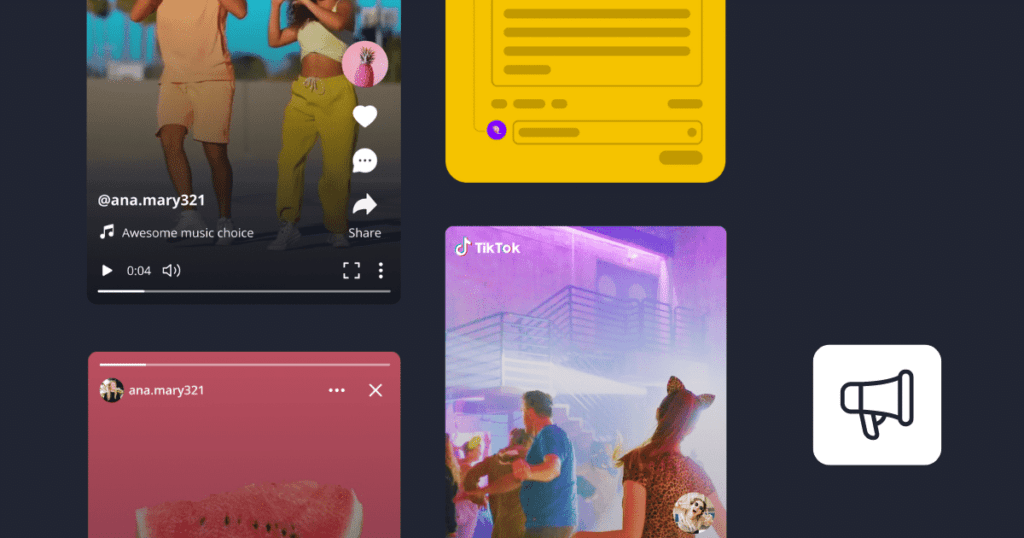
These formats work because they respect attention. They offer small surprises if you are patient, but they don’t shout. They breathe.
When I’m moving quickly, CapCut’s AI feels like a gentle assistant. The auto-cut and beat sync keep pacing tidy without rushing the emotion. Skin smoothing can be soft and respectful if you dial it back—so texture stays alive. Push too far and the face looks protected, almost plastic. I prefer their warm filmic filters with low intensity; light feels gentle but slightly unsure in a beautiful way, which reads well on phones. Auto-captions are clean, and the subtler styles let the words sit quietly without stealing the frame.
What I lean on most: one-tap background noise reduction (so your voice feels present), scene templates that don’t over-style, and reframing that centers the eyes. I skip anything that makes motion jitter or edges shimmer. If the hairline flickers, the moment loses trust.
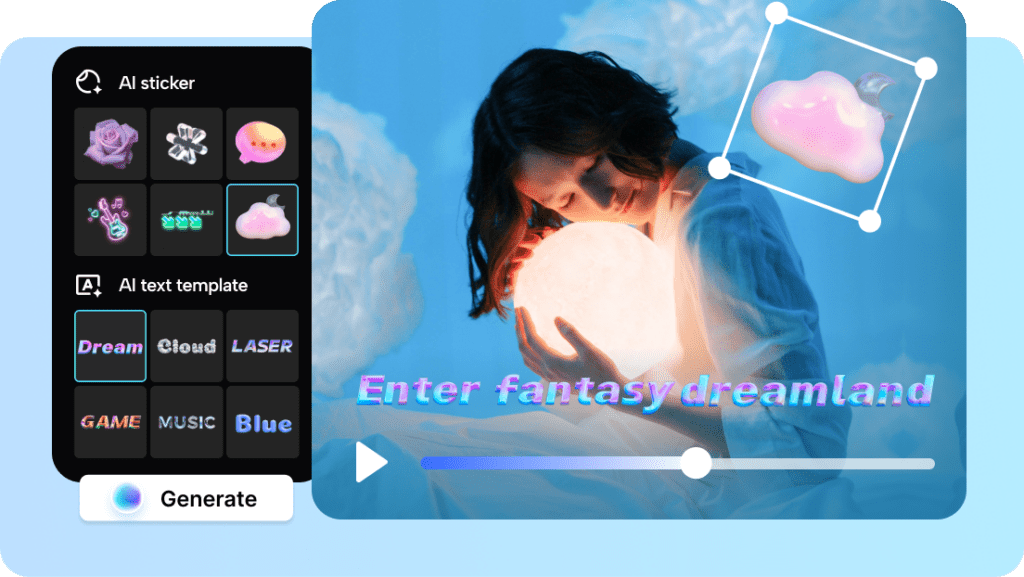
Runway’s video tools can sketch short stories quickly. Its strengths show when you want mood, gentle tracking, painterly color, and a calm cadence. It struggles a little with fast motion: when I push it, the background becomes shy and edges get unstable. For TikTok, short, intentional shots work best—a slow pan across morning light, a close-up of hands writing, a calm portrait with consistent skin tone. Keep shots 2–4 seconds and cut on emotional beats, not just music hits.

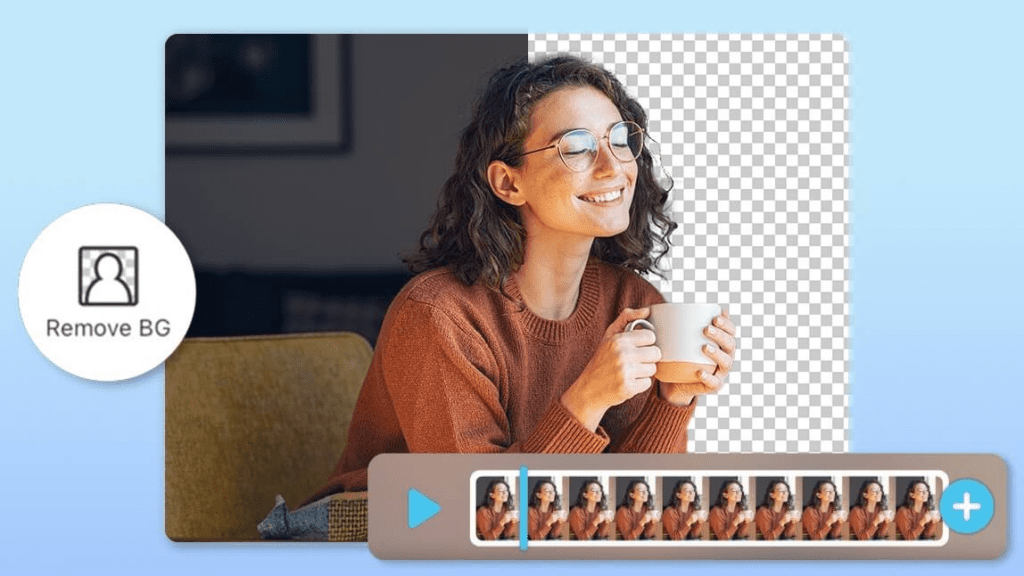
Clean extra visual noise without erasing life. Background removal helps when your room is cluttered but your message needs space. Choose a background that breathes—soft texture, simple color, nothing buzzes. If the subject’s edges pulse, reduce motion or pick a wider frame. The goal is quiet coherence, not perfection.
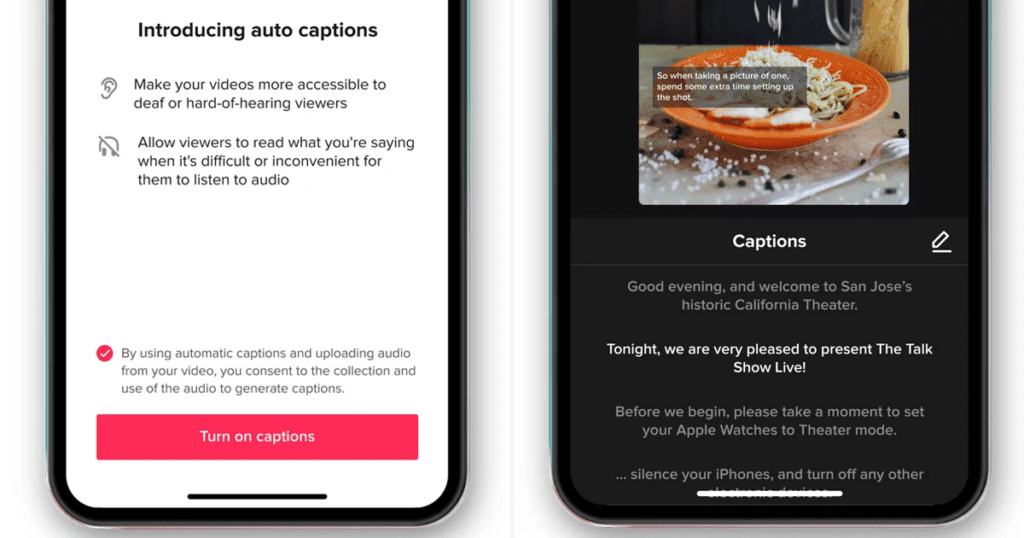
Captions keep viewers anchored when sound is off. Research shows that most consumers watch videos without sound in public spaces, which makes captions essential for retention. I prefer subtle fonts with gentle contrast—white text with a soft shadow, or pale yellow for warmth. Avoid loud blocks of color: they flatten the image. Time the words to land on key emotions. When the eyes shift or a smile appears, let a line pop up. It creates a small emotional pause that feels human.
Your first second is a handshake. I favor hooks that show honest texture: a close portrait in soft window light, a hand adjusting a cup, a quiet glance. Pair it with a simple voice line that starts mid-thought: “Here’s the mistake I kept making…” or “Watch what happens to the color here.” The image should feel steady and emotionally specific. If the eyes hesitate for a moment, pause and reshoot: identity stability is everything.
Use AI trend tools for timing, but keep your visual language yours. If the audio is energetic, let your motion be firm but not frantic. If it’s calm, slow your cuts and lean into warmer tones. I often soften saturation by 10–15% to keep the scene tender even over popular sounds. The point isn’t to chase: it’s to harmonize.
For teaching, I script with short, human steps. AI can draft outlines, but I rewrite so the voice feels lived-in. Pair a stable mid-shot of your face with gentle cutaways—notes, screens, textures—kept color-consistent. Auto-captions and clean backgrounds reduce friction. Keep each tip one breath long. Let light carry the feeling: warm for encouragement, cooler for clarity.
When you’re figuring out how to make a TikTok video that educates, remember that educational content under 60 seconds performs exceptionally well on the platform.
Comedy needs timing and identity that doesn’t wobble. If you’re swapping roles, keep lighting consistent so the characters feel related but distinct—maybe a warmer key for one, a cooler rim for another. AI can help with quick background swaps or costume variations, but avoid fast head turns: hair jitter reveals the trick. Short, confident beats win over forced effects.
I start with a quiet scan—what colors, moods, and topics are pulling people in this week? Trend tools can surface patterns, but I translate them into feelings: are viewers leaning toward cozy routines or crisp motivation? From there, I sketch a three-shot story: opening mood, proof moment, gentle landing. I keep a prompt list built around soft light, consistent identity, and subtle emotion so the visuals repeat a signature.
Prompts I return to:
I feed a short description into a hashtag tool, but I edit by feel. A mix of broader tags and intimate, niche phrases works best. If a tag feels loud or off-tone, I let it go. Aim for relevance over reach: viewers can sense when the framing is honest.
Posting time matters, but not more than mood. According to social media research, TikTok engagement typically peaks on weekday evenings, though I’ve found this varies by niche. I check suggested windows, then post when my video’s feeling is fresh for me. If I’m calm and clear, the caption reads better. Consistency matters more than the perfect minute—create a rhythm your audience can trust.

I watch for quiet signals: average watch time, replays, saves, and comments that mention how it felt. If the first two seconds drop, I revisit the opening light and eye contact. If mid-video dips, I shorten a beat or add a small visual surprise—a cutaway with texture, a closer frame, a gentle camera drift. Metrics are guides, not judges. They show where the emotion loosened.
The platform’s native analytics dashboard provides detailed creator insights that help you understand these patterns over time.
When a video works, I scale it softly. Turn the same idea into:
Use AI to resize, reframe, and caption variations, but keep the color temperature and contrast consistent so your identity stays stable across posts. Repetition is welcome if the feeling is true.
Final thought: Learning how to make a TikTok video isn’t about chasing tricks—it’s about protecting the mood. Light as emotion, motion as inner rhythm, color as temperature, texture as authenticity. When these align, even the shortest clip feels like a complete breath. And the algorithm, quietly, agrees.
For deeper exploration of AI-powered visual storytelling, Adobe’s creative community offers valuable perspectives on maintaining artistic integrity while using automation tools.