Let's Shape The Future Of Your Investments!
Natoque iaculis cursus augue urna commodo aptent morbi tortor porttitor quis ornare.



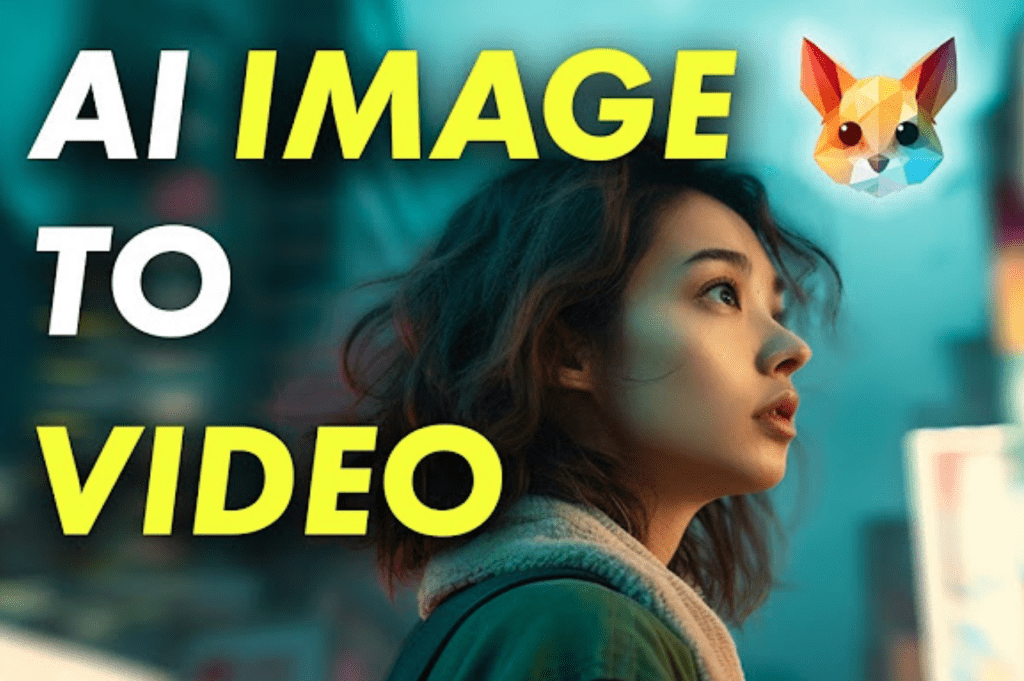
Picture-to-video AI has become a quiet creative companion for visual storytellers. I’ve watched single photographs learn to breathe and hold emotion—motion that feels intentional rather than mechanical. This technology helps when you need movement with purpose, when a still frame deserves its moment. In this guide, I’ll share how picture to video AI actually performs in practice, which tools deliver emotionally coherent results, and how to maintain visual authenticity throughout your animations.
The emotional gap between static images and video has narrowed dramatically. For creators working on social media content, product showcases, or personal memory projects, this shift opens new creative possibilities without requiring traditional video production resources or budgets.
On platforms like TikTok, Instagram Reels, and YouTube Shorts, the first three seconds determine whether viewers stay or scroll. Picture-to-video AI transforms a carefully composed photograph into an attention-holding opener—a subtle zoom toward the eyes, a gentle parallax effect, or a slow drift that reveals context.
When I test portrait animations, I’ve found that motion directed toward the emotional center of the frame works best. A gradual push-in that lands on someone’s gaze creates connection. The technical approach matters less than the emotional pacing: soft light, consistent color temperature, and restrained movement preserve the mood rather than announcing the technique. For color consistency across your animations, tools like Adobe Color help maintain harmony throughout your sequences.
For brand work and promotional material, I prioritize visual steadiness. A product photograph can become a six-to-twelve-second showcase with careful motion planning. One creator turned a premium mascara image into an eight-second motion clip with soft dolly-in movement, subtle lighting flare, and a final hold on the logo—completed in under five minutes.
Family photographs require particularly gentle handling. I approach these projects with slower motion, minimal effects, and music that doesn’t rush the emotional moment. When eyes remain steady and skin textures feel authentic rather than artificially smoothed, the animation honors the memory instead of distracting from it.
The color palette becomes the emotional language here—warmer tones for closeness and connection, slightly desaturated hues for reflection and nostalgia. When testing source images for memory projects, I often browse Unsplash to understand how different lighting conditions and compositions translate into motion.

Understanding the underlying process helps you work with these tools more effectively. The systems analyze your source image to identify objects, faces, and spatial relationships, then use latent diffusion transformers—neural networks trained to reverse pixelation—to predict how elements might naturally move in three-dimensional space.
When the technology works well, lighting remains believable across frames, edges stay stable without warping, and the image appears to breathe as though it always contained that latent motion. When it struggles, you’ll notice overly smooth skin textures, eyes that shift slightly off-axis, or backgrounds that pulse unnaturally.
The system generates intermediate frames between the static starting point and the intended end state. Simple camera moves like push-ins, pull-outs, gentle tilts, or parallax effects tend to produce the most natural results. According to research from MIT Technology Review, diffusion models process entire video sequences at once rather than frame-by-frame, which results in photorealistic clips but requires significant processing time.
Complex or rapid motion can cause hair to jitter, fabric patterns to warp, or architectural elements to bend inappropriately. I’ve learned to think of the process as directing a sensitive performer: give one clear direction, maintain one emotional intention, and allow one consistent rhythm throughout the clip.
Runway consistently delivers clean, contemporary animations with well-controlled lighting. The picture-to-video results typically honor the original composition with elegant camera moves and stable character identity.
Skin textures usually appear refined without crossing into the uncanny territory of overly processed smoothness, provided your source photograph has good natural quality. There can be occasional edge instability on fine hair in strong backlighting situations, but keeping to soft, diffused natural light generally produces solid results.
Runway’s color handling leans neutral and balanced—it won’t oversaturate your palette unless specifically directed. For creators who value tasteful motion and relatively quick processing times, it functions as a reliable collaborator.

Pika Labs brings a more playful approach while still achieving moments of genuine grace. It excels at expressive motion when you keep animation requests straightforward—a cover image that drifts gradually, a scene that tilts to reveal surrounding context, or a fashion photograph that develops a subtle sway.
The tool can become hesitant with rapid motion, showing edge instability or background pulsing, but slower, more measured movements typically yield charming and emotionally clear results. The interface encourages experimentation through variations, and with patience, it often delivers small surprises that feel personal rather than formulaic.
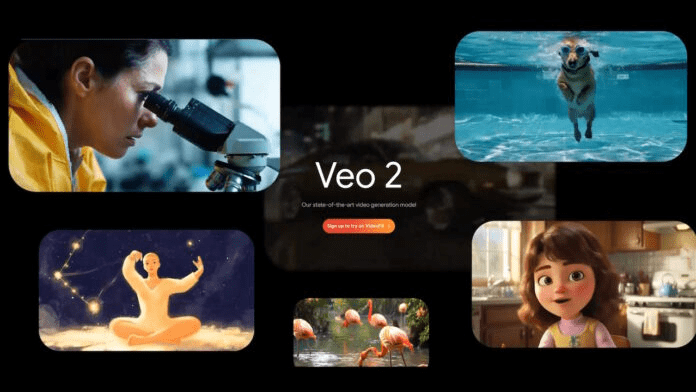
Google introduced photo-to-video capability powered by Veo 3 in November 2024. The tool integrates directly into the Gemini interface—you select ‘Videos’ from the tool menu, upload a photo, describe the desired scene and audio, and watch the still image transform. This approach particularly suits creators who want audio-synchronized results without switching between multiple applications.
The system includes both visible watermarks and invisible SynthID digital watermarks for transparency, addressing concerns about AI-generated content authenticity.
Stable Video Diffusion appeals to creators who prefer more granular control over the animation process. With a high-quality source image and carefully planned motion parameters, you can achieve cinematic restraint—soft contrast, stable identity preservation, and delicate camera movement.
The system performs best when given simple, clear direction and kind lighting conditions. It demonstrates genuine effort but can lack emotional nuance when pushed toward aggressive motion or scenes with multiple active subjects. I’ve noticed a tendency toward plastic-looking textures in dim lighting—the model seems to lose confidence in darker scenes.
This tool works well for mood pieces, product beauty shots, and quiet portraits rather than chaotic movement.

Begin with the cleanest source possible. A well-lit photo at native resolution preserves pores, fabric weave, and the gentle falloff of light. Avoid heavy filters that crush contrast or over-smooth skin: the texture feels overly protected and breaks the spell once it moves. If you must upscale, do it before animation, and keep sharpening delicate—just enough to hold edges without haloing.
Practical checkpoints:
One intentional move per clip. A slow push toward the emotional center of the image—usually eyes or the core detail—reads best. For products, a gentle arc or parallax adds depth. Avoid sudden speed ramps unless they serve a beat in the music.
If you see background stretching or lines bending, reduce the move, shorten duration, or slightly crop to protect the edges. Motion should feel like an inner rhythm, not a trick.
I often script motion like directing a glance:
Sound anchors the emotion. Choose music that matches the motion’s pace: a gentle track invites slower moves and longer holds. Align the start of the push-in with a downbeat or a subtle chord change, then land your final hold before the phrase resolves.
Add restrained foley if it fits—a soft page turn, a fabric brush, a distant room tone. Keep levels modest: if audio gets loud, the picture can feel like it’s rushing to catch up.
A travel creator turned a single café photo into a 7-second mood piece: warm white balance, a slow drift toward the cup, steam added in post, and a quiet street ambience. The light felt gentle but slightly uncertain—just enough to feel human rather than manufactured.
A jewelry brand animated macro stills with careful parallax and soft specular highlights. The background stayed calm, the texture felt authentic rather than plastic. Sales posts looked like small cinema moments rather than typical product ads.
A family memory reel used picture-to-video AI to move through three portraits, each with a subtle push-in and tender crossfade. The eyes stayed steady, the color felt warm and forgiving. It didn’t try to be more than it was, and that honesty carried the emotion.
Picture-to-video AI isn’t about spectacle for me. It’s about guiding a still frame to breathe—light as emotion, motion as inner rhythm, color as temperature, and texture as truth. When you respect those principles, even a quiet image can hold the screen with grace.