Let's Shape The Future Of Your Investments!
Natoque iaculis cursus augue urna commodo aptent morbi tortor porttitor quis ornare.

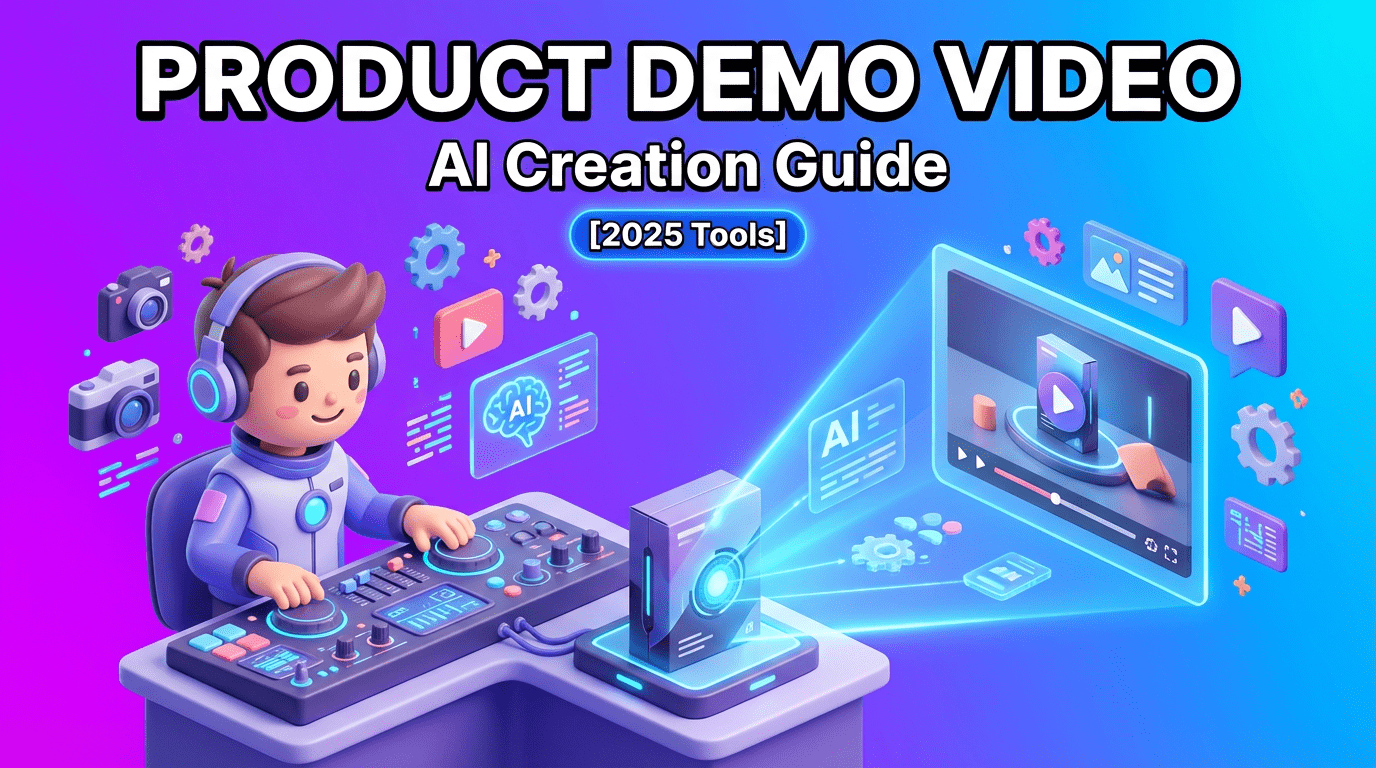
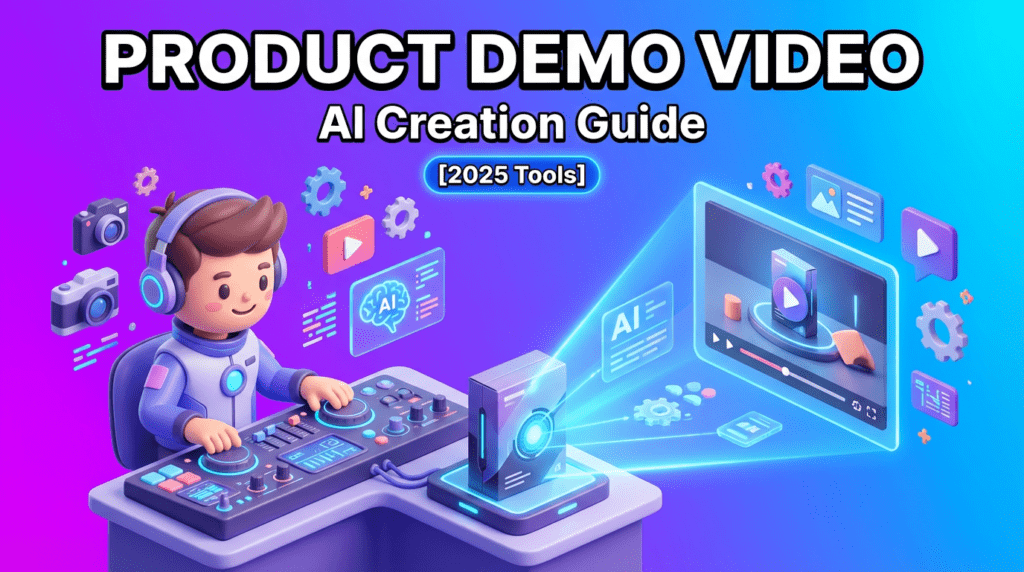
A good product demo video doesn’t shout. It breathes. In 2025, attention is brief, but emotion still guides decisions. When I watch a product demo video that works, the light is gentle, the motion is steady, and the story makes me feel safe enough to understand. The colors hold together. The texture feels real, not plastic. And above all, the demonstration respects my time.
If you’re building your first product demo video, or refining your process with AI, I’ll share how I approach demos through an emotionally grounded, visually coherent lens. I’ll keep the language simple, the steps focused, and the goal clear: make a product demo video that converts because it feels human, confident, and beautifully clear.
A strong product demo video is your hand extended to a curious viewer. It lets them feel the product working without pressure. In 2025, creators and brands are winning when their demos look natural, pace calmly, and show benefits with softness and precision. The right demo doesn’t just inform: it reassures.
I’ve seen, again and again, that when a demo clarifies a single path, one task, one outcome, people say yes more easily. It’s not the flashy transitions: it’s the emotional coherence. Steady screen motion, gentle color, and clean callouts help viewers trust what they’re seeing. The light feels gentle but slightly sure of itself, and that quiet confidence turns into conversions. Data consistently supports that video content can significantly Increase Conversion Rates by helping users visualize the value proposition immediately.
Practical ways this plays out:
Education happens when sight and feeling align. A good product demo video teaches by pairing simple steps with steady visuals. When the cursor drifts elegantly, when the camera holds still at the moment of truth, when colors stay consistent, the audience feels oriented. The eyes don’t hesitate. The background isn’t breathing in a way that distracts. Everything points toward Educating Customers Through Clear Visual Explanation, reducing cognitive load so the user can focus purely on the solution.
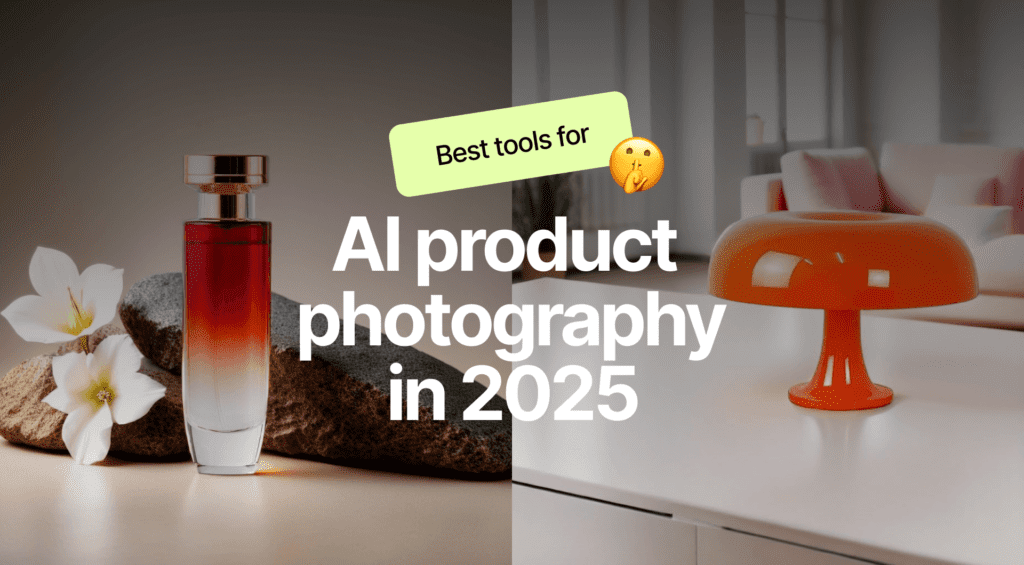
AI isn’t here to make demos colder. Used gently, it keeps your visuals calmer and your process lighter. I lean on AI to capture clean screen journeys, generate synthetic scenes when reality is hard to film, and maintain visual steadiness that feels intentional.
Automation can guide you through repeatable workflows while keeping motion consistent. The goal is to show a complete action without visual noise, no frantic cursor swings, no jittery pans.
When I test automated capture tools, I look for motion that feels steady and emotionally paced. A smooth, quiet cursor. Subtle zooms that help, not perform. If the tool rushes, I slow it down. If the highlights blink too sharply, I soften them. The best automated captures feel like a polite hand leading you through a doorway.
Practical tip: rehearse the journey once with intention. Then let automation record a second pass, clean, exact, and easier to edit. Keep the background neutral so the product remains the emotional center.
Sometimes you need to show what’s impossible to film: an internal feature, a protected environment, or a product at a scale you don’t have in hand. Synthetic Demo Generation can do this, if they keep their texture believable and their colors emotionally aligned.
In 3D visualizations, the light is your truth-teller. I watch for edges that feel overly protected, surfaces that look waxy, and shadows that don’t relax. A warmer, tender color temperature with soft specular highlights helps the product feel touchable, not plastic. Rotate slowly. Let the product breathe in frame, with clean negative space.
Prompt idea: “A calm cinematic product spin in soft natural light, gentle contrast, refined texture, and consistent color palette.”
Feature animations should guide the eye without shouting. When I add AI-driven arrows or overlays, I prefer soft motion and rounded shapes. Quick bursts of color can feel anxious. A slow, patient reveal, one feature at a time, builds trust. If the animation tries too hard, it loses emotional subtlety. Keep it quiet, keep it clear.
Words carry tone: tone carries trust. In a product demo video, the script should feel like a hand on your shoulder: calm, precise, never rushing. AI can help you find that tone, translating features into benefits that matter to a real person on a real day.
I start with a simple path: the viewer’s problem, the smallest action, the honest result. Then I ask AI to rewrite for warmth and clarity, trimming anything that feels pushy. The script should breathe with the visuals: short phrases during complex actions, fuller sentences when the frame is still.
Instead of listing features, I invite AI to frame a feeling: “This saves you five minutes when you’re already tired,” or “This keeps your colors consistent so your brand feels steadier.” The art of Translating Features Into Customer Benefits lands when they sound like daily relief. Keep the language human.
Prompt idea: “Rewrite this demo script in a gentle, confident voice. Emphasize how the feature reduces friction in one sentence per step. Avoid hype. Keep sentences under 14 words during on-screen actions.”
Voice is color. If it’s too bright, it can feel harsh: too cool, and it feels distant. You want a narrator who sounds steady and kind, matching the visual rhythm.
I listen for breath that feels natural and a pace that respects the image. Some voices sound bold and expressive: others are shy in darker scenes. Choose a tone aligned with your product’s emotional temperature: warmer for lifestyle tools, slightly cooler for analytical products, always clear.
Consistency is trust. Use the same vocal tone, the same pacing rules, and similar background ambience from video to video. A quiet bed of sound, soft and clean, can keep the frame emotionally stable. Maintaining Brand Voice Consistency implies documenting a few lines that define your brand’s voice so future demos stay coherent.
Polish doesn’t mean gloss. For a product demo video, polish should feel invisible, like a window cleaned just enough for the view to feel true. AI tools can help, but I use them with restraint, keeping texture alive.
On-screen graphics work best when they’re gentle. A small arrow that arrives without drama. A label that fades in like a breath.
Automated callouts are helpful when they respect rhythm. I prefer soft corners, low-contrast backgrounds, and micro-animations that settle quickly. If the highlight pulses, it should pulse once, twice at most. Anything more and the background starts breathing in a way that doesn’t feel natural.
Practical tip: limit on-screen elements to one idea at a time. Layering labels creates tension: the eye hesitates for a moment, and comprehension drops.
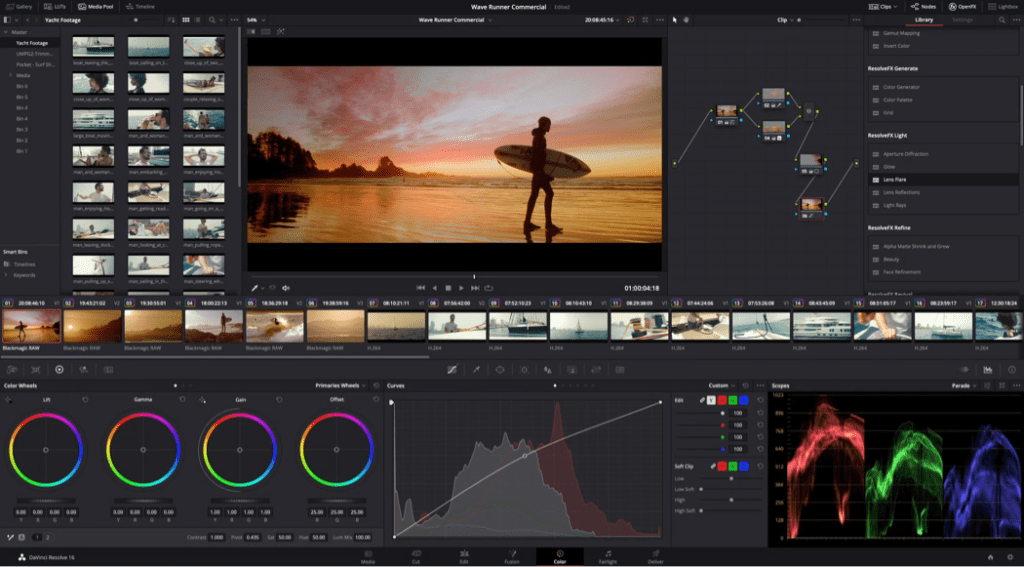
Post tools are there to unify the frame: bring colors into the same family, ease audio harshness, and strengthen identity consistency.
Color sets emotional temperature. I nudge demos toward soft natural light with gentle contrast. Skin tones (if present) should feel alive and uncorrected, never waxy. Interface colors need neutrality so they don’t compete with callouts. If a tool offers a “cinematic” look, I reduce intensity by half. The aim is steadiness, not style for its own sake.
Prompt idea: “Apply soft, warm correction with tender highlight roll-off. Preserve texture. Avoid strong teal/orange separation.”
Clean sound feels like clean light. I remove harsh sibilance and soften room noise without flattening the voice. If the tool brightens the voice too much, it can feel brittle. Keep a natural low end, and let breaths remain where they support human presence. Silence is also part of the rhythm, don’t erase every small pause.
A product demo video deserves to be seen where it feels at home. Each platform has its own pace and emotional space, so I shape the same demo to fit without losing its calm center.
I also keep subtitles clean and brand-aligned. They help comprehension and add a quiet layer of accessibility.
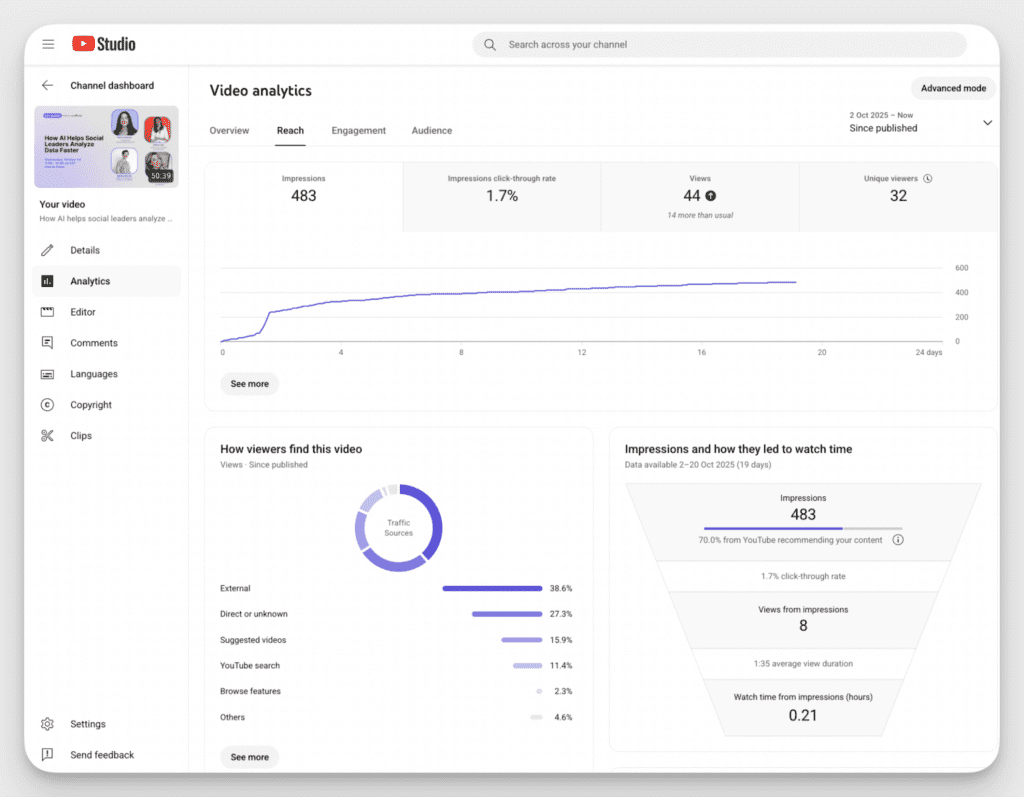
I don’t chase every metric. I watch for emotional drop-off points, moments where people pause or leave. Often, that’s where the eyes hesitated or the motion rushed. Tracking Video Performance with AI can suggest these points, but I always rewatch with empathy. If a section struggles, I soften the pacing, clarify the frame, or simplify the script.
Small iteration, steady consistency, that’s how a demo earns trust over time.