Let's Shape The Future Of Your Investments!
Natoque iaculis cursus augue urna commodo aptent morbi tortor porttitor quis ornare.

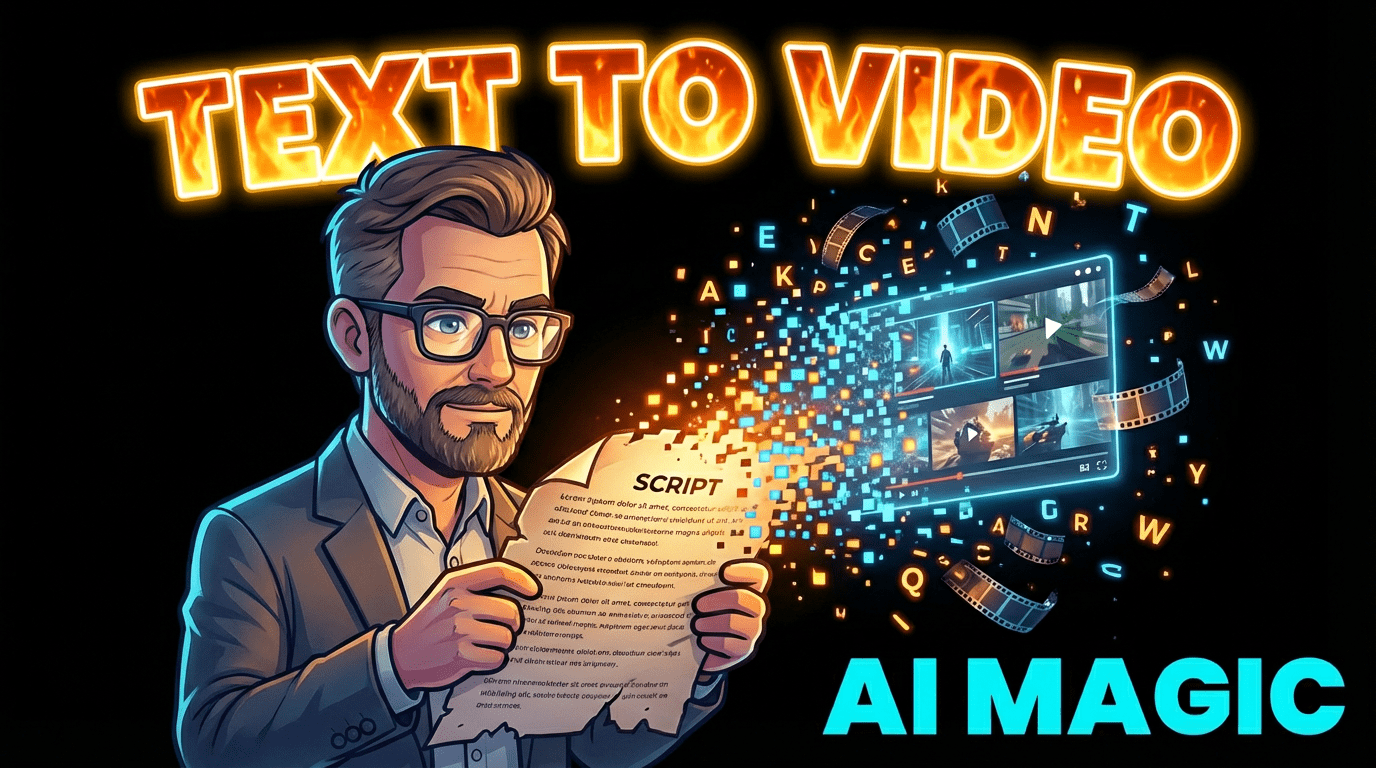
When I think about a truly professional video, I don’t just see sharp footage and smooth edits. I feel a quiet intention behind every cut, every color, every breath between lines. Today, AI is stepping into that world—not to replace the video production professional, but to change how we shape time, light, and story.
If you’re a YouTuber, TikToker, or social storyteller who wants your work to look and feel more “professional,” AI can be a gentle ally. Used well, it can take care of the repetitive work so you can stay with the emotional heart of your video: the pacing of a confession, the warmth in a product shot, the way light falls on someone’s face.
In this guide, I’ll walk you through how AI is transforming professional video production, and how you can use text-to-video tools without losing your own aesthetic voice.
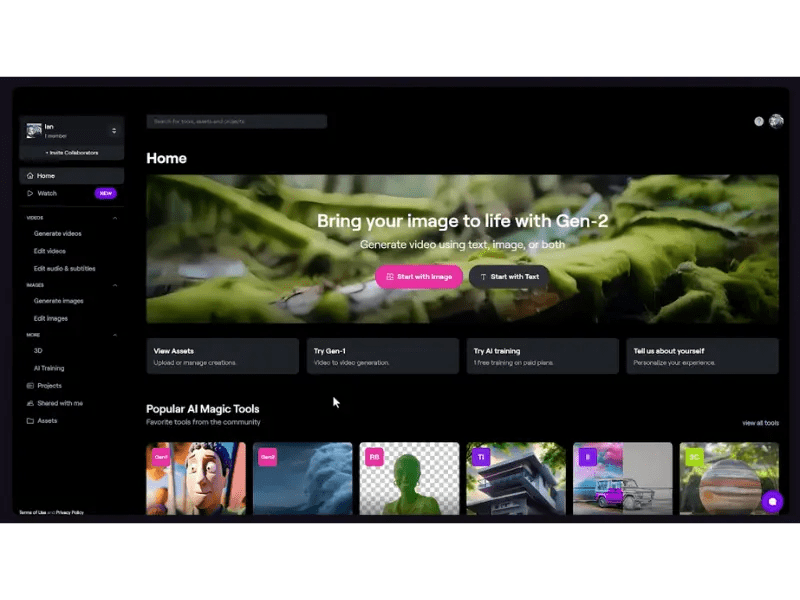
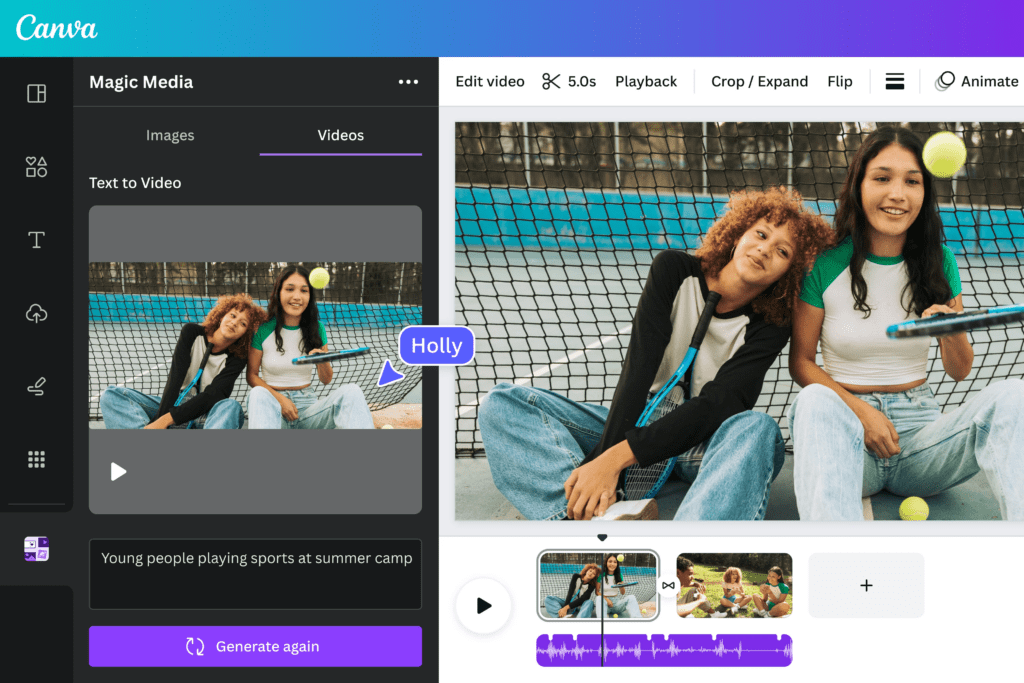
When I test text-to-video tools, the first thing I notice is how quickly an idea becomes something you can actually watch.
You write a short script or concept, and within minutes you have:
It’s not perfect, of course. The light sometimes feels a little unsure, the motion can hesitate in fast scenes. But instead of spending hours on blank timelines, you start from a living draft. That alone reshapes what it means to be a video production professional.
For creators, this means:
Every serious video creator I know eventually faces the same tension: you want your work to feel cinematic, but you don’t have a full crew, big budget, or endless time.
AI helps soften that tension. It:
But what truly matters is how you guide it. A video production professional isn’t defined by the tools they use, but by how they shape emotion, clarity, and consistency. AI can generate a scene, but you decide if the light feels honest, if the colors match your emotional temperature, and if the motion supports the story instead of distracting from it.
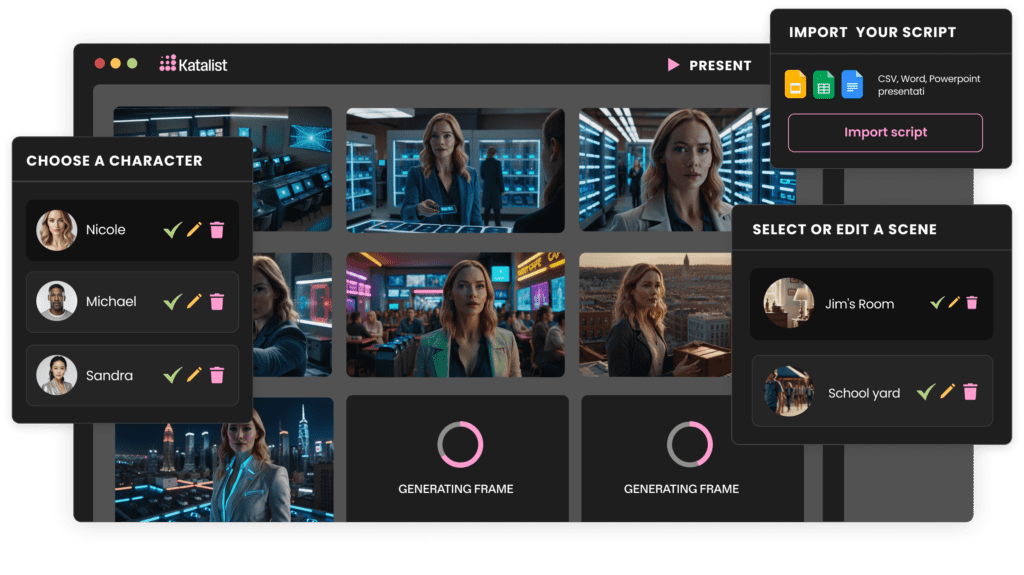
Before I ever open a text-to-video platform, I sit with the words.
You don’t need a polished screenplay, but you do need:
Write your script in short, scene-sized pieces. Each paragraph should feel like one visual moment. This makes it much easier for AI tools to understand how to divide your story into scenes that breathe.
Ask yourself:
A video production professional always thinks about the emotional distance between the viewer and the screen. TikTok needs quicker, bolder opening moments. YouTube allows more gentle build-up. A website hero video often needs clarity and calm rather than speed.
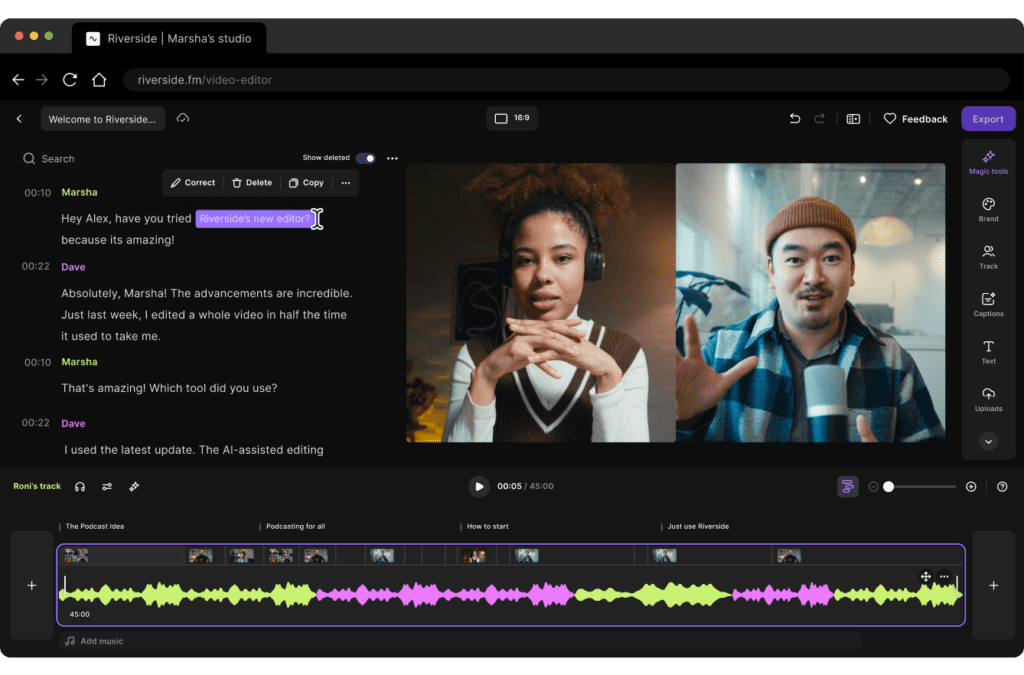
Different tools have different visual personalities.
Some create bold, colorful motion graphics that feel energetic and expressive. Others lean toward clean layouts with subtle movement and soft light. When you test them, notice:
Choose a platform whose natural “look” is already close to your taste. It’s like choosing a lens or camera profile—you want a base that feels right so you don’t fight it at every step.
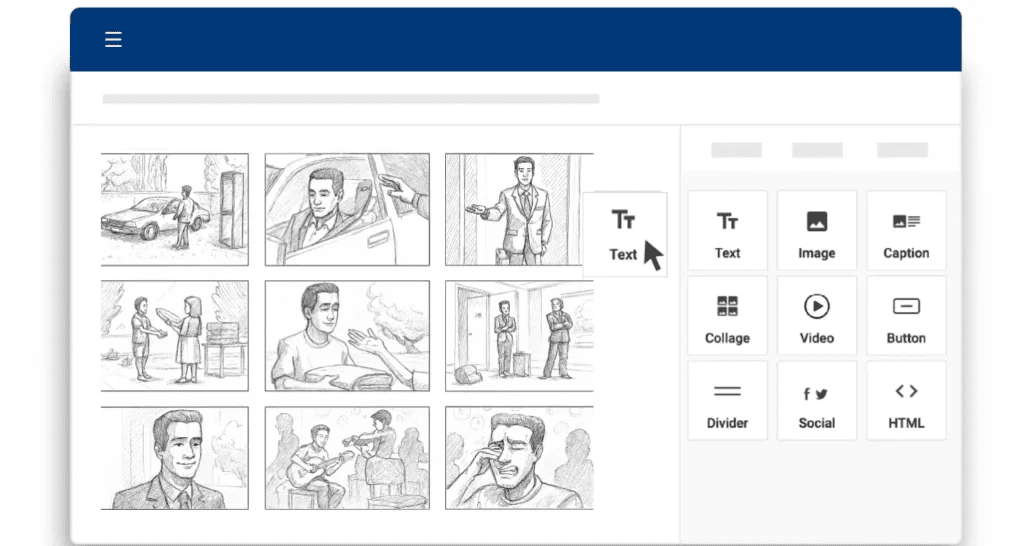
Start by breaking your script into short segments, each 1–2 sentences. I treat each block like a shot or mini-scene:
For example:
These blocks help the AI understand where to cut, transition, and change visuals.
Now you feed those blocks into your text-to-video tool.
Many platforms offer templates or styles. I look for options with:
As you preview the generated scenes, notice where the background feels like it’s “breathing” too much—flickering, shifting, or changing style without reason. When that happens, simplify: fewer visual elements, calmer transitions, more focus on the subject.
A professional video feels guided, not rushed.
When you add AI voiceover:
Subtitles should be clean and easy to read with gentle contrast, not screaming neon. I prefer simple sans-serif fonts, soft white or light beige on a subtle shadow.
Transitions should be almost invisible. A crossfade or simple cut usually feels more professional than big spins or flips. When transitions get too loud, the story disappears.
This is where you shape identity.
A video production professional uses branding like seasoning: just enough to hold the flavor together, never so much that it overwhelms the image.
Before exporting, watch your video once with sound and once in silence. In silence, you’ll notice if scenes feel too fast, if cuts are harsh, or if a moment needs more air.
Then tailor for each platform:
Export at the highest quality your platform and workflow can comfortably handle, while keeping upload and render times realistic for your schedule.
If you ever stare at a blank page, these tools can gently nudge you forward. They help you:
I use them as conversation partners, not final authorities. I always reshape the script so it sounds like me and feels emotionally honest.
These are your main engines for turning words into motion. Look for platforms that:
Even with AI, you’ll want a simple editor where you can:
A little warmth, a touch of contrast, and more consistent brightness can quietly lift your entire video.
Clean audio is a quiet form of professionalism. AI voiceover and enhancement tools can:
I always listen with my eyes closed once. If the sound alone feels calm and clear, the visuals will sit more comfortably on top.
You don’t need complex gear to think like a visual storyteller.
Ask in every scene:
Pacing is where professionalism quietly reveals itself.
A good rhythm lets the viewer breathe but never drift away. Watch your edits with this in mind:
AI can bring you to 70%. The last 30%—the subtle trims, the softened cuts, the small re-timings—that’s where you step in as a video production professional.
Each platform has its own emotional tempo. Learning those patterns helps your videos feel like they belong there instead of feeling awkward or out of place.
Short scenes keep attention, but more importantly, they keep emotions clear. One idea, one feeling, one moment per scene. When you feel a scene trying to do too much, split it.
Try not to jump between drastically different looks. Sudden changes in color palette, font, or layout create emotional noise. Your viewer should feel like they’re moving through one continuous thought.
AI will give you speed. You give it soul.
Review every video with gentle attention:
Adjust those moments. That’s the quiet work that turns AI-generated content into something that feels truly professional—and truly yours.
For those looking to deepen their understanding of video production principles that remain essential even in the AI era, Videomaker’s educational resources offer practical guidance on fundamentals like pacing and composition, while Frame.io’s workflow guides explore modern collaborative editing practices that complement AI-assisted production.
The tools will keep evolving, but your eye for emotion, your sense of rhythm, and your ability to recognize when something feels right—those skills define what it means to be a video production professional, with or without AI.