Let's Shape The Future Of Your Investments!
Natoque iaculis cursus augue urna commodo aptent morbi tortor porttitor quis ornare.

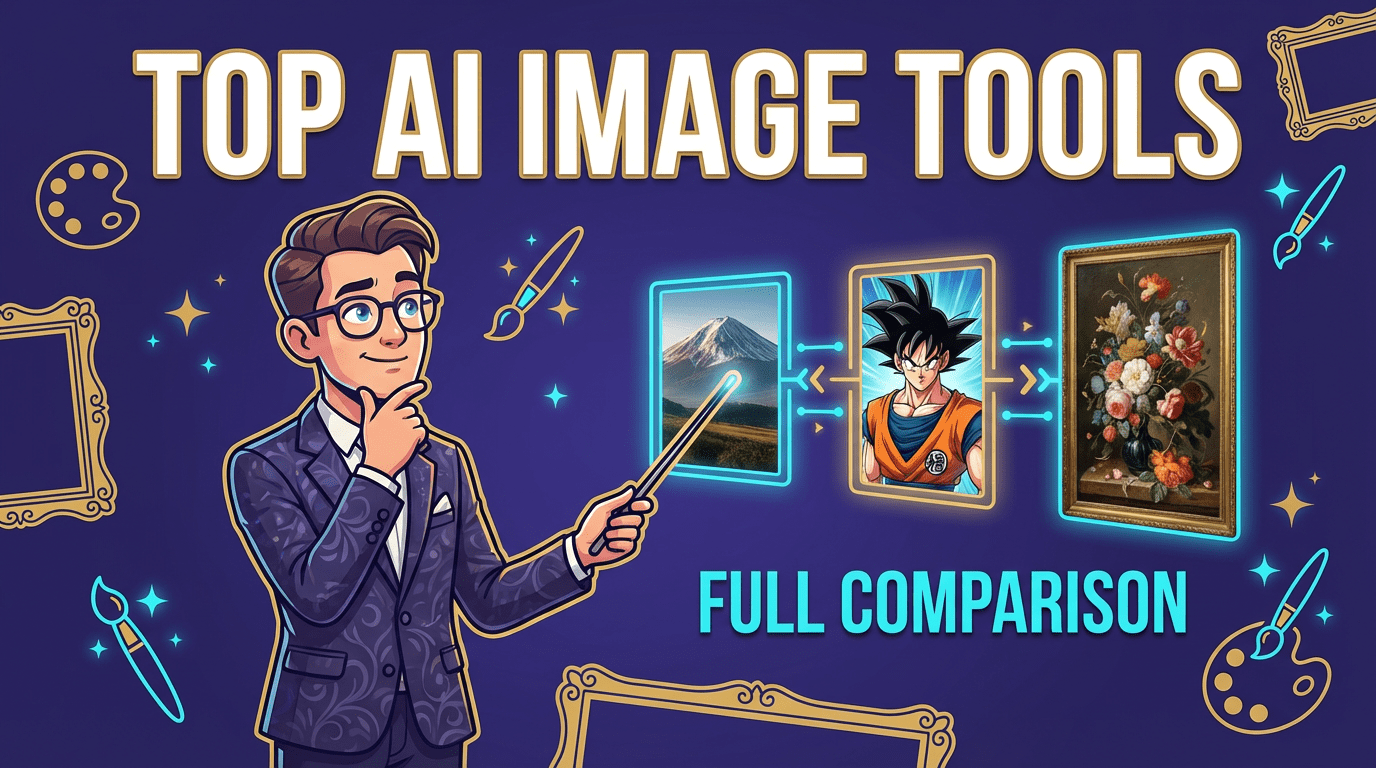
The first time I opened an AI image tool this year, a soft glow fell across a fictional window and caught on the edge of a ceramic cup. It wasn’t perfect, shadows wavered a little, but the mood felt honest. That’s my compass when I talk about the best AI image tools: not just technical capability, but the way light, texture, and emotion behave in the frame. In this guide, I’ll walk you through the best AI image tools I’ve used or closely studied through official galleries and community examples, how they feel visually, and how to choose them with confidence. My aim is simple: help you find the tool that supports your style without fighting your workflow.
What AI Image Tools Are and How They Work
A good AI image tool feels like a quiet collaborator. You describe an idea, sometimes with a sentence, sometimes with a sketch or a photo, and the model paints possibilities. Most rely on large image–text training and then translate your prompt into color, light, and form. I watch for the hand of the model: the way it rounds a cheekbone, softens a background, or leans into contrast. Some tools prefer cinematic shadows: others brighten skin until it turns slightly porcelain. None of that is hype, it’s simply how different models choose to see.
Why AI Image Generation Matters for Creators
When I storyboard, I want to feel the weather of a scene before anything is shot. AI image tools let you audition mood quickly, mist at dawn, glossy product reflections, grain that feels like 35mm. If you’re a designer, they can unlock variations without sapping your time. If you’re a marketer, they help you test messaging visually. The real value isn’t endless options: it’s finding a small, right-feeling option faster and refining it with gentle control.
Common Use Cases for AI Image Tools
I’ve seen these tools work beautifully for:
Each use case asks for different strengths: stable anatomy, clean typography, brand-safe color, or editability. Knowing which tool carries which visual personality is half the decision.
Best AI Image Generators for Beginners
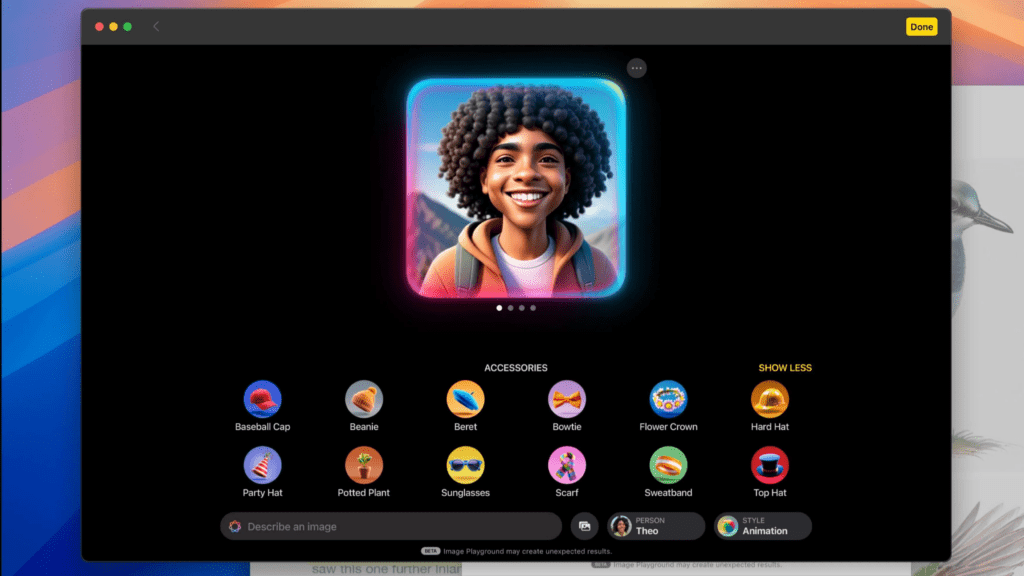
When someone’s new to AI imagery, I like tools that greet you gently, clear controls, predictable lighting, and easy edits.
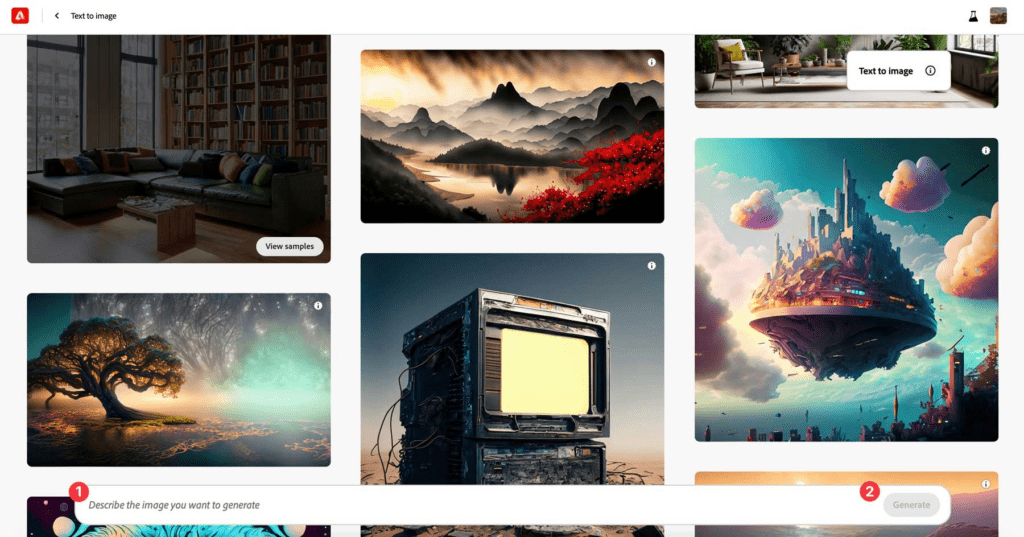
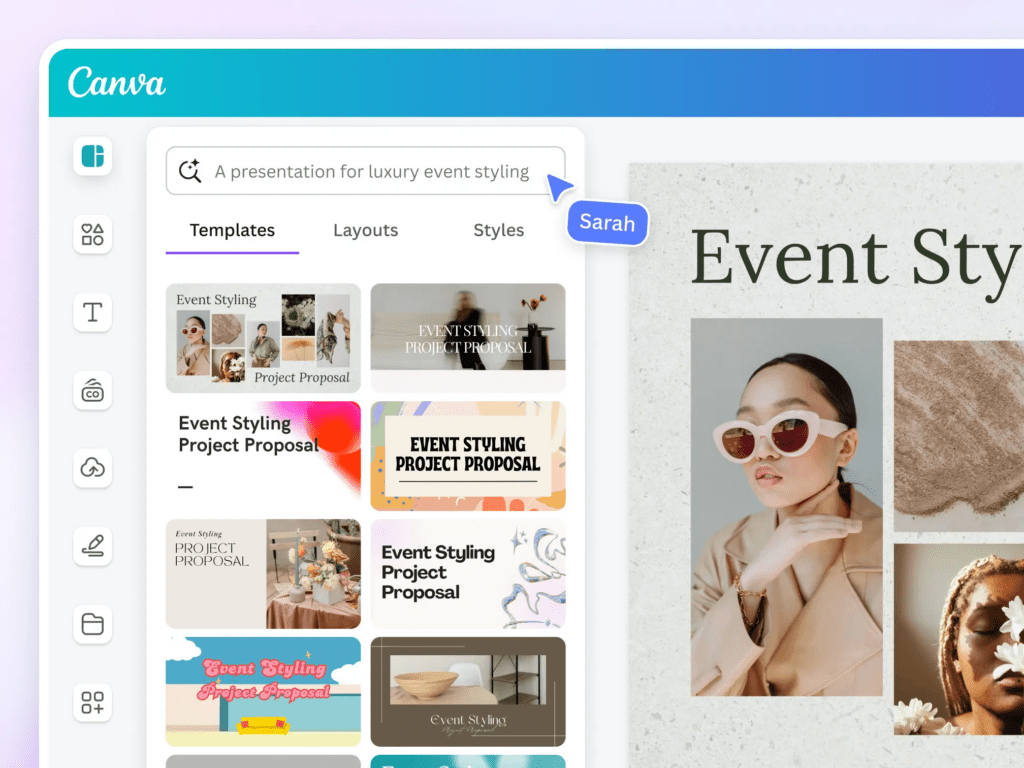
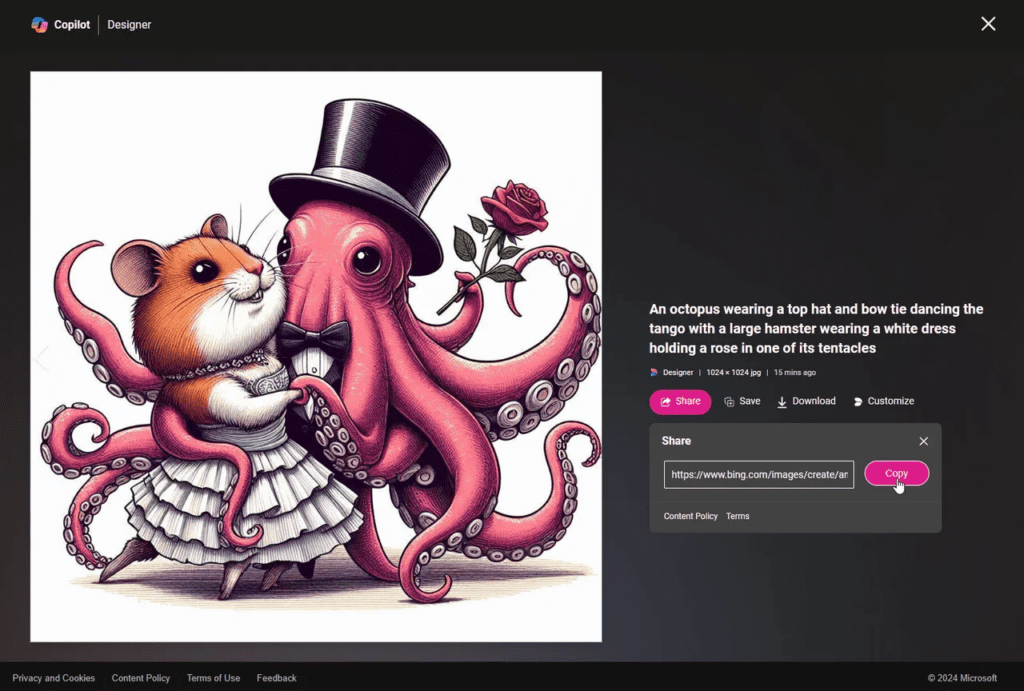
Field notes: These beginner tools prioritize stability over edge-case creativity. Typography is improving but not flawless. If your prompt asks for tiny letterforms in a busy scene, expect a few attempts.
Advanced Tools for Professionals
For deeper control or unique styles, I reach for the tools that let me steer the lens.
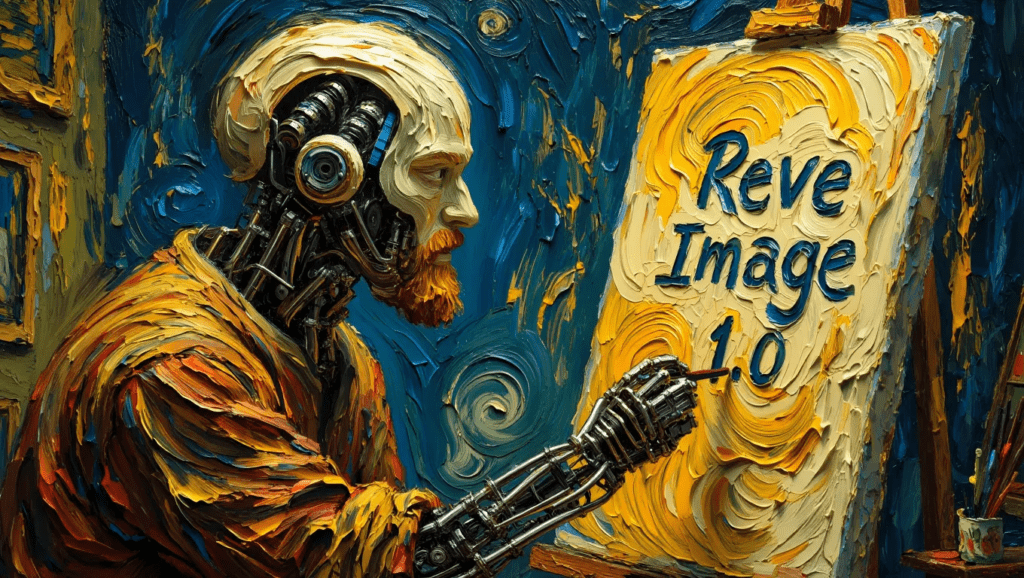
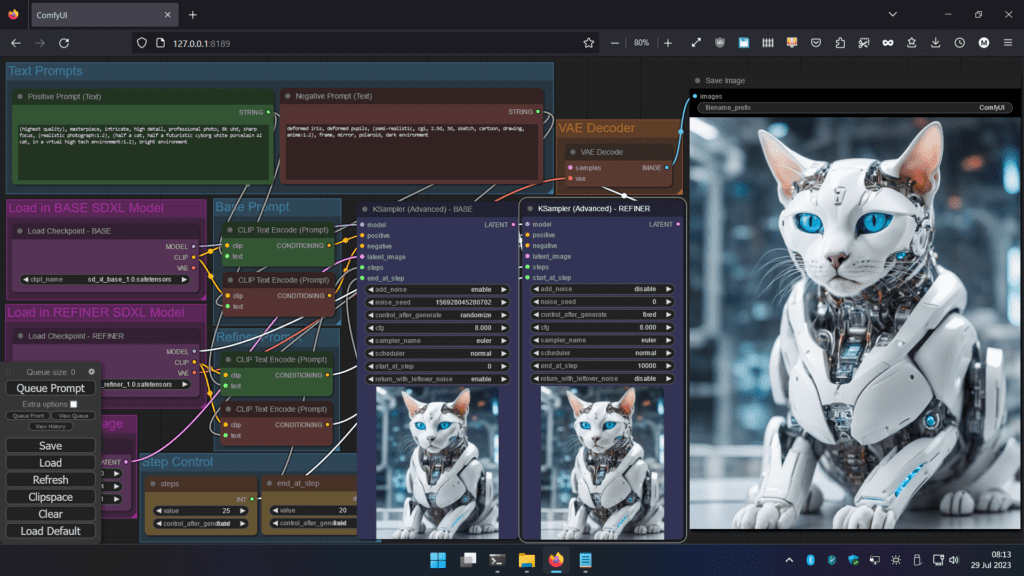
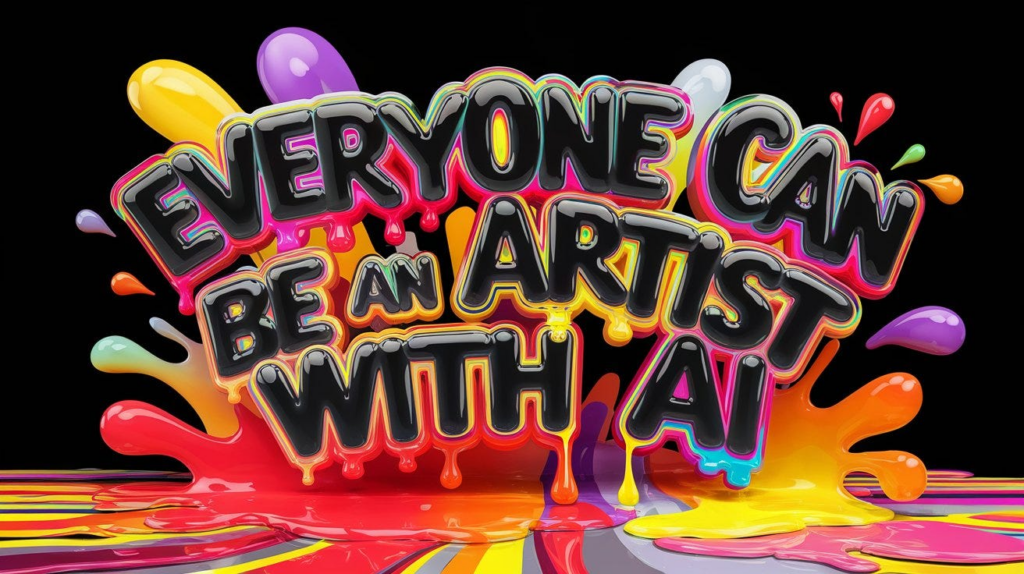
Field notes: Advanced tools can drift if you chase extremely specific anatomy or complex scenes with tiny props. I look closely at hands, small branding details, and fabric seams.
Output Quality, Speed, and Style Options
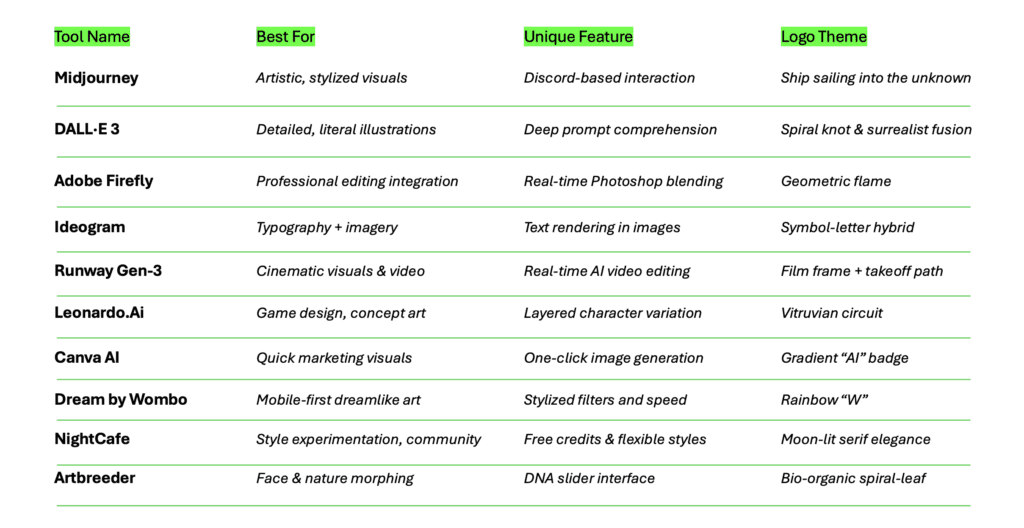
Quality: Midjourney often favors an elegant, editorial polish: Firefly leans clean and brand-safe: SDXL adapts to your hand: Ideogram prioritizes text fidelity. Speed varies by load, but beginner tools generally return stable results quickly. Upscalers in pro tools add crispness, sometimes too much, so I compare the upscaled texture to the original to avoid plastic sheen.
Style: If you want cinematic mood, soft falloff, thoughtful bokeh, Midjourney’s a reliable bet. For corporate-friendly clarity and editability, Firefly. For experimentation and pipelines, SDXL. For posters with words that actually read, Ideogram.
Takeaway: Match the tool to your visual temperament. If you’re taste-driven and patient, advanced tools open doors. If you want sensible beauty fast, beginner-first platforms are enough for most campaigns.
Customization and Editing Options
I watch how naturally a tool accepts changes. Generative expand, inpainting, and local edits should respect light direction and grain. Firefly’s Generative Fill tends to blend edges gently. SDXL with control tools allows surgical adjustments, pose, depth, style references, at the cost of setup time. Midjourney offers stylistic nudges through prompts and references, but fine local retouching usually happens afterward in a photo editor.
Tip: If you edit a lot after generation, prioritize tools that round-trip well with Photoshop or offer strong inpainting.
Template Libraries and Pre-Made Assets
Templates are a quiet gift when deadlines breathe down your neck. Canva’s library makes social design feel guided: it keeps layout hierarchy intact so even busy images stay readable. Some platforms also provide stock-like elements and backgrounds. I check whether templates play nicely with brand colors and whether typography lockups survive substitution without warping.
AI-Powered Enhancements and Automation
Upscaling, background removal, relighting, and style transfer can save hours. I like upscalers that preserve fabric texture and avoid waxy skin. Background removers should respect hair edges: if halos appear, I nudge feathering manually. Relighting features are improving, believability comes from consistent shadow softness, not just a brighter face.
Supported Formats and Export Quality
For delivery, I look for PNG and high-quality JPEG at minimum, with CMYK or PDF export if you’re printing. Some workflows benefit from layered exports (PSD) when you’ll keep refining in Adobe apps. Check maximum resolution and whether the tool supports lossless upscales without color shifts. When in doubt, soft-proof for print.
Free AI Image Tools Worth Trying
If you’re exploring, start free. Stable Diffusion (local) can be zero-cost aside from hardware, and community UIs offer a friendly on-ramp. Canva has a generous free tier for simple graphics. Some web tools provide daily credits, enough to feel the model’s personality before committing.
Field note: Free tiers often limit resolution, credits, or commercial usage. Always read the licensing notes, especially for client work.
Paid Options: When They Make Sense
I pay when reliability and rights matter. Subscriptions typically unlock higher resolution, priority queues, advanced editing, and clearer commercial terms. If you’re delivering to brands, that stability saves time and protects usage. For heavy iteration (campaigns, packaging, or product visualization), paid tiers are simply more practical.
Accessibility Across Platforms and Devices
Web-based tools are the easiest to access across teams. Mobile apps help with quick drafts on the go. If you’re using local Stable Diffusion, a capable GPU and some patience are part of the deal. I also think about collaboration, shared libraries, version history, and brand kits are small luxuries that make a big difference in teams.
Identifying Your Workflow and Goals
Close your eyes and picture the end use. Social graphics? Editorial portraits? Product hero shots on white? Each goal narrows the field. If your work lives inside Adobe, Firefly’s edits will feel native. If you need expressive posters with real words, Ideogram earns a place. If you want cinematic concept art, Midjourney is steady. For pipelines and control, Stable Diffusion (SDXL) is a studio of its own.
Evaluating Ease of Use and Learning Curve
I notice how quickly a tool rewards curiosity. Canva and Firefly guide you gently. Midjourney rewards prompt finesse and reference images. SDXL with ComfyUI asks for patience but gives you exactness. If a tool makes you tense, it’s the wrong one, even if it’s “powerful.” Your shoulders should drop when the image appears.
Combining Multiple Tools for Best Results
My favorite outcomes often come from pairing tools. I’ll draft in Midjourney for mood, refine typography in Ideogram, upscale in a dedicated enhancer, then finish in Photoshop. Or I’ll craft a precise pose in SDXL and wrap it with Firefly’s careful inpainting. The handoff matters: match color profiles and watch for sharpness jumps during upscales.
Resources, Tutorials, and Community Support
I trust platforms with living communities, active galleries, clear changelogs, and creators sharing prompt recipes. Official docs and tutorials help, but community troubleshooting is gold. Before adopting a tool, I scan recent examples to see how it behaves this month, color biases shift, face fidelity improves, and text rendering gets better over time.
Takeaway: Choose the tool that respects your taste and your pace. Let its visual personality complement your own rather than overpower it.
When an AI image opens with believable light and a quiet sense of place, I exhale. That’s what I look for, and what I hope you find. Start with a tool that meets you where you are, notice how it handles skin, shadows, and type, and be honest about your workflow. The best AI image tools aren’t the loudest: they’re the ones that make your work feel more like yours.
Start experimenting with these AI image tools and elevate your visual content today!