Let's Shape The Future Of Your Investments!
Natoque iaculis cursus augue urna commodo aptent morbi tortor porttitor quis ornare.

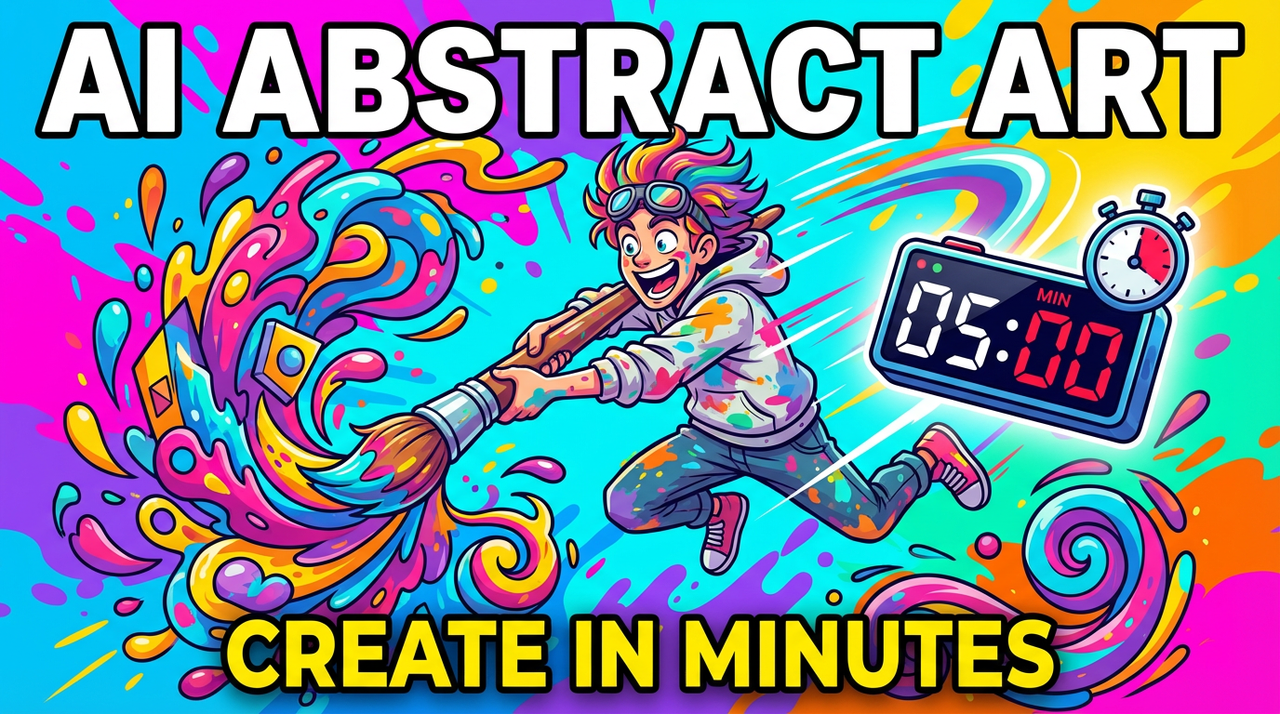
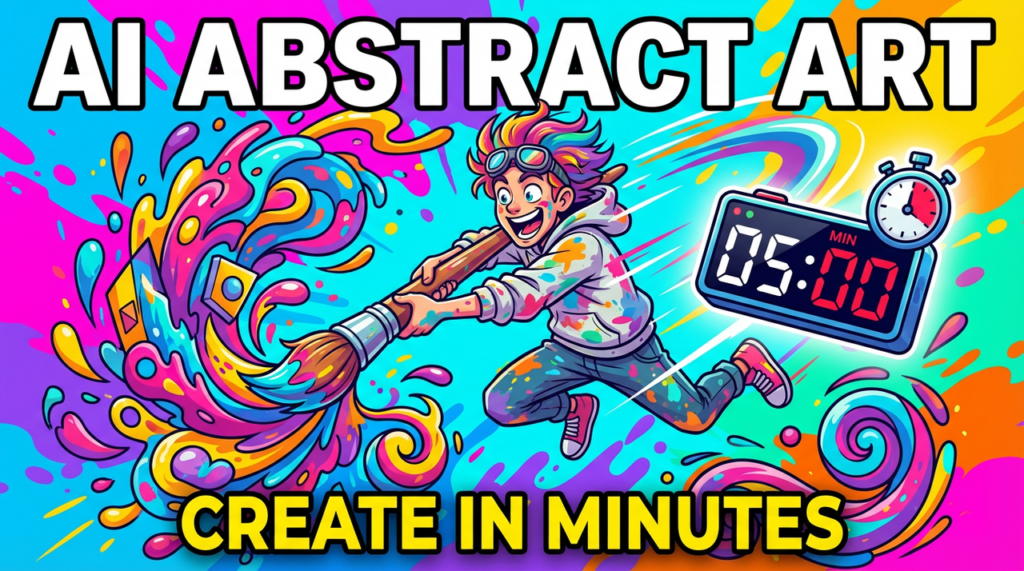
The first time I asked an AI to paint something abstract, I saw a quiet bloom of color, like ink touching water, then a subtle tension where two hues met and refused to blend. That’s the charm of AI abstract art: it feels both discovered and designed. In this guide, I’ll share what AI-generated abstract art is, why it matters, the best tools I’ve tested or observed in public galleries, and how to craft your own pieces with calm, confident control.
I think of AI abstract art as emotional geometry. When I generate it, I’m watching patterns, color fields, and implied motion form their own logic, shapes that don’t need to imitate reality. Models like Midjourney, DALL·E, and SDXL respond to language with unexpected palettes and textures. You ask for “smoke-blue gradients with copper noise,” and it gives you a memory of light instead of a literal scene.
From what I’ve seen in model galleries and my own tests, AI is surprisingly sensitive to tone words, “hushed,” “bold,” “luminous.” These cues shape lighting softness, edge clarity, and contrast. The mood arrives first: the forms follow. That’s why AI abstract art matters: it lets visual emotion lead without getting tangled in representation.
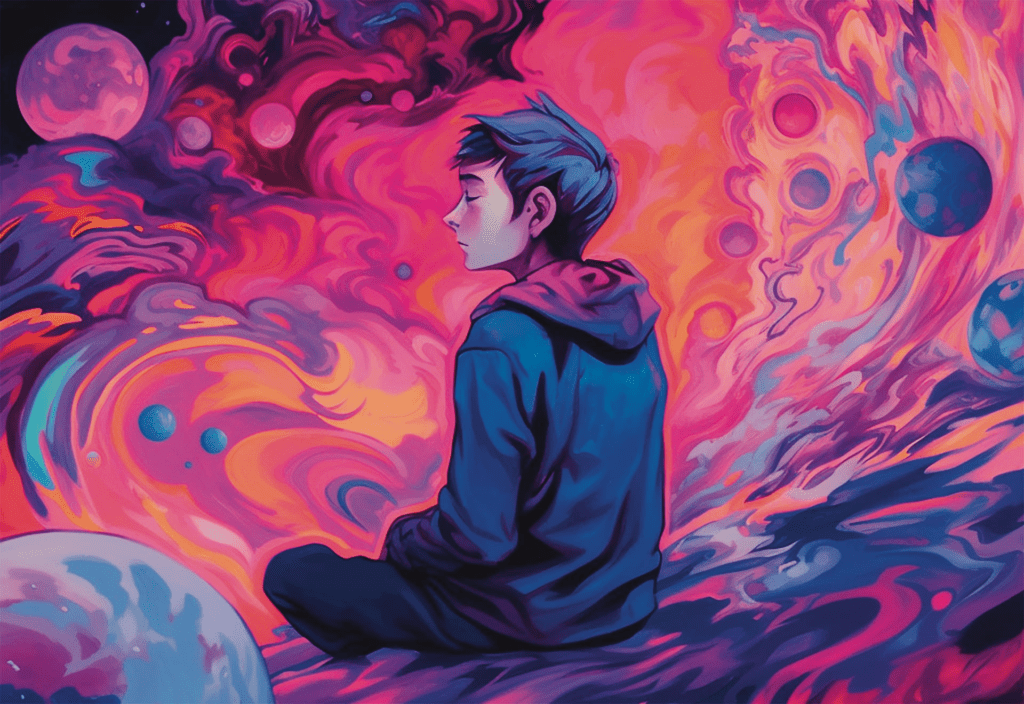
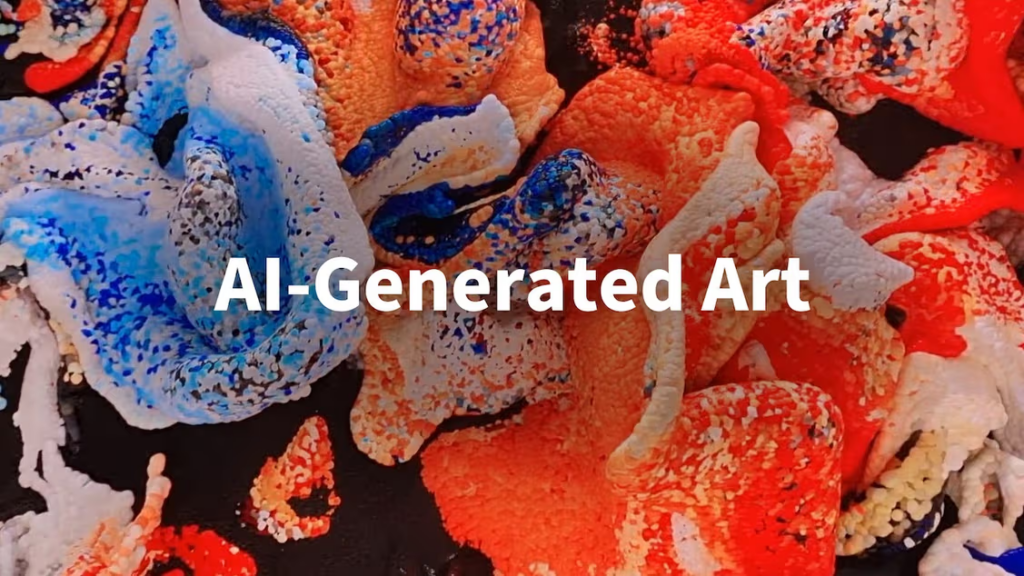
Standing in front of a human-made abstract painting, you can often feel the artist’s hand: brush pressure, dry pigment, uneven edges. AI abstracts, by contrast, often feel continuous, gradients flow like silk, edges are improbably clean, and textures repeat in graceful, almost musical ways.
My field notes: AI tends to prefer symmetry and smoothness unless asked for grit. Left alone, many models beautify. If you want roughness or painterly friction, you must invite it, “impasto,” “scraped,” “distressed canvas,” “toothy paper.” Traditional abstract art is born from material limits. AI abstract art is born from prompts and priors: you impose limits to find character.
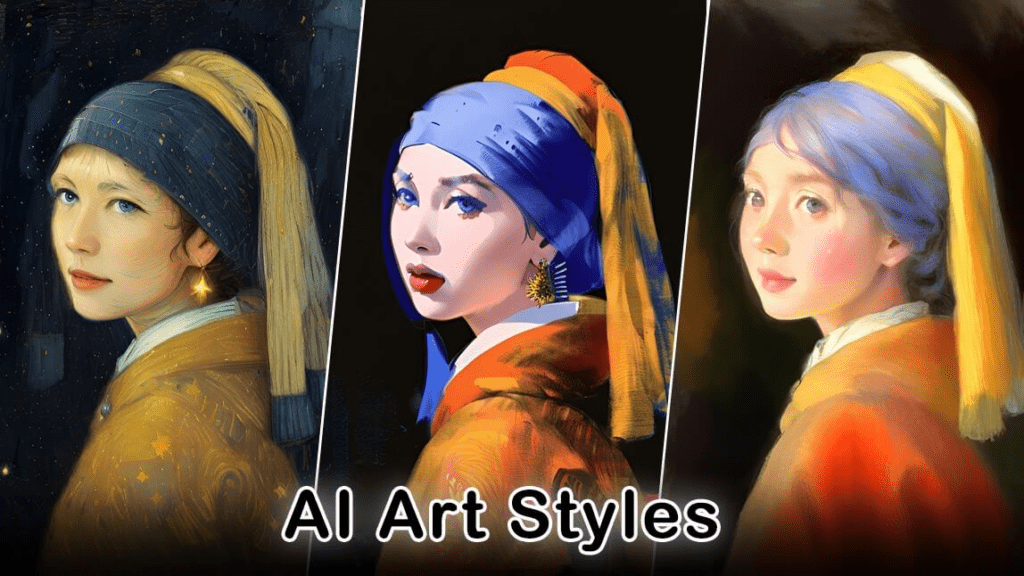
I’ve seen AI abstracts work beautifully as brand mood backdrops, album covers, editorial flourishes, projection visuals for events, meditation visuals, and quick concept boards. For social content, soft color-fields with slow rhythm read elegantly on mobile. For print, bolder textures hold up better.
Insights from observation: models are strong at atmospheric gradients, kaleidoscopic symmetry, and modernist shape stacks. They can be less consistent with deliberate brushwork unless you lean into painterly descriptors or reference images. The gentle takeaway: choose AI for expressive backgrounds, concept direction, and versatile assets: reach for traditional media (or mixed media) when tactile singularity matters.
When I scan free tiers and open sites, a few stand out for abstract play:
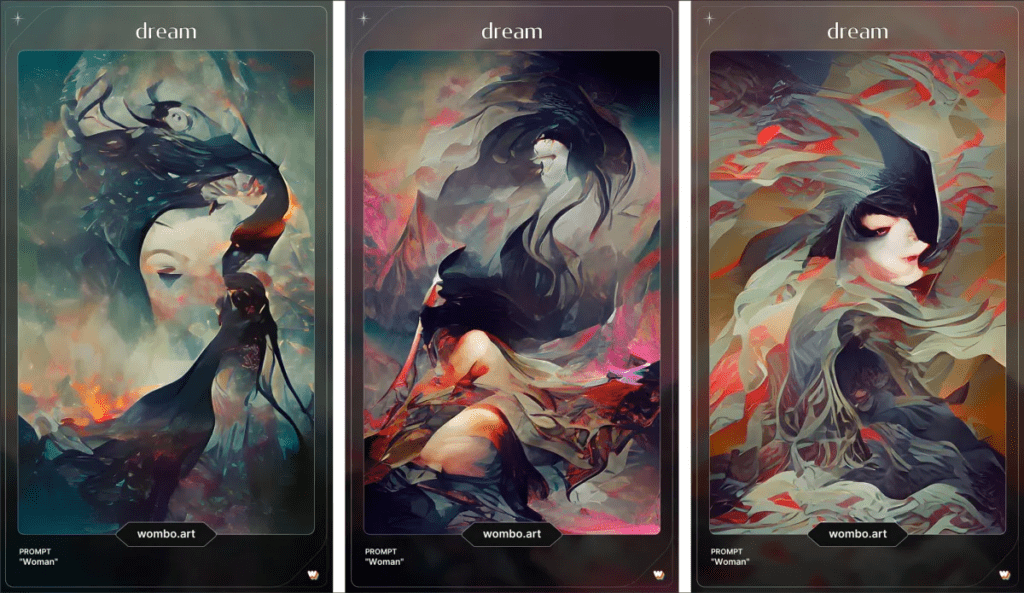
Field notes: free tools tend to favor pleasing noise patterns and safe contrast. They’re lovely for backgrounds and social posts. Expect some smoothing and repetition in micro-textures.
For deeper control and consistent output:
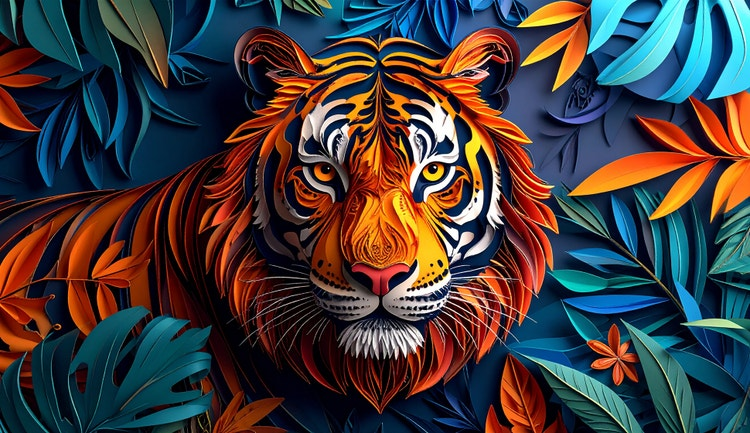
What I notice: Midjourney leans painterly-luxe, SDXL offers surgical control (especially with references), and Firefly gives polished, practical results that drop neatly into design workflows.
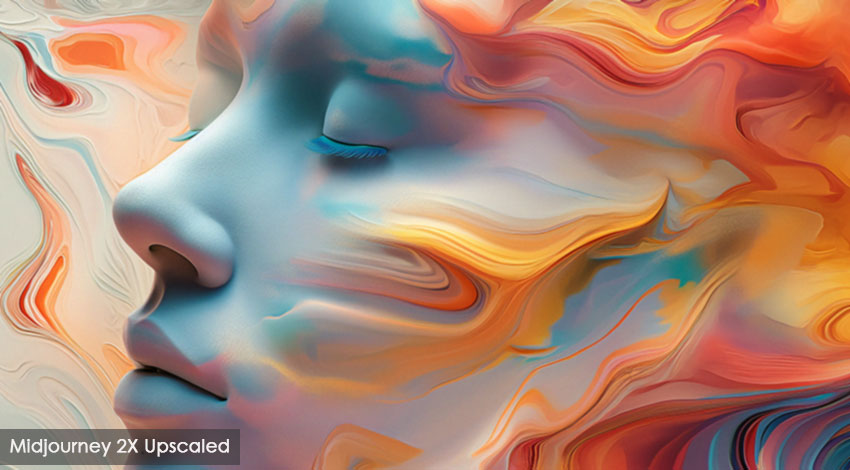
Takeaway: choose based on temperament. If you want quick beauty, Midjourney. If you want control and experimentation, SDXL. If you want production-friendly polish, Firefly.
I like to begin with a palette and a mood. A small image, maybe a photo of oxidized copper or a dusk sky, can steer the model better than long adjectives. References anchor color drift and texture behavior.
Field notes: keep references simple and high-contrast. Busy images confuse composition in abstract work. A handful of words, “muted teal, warm rust, gentle bloom of light”, often outperform elaborate paragraphs.
Insight: pick tools by desired finish. If you need grain, aging, or tactile paper, lean into SDXL with references. If you need polish with minimal fuss, Firefly or Midjourney is kinder.
I start broad, then narrow. First, three to six variations with slightly different color notes. I look for a “breathing” quality, where transitions feel alive, not banded. If edges look too perfect, I prompt for “scumbled, dry-brush, canvas texture.” If color feels loud, I bring in “muted, smoke, fog-soft.”
Field notes: watch for repetitive motifs (tiles, mirrored seams). If I see them, I adjust aspect ratio, re-roll seeds, or shift the prompt away from symmetry words. Upscaling can over-sharpen gradients: choosing a softer upscaler keeps the atmosphere intact.
For prints, I reach for higher resolutions and gentle upscaling: 300 DPI prints prefer smooth gradients without halos. For digital, I export slightly under-saturated: social platforms often add contrast. In video, I test a 6–10 second loop to check for jitter before committing to longer renders.
Takeaway: treat export as part of the art. Test on the medium you care about, paper, projection, or phone screen. Small tweaks protect the mood you worked so carefully to shape.
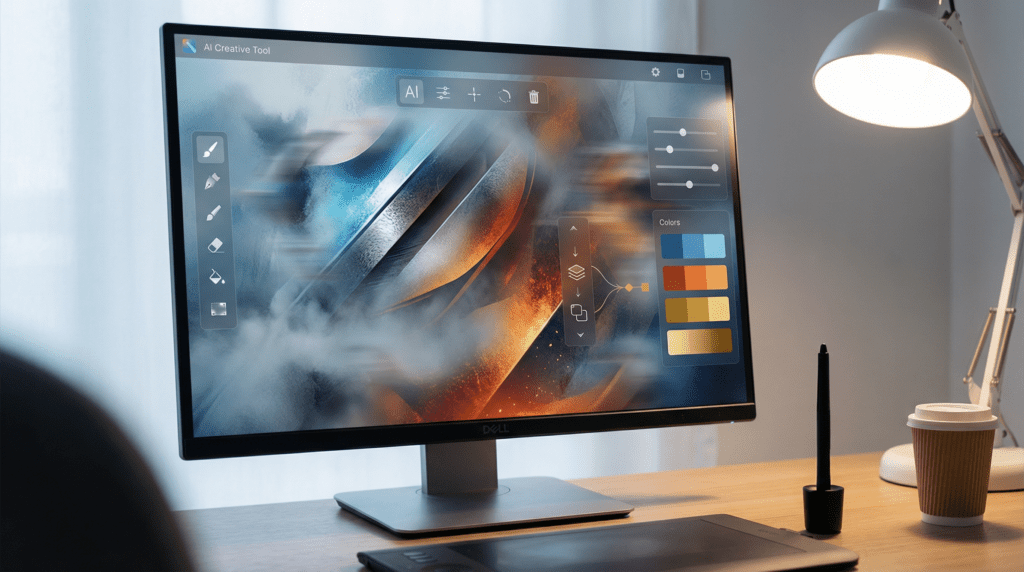
I like to pair opposites: matte with metallic, fog with grit, cold blues against a single warm ember. Ask for “oxidized, mineral textures” one pass, then “watercolor blooms” the next. The conversation between them reveals direction.
Field notes: narrow your palette to three main tones, then introduce a minor accent. Too many colors flatten emotion.
A soft path I enjoy: generate mood fields in Firefly, add painterly depth in Midjourney, then refine grain in SDXL. For motion, bring the final still into Runway and ask for slow, breath-like movement.
Insight: each tool has a personality: layering them creates richer, less predictable results.
Watch for plastic skin-like smoothness (even in non-figurative work), banding in gradients, and mirrored seams. If something feels synthetic, reintroduce imperfection: paper fiber, dust, hand-rolled ink.
Gentle reminder: minimal prompts often yield cleaner abstractions. Let the model breathe.
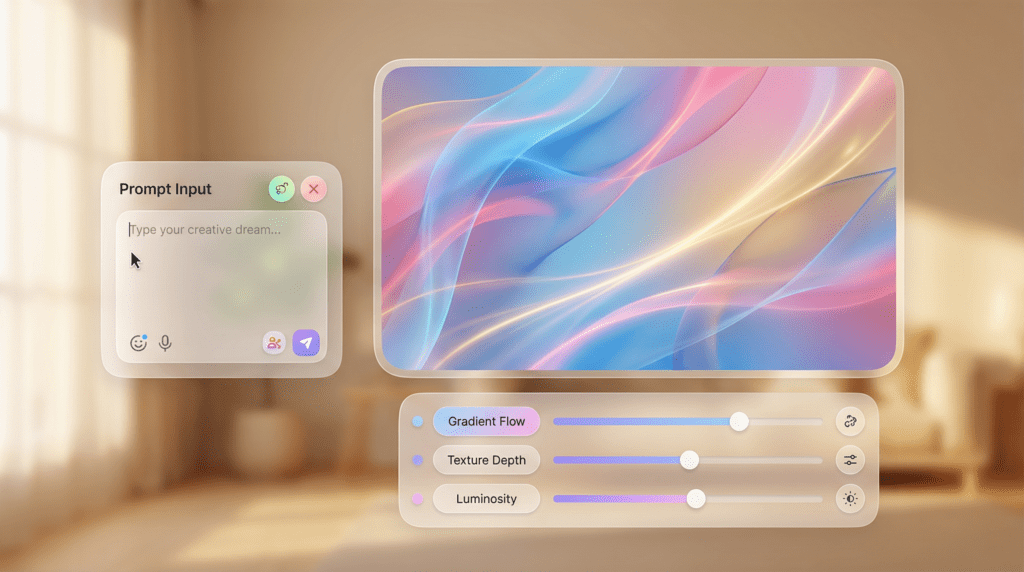
These keep you creating instead of configuring.
Field notes: expect some limits on size and daily generations, but plenty for exploration.
Begin with a single palette phrase and one texture word: “muted teal, soft rust, watercolor bloom.” Generate 4–6 results, pick one, and iterate only color or only texture, not both. Save every version. Your eye will learn what the model loves.
Final takeaway: AI abstract art rewards sensitivity over speed. Look closely, change one thing at a time, and let the image tell you when it’s enough.
Begin experimenting with abstract AI art tools and find your creative expression today!