Let's Shape The Future Of Your Investments!
Natoque iaculis cursus augue urna commodo aptent morbi tortor porttitor quis ornare.



If you’re searching for an ai music video generator free of hype and noise, you’re not alone. I’ve been quietly testing tools that turn songs into moving images, and I look for something simple: does the video feel emotionally connected to the music? Light should carry warmth, motion should breathe, and color should hold the right temperature for the track. In this guide, I’ll share what to expect from “free,” the tools that respect your music’s mood, and a soft, practical path from MP3 to a video you’ll be proud to post.

It’s a tender moment for creators. We finally have free (or nearly free) tools that can turn a bedroom track into a visual story that feels considered. The gap between an indie music video and a polished social-ready piece is closing, if you choose with care. You can draft a lyric video in minutes, layer audio-reactive motion, and add textures that feel alive, not plastic. The trade-off is patience: most free tiers limit exports, length, or resolution. But the creative ceiling is surprisingly high if you’re intentional.
“Freemium” often means: watermarks, capped minutes, or low-res exports unless you upgrade. Truly free tools remove those limits but might ask more from you (time, learning, or manual syncing). I tend to balance both: use a freemium generator for the heavy lift, then finish in a free editor. The result: emotionally coherent videos without the “free” look. When something feels off, eyes that hesitate, backgrounds that pulse, colors that turn too bold, the fix is usually in pacing, grading, and gentle overlays rather than more features.
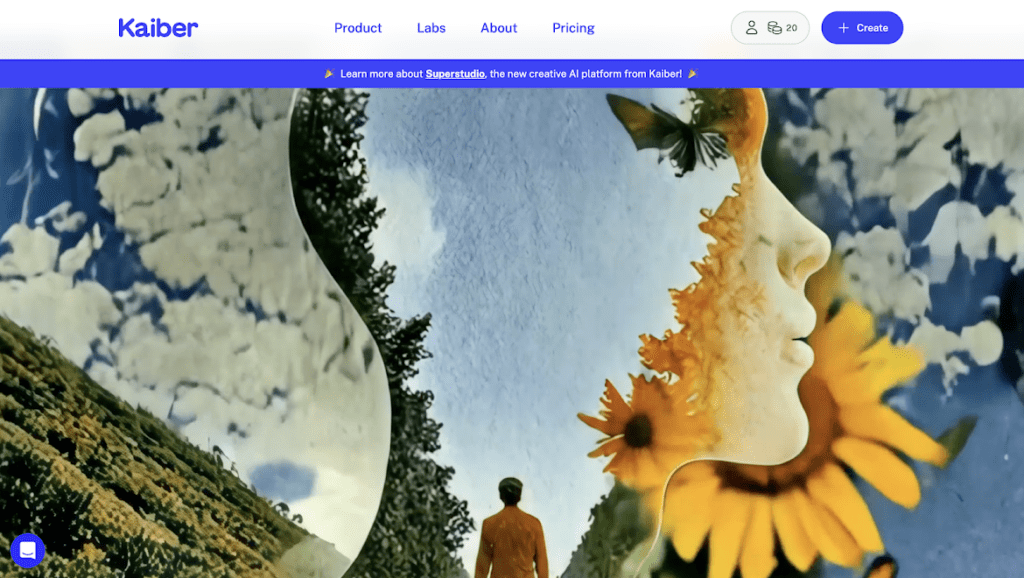
If you love Kaiber‘s dreamy, morphing aesthetics but want a free lane, look toward tools that generate evolving visuals from prompts or stills.
Many offer a lightweight free tier with short clips. They’re best for abstract mood pieces, pulsing shapes, soft gradients, surreal landscapes that move like breath. Expect warmth and glow, but also the occasional jitter at edges. When it struggles with fast motion, let it: shorter loops feel more confident than long, wandering takes. Pair these clips with gentle crossfades to keep the emotional flow intact.
What it feels like visually: soft, atmospheric, slightly unsure light that can be beautiful with the right color grade. Use it when your track asks for a visual poem rather than a literal story.
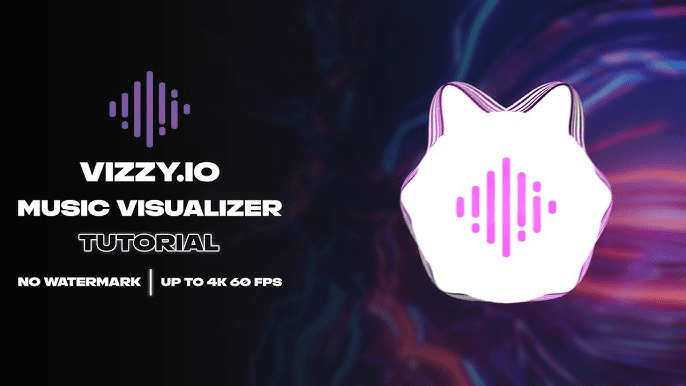
Vizzy leans into rhythm. It listens. You’ll see shapes and lines react to kicks and snares with satisfying precision. For electronic, hip-hop, or percussive indie, audio-reactive motion can feel like the song is drawing in real time. The risk is harshness, hard edges, cold contrast. I soften this by choosing warmer palettes and adding a touch of blur or grain. When it’s right, the motion feels like inner rhythm, steady, intentional, emotionally paced.
Use it when you want energy to register cleanly across social platforms without confusing the viewer’s eye.
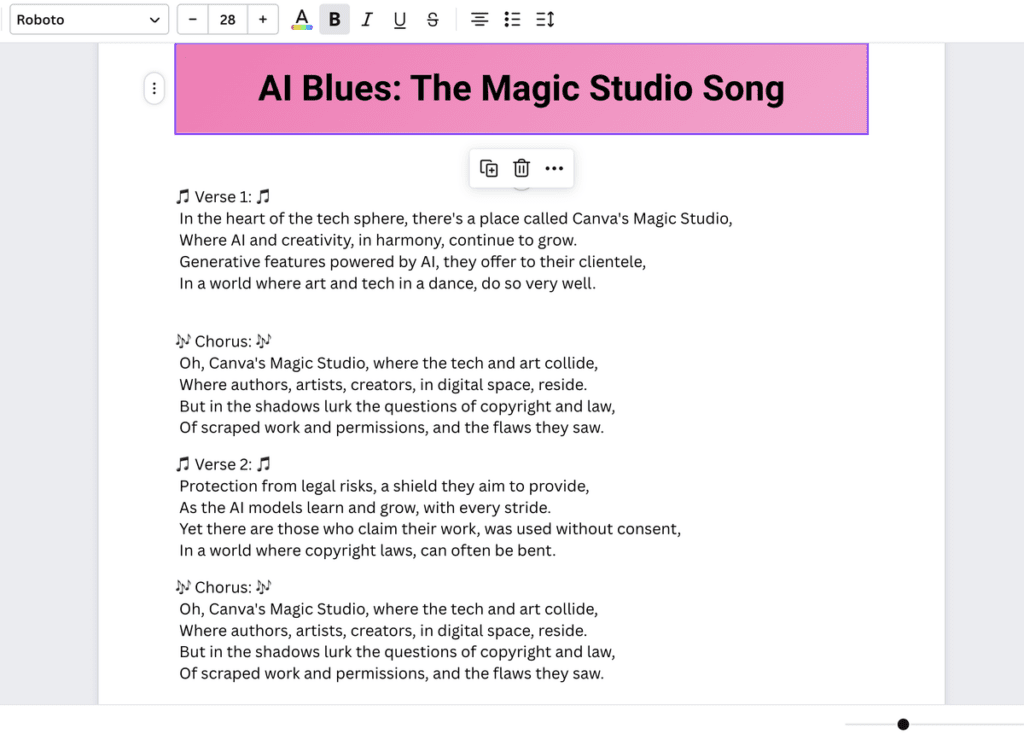
Canva‘s “magic” tools quietly do the heavy lifting, auto-transcribing lyrics (with light cleanup), generating backgrounds, and syncing text. For pop, folk, or lo-fi, a gentle lyric piece can carry more intimacy than spectacle. Choose soft natural light, tender color temperatures, and give the text room to breathe. If the default animations feel loud, slow them down. When the lyric lands on the beat and the background doesn’t shout, the video feels emotionally honest.
Bonus: if you stick to free assets, you can export without watermarks. The key is restraint, clean typography, two or three colors that match the song’s temperature, and motion that arrives a heartbeat after the snare.
Neural Frames tends to surprise me. It can grow textures that feel alive, liquid, smoke, neon blur, without collapsing into chaos. It’s lovely for psychedelic, ambient, or alt tracks that want a dream state. Sometimes the background breathes in a way that doesn’t feel natural: fix this by shortening the loop and aligning cuts to phrase changes. Colors are often bold and expressive. I nudge them toward warmth with a simple overlay and a softer curve.
Use it when your song asks for visual curiosity. This tool offers small surprises if you are patient.
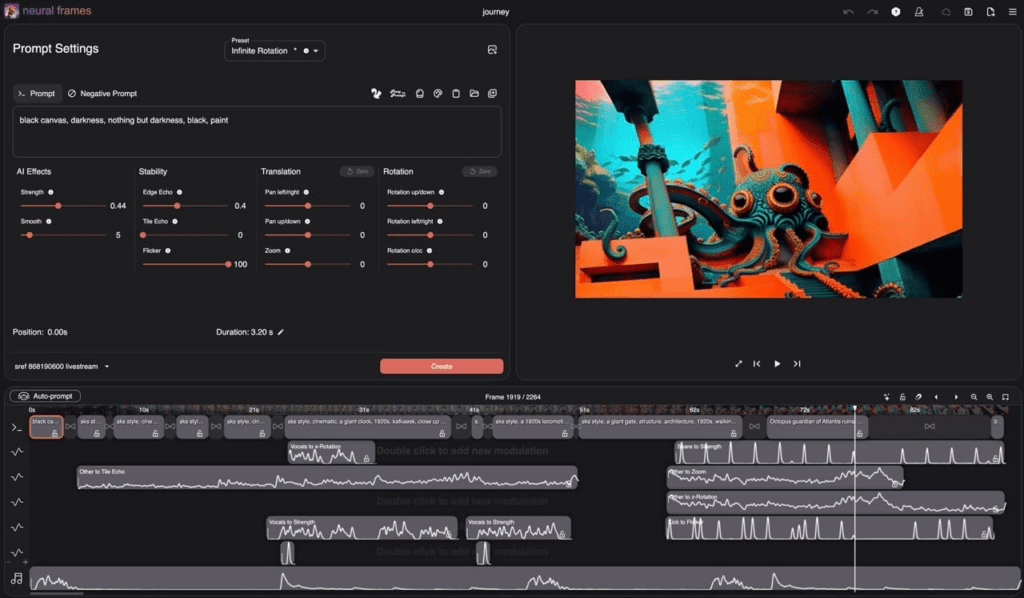
If you’re comfortable assembling pieces, open tools can be generous. A common path: generate still frames from prompts, animate them with gentle camera moves, and sync to the beat in a free editor. EbSynth can transfer painterly texture across frames for a cohesive look. Free editors like DaVinci Resolve give you careful control over color, pacing, and subtle zooms. Add grain and vignette lightly: it creates authenticity without shouting. This path is truly free, but it asks for time, taste, and a calm hand.
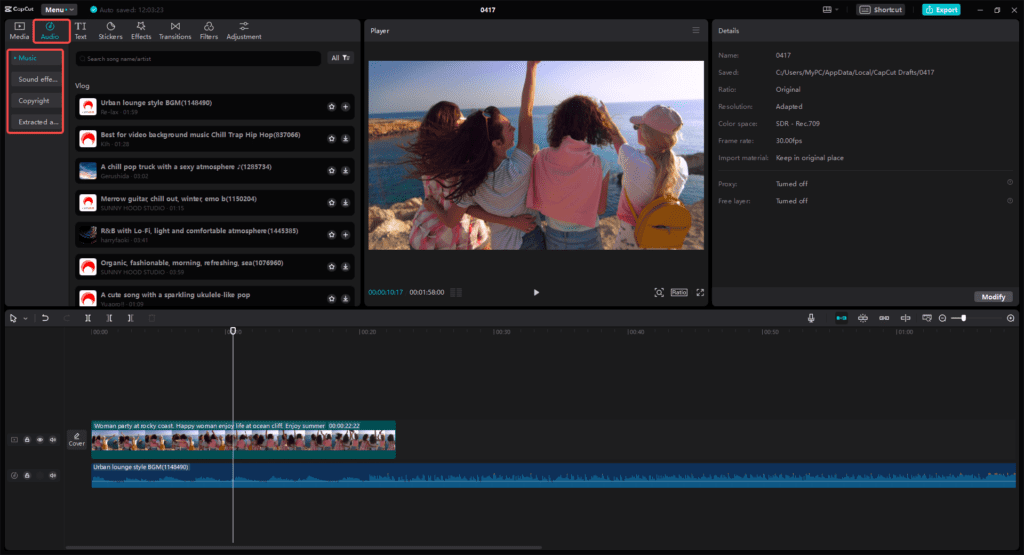
Some platforms let you export without watermarks if you:
Canva is usually watermark-free when you avoid paid elements. CapCut exports are typically clean as well, especially if you don’t use premium effects. For others, a small watermark is standard on the free tier: sometimes they offer a limited free trial with clean exports, use those windows wisely to create a master visual pack for your song.
Avoid cropping out watermarks: it disturbs composition and can look ethically messy. A better path is to plan around the rules each platform sets.
Simple MP3-to-video tools create audiograms, slideshows, or static covers with a waveform. They’re quick, but they don’t grow with the music emotionally. An AI music video generator, even a free one, tries to interpret mood, light, color, and motion that respond to your track’s inner rhythm. If you only need a clean upload, converters are fine. If you want a feeling, use a generator and then refine the timing in an editor.
Use gentle, specific language. Here are prompts that rarely fail me:
Keep it short. Ask for steadiness, softness, and coherence. If the tool offers style strength, choose moderate: overly strong styles often look brittle.
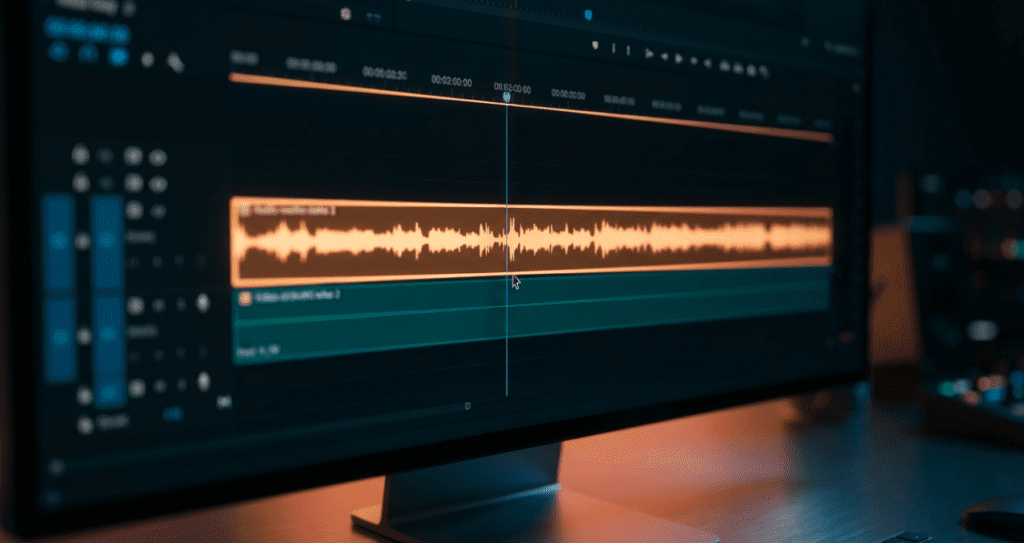
Free tiers often cap at 720p. That’s okay. In CapCut, use Enhance and mild Sharpen: in DaVinci Resolve, upscale with high-quality scaling and add a touch of midtone detail. Keep it subtle. Over-crisp images feel brittle. If you can access a free online upscaler with limited credits, reserve it for your final master.
AI tends to wobble in long shots. Stitch three or four short, confident clips instead. Let each clip carry a single emotion: anticipation, bloom, release. Crossfade on the snare or the breath before a chorus. The motion stays steady, and the viewer feels guided rather than tossed.
A 3–5 second phone shot, hands on strings, city lights through rain, a slow tilt across fabric, can anchor the AI. Lower the opacity, blend softly, or drop it in between AI segments. Real texture adds authenticity. It tells the viewer, “Someone touched this.” The result feels more human, less generated.
Yes, if you own or have permission for the music and the visuals you generated, and you respect each platform’s licensing. For tools that require credit or restrict commercial use on the free tier, follow their terms. When in doubt, add clear credit in the description. To be safe, always review the official guidelines to monetize AI music videos on YouTube.
For pure ease, Canva Magic for lyric videos and Vizzy for audio-reactive visuals. They’re gentle starters: clean interfaces, quick results, and room to grow. If you want abstract mood pieces, try a Kaiber-style alternative on a free tier for short loops, then assemble in a simple editor.
Unlimited is rare. Most tools limit length, exports, or resolution to sustain themselves. But you can work within those boundaries: generate short, beautiful clips for free, then weave them together. With a calm workflow, the limits become a creative shape rather than a wall.